a warm gnome rice
May 1, 2026 · View on GitHub
Screenshots:
Installlation:
I have made a little shell script for automated installation, for that just run this in the terminal:
git clone https://github.com/af44n/warm_gnome_rice && cd warm_gnome_rice
chmod +x install.sh
./install.sh
if that doesn't work, here's the manual stuff:
Manual Installation:
GTK Theme:
to apply, just clone that repo and run this command:
./install.sh --tweaks medium macos outline float -t orange -l
If for some reason after restarting, the theme is isn't applied, copy the folder assets, gtk.css and gtk-dark.css files to the ~/.config/gtk-4.0 path, logout and login.
- Icons
- Cursor
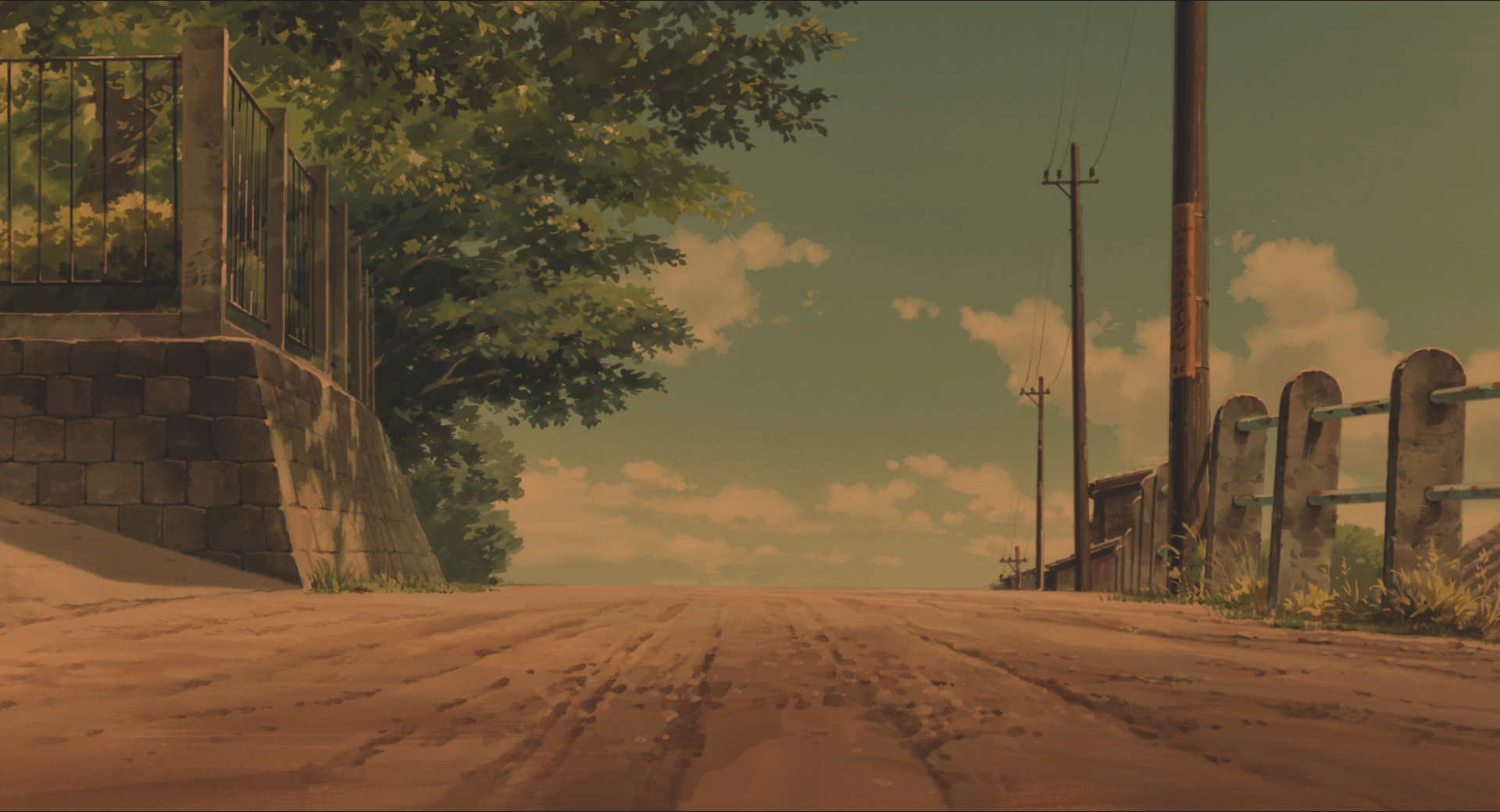
- Wallpapers also the one in screenshot is this one: link
- Fonts
Extensions:
Some little things in the screenshots:
Youtube:
For Youtube theme I used Enhancer For Youtube after installing, click on the extension icon and then scroll down to the appearance section, then choose custom and you can mdoify the youtube theme:
VS code
For vscode, just go to vscode extensions and search for GruvBox Theme, This one specifically is the "Gruvbox dark Medium" variant.
Terminal:
For the shell, I'm using fish shell
and for theme, I'm using omf
and after installation, you can type omf install agnoster to my theme variant.
For fastfetch I used fastcat
Some tips:
rice is fun if every website follows it, for that you can checkout the stylus extension and you can install more website themes to make rice more consistent. you can search and find various gruvbox themes for your website by clicking the extension icon on a specific website. Also flatpak packages sometime don't support gtk themes, so do try the aur/pacman or other variants depending upon your distro.
That's about it :), if you like the rice, do star the repo :) Also if you need any help, you can dm me on reddit or open an issue here, I would love to help out :D Happy Ricing!