README.md
July 31, 2026 · View on GitHub

Greetings!
Apphud SDK is an open-source library for iOS and Android to manage auto-renewable subscriptions and other in-app purchases in your app.
Apphud has SDKs in iOS (Swift), Android (Kotlin), and cross-platform SDKs: React Native and Flutter.

What is Apphud?
Apphud is all-in-one infrastructure for your app growth. Apphud helps marketing and product management teams to make right decisions based on the data and tools.
Subscriptions Infrastructure
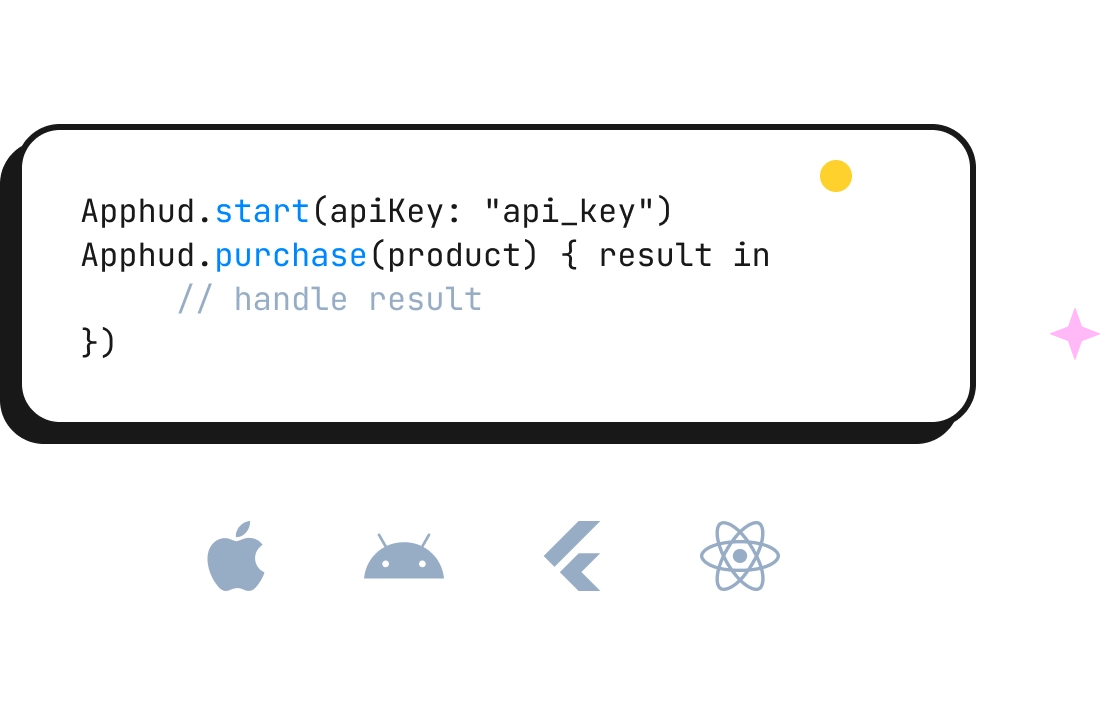
Integrate in-app purchases and subscriptions in your mobile app in 2 lines of code. No server code required. Apphud works with all apps on iOS, iPadOS, MacOS, tvOS, watchOS and Android. Cross-platform support out of the box.
Real-time Revenue Analytics
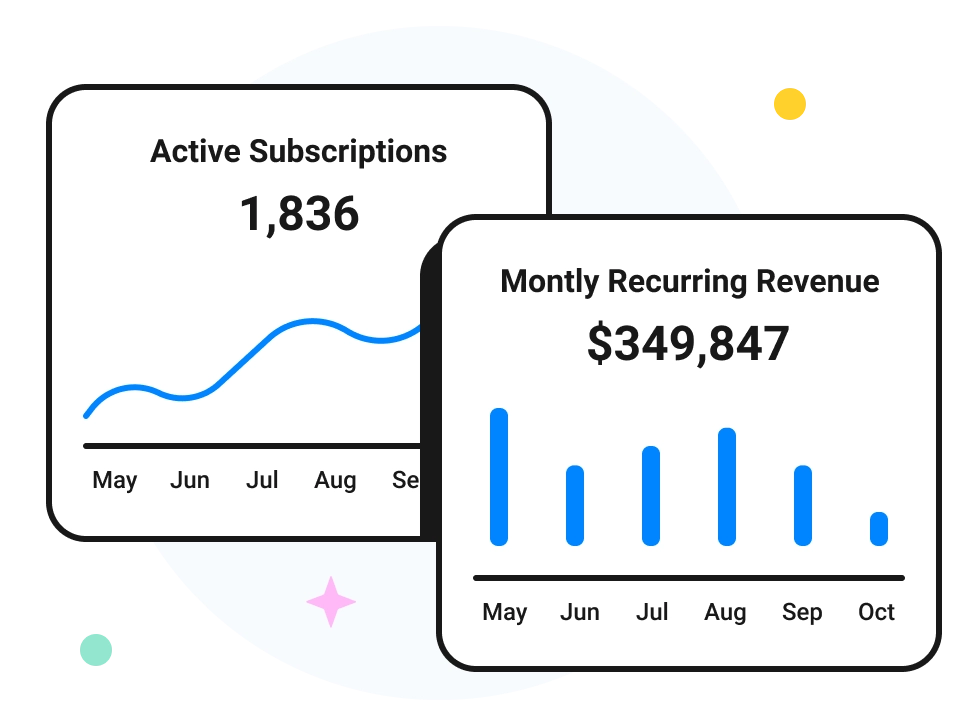
View key subscription metrics in our dashboard and charts, like MRR, Subscriber Retention (Cohorts), Churn rate, ARPU, Trial Conversions, Proceeds, Refunds, etc.
Integrations
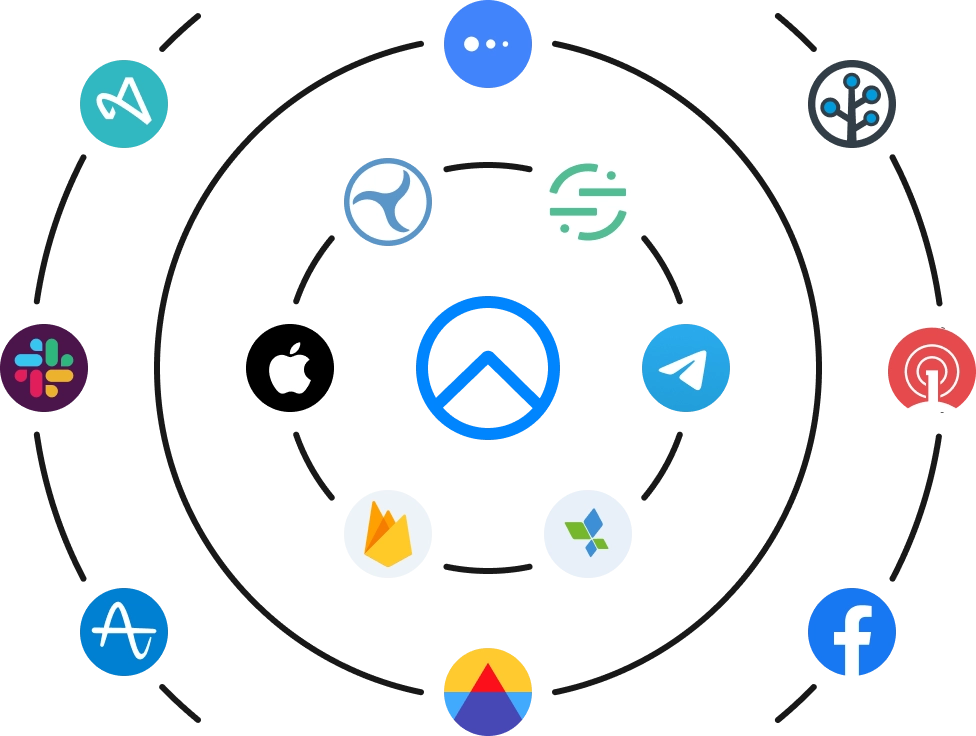
Send subscription events to your favorite third party platforms with automatic currency conversion. Choose from 18 integrations, including: AppsFlyer, Adjust, Branch, Firebase, Amplitude, Mixpanel, OneSignal, Facebook, TikTok, and more. Custom Server-to-Server webhooks and APIs are also available.
A/B Experiments
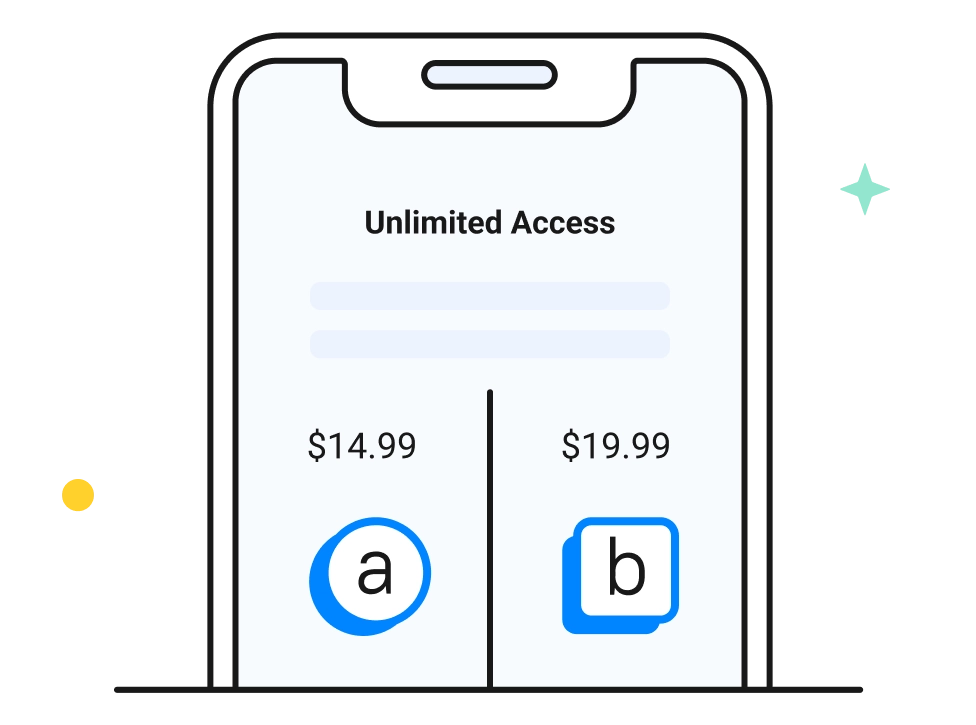
Test different in-app purchases and paywalls. Run experiments to find the best combination of prices and purchase screen parameters that maximize ROI.
Web-to-App (iOS)
Web-to-App solution overcomes IDFA limitations in the post iOS 14.5 era. Using this solution you can run paid campaigns in Facebook or TikTok and get real-time attribution with nearly 100% accuracy.

Rules (iOS & Android)
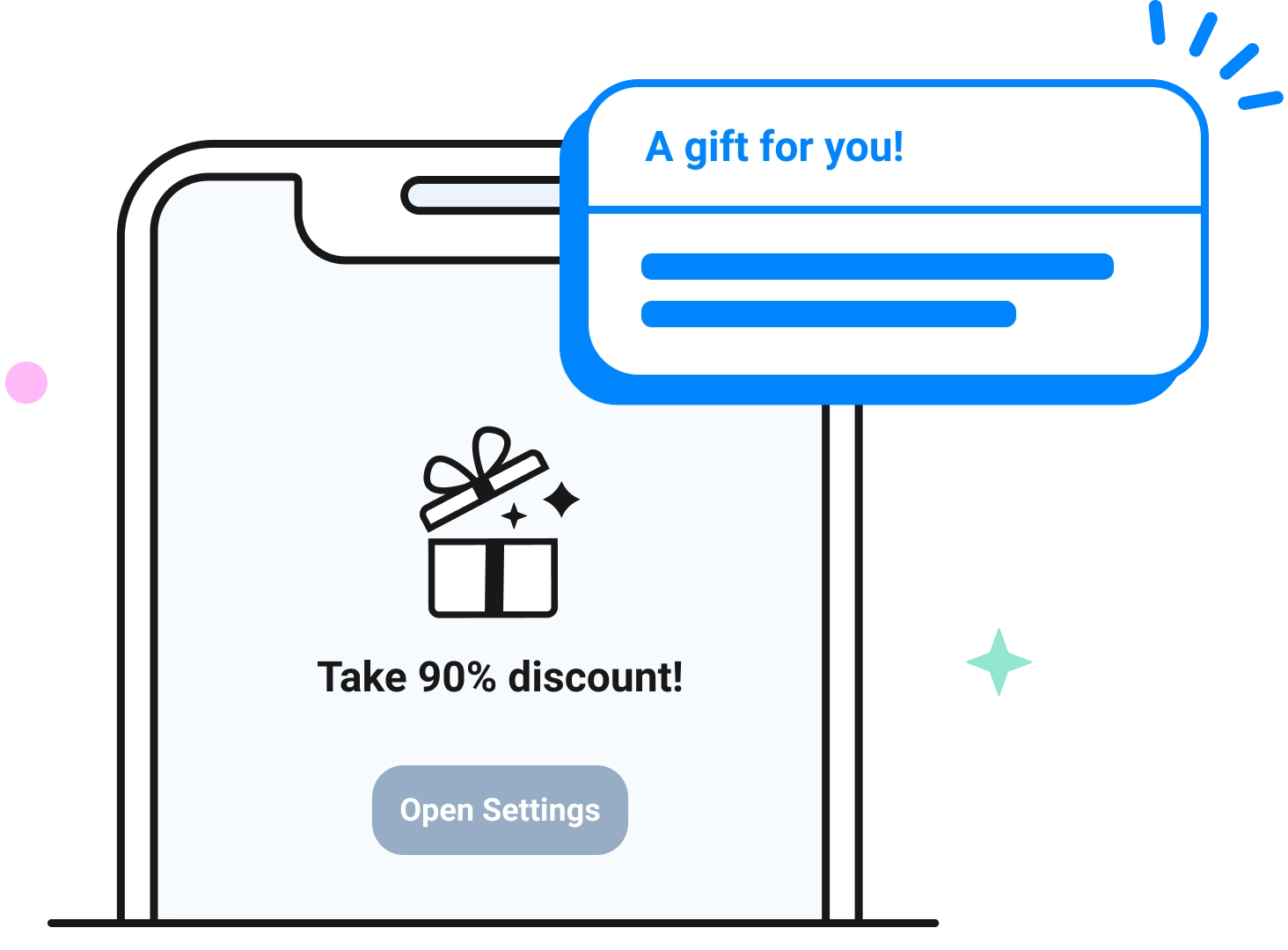
Apphud may win back lapsed subscribers, reduce churn rate, get cancellation insights, send push notifications and many more using the mechanics below. This mechanics are called Rules. Choose between manual, scheduled and automated rule. Manual rules will be performed manually, scheduled rule will be performed on a certain time, automated rule will be triggered after certain event. Rules can present Figma paywall screens or legacy HTML screens.
React Native integration
- Subscribe to rule lifecycle events via
ApphudSdkEventEmitter(onApphudRuleScreenDidAppear,onApphudRuleWillPurchase,onApphudRulePurchaseCompleted,onApphudRuleScreenWillDismiss,onApphudRuleScreenDidDismiss,onApphudRuleDidSelectSurveyAnswer,onApphudRulePaywallWithoutScreen). Screens are shown automatically. - Optionally call
ApphudSdk.checkRules()to poll for unread rules immediately. - Submit the push token after
ApphudSdk.start()viaApphudSdk.submitPushNotificationsToken(...), and forward push payloads withApphudSdk.handlePushNotification(...).- iOS: request notification permission, call
registerForRemoteNotifications(), then submit the APNs token / forwarduserInfo(see the exampleAppDelegate/ExamplePush). - Android: use FCM — submit the registration token and forward
message.data(must includerule_idfor Apphud rules). See the exampleExampleFirebaseMessagingServiceandExamplePushmodule.
- iOS: request notification permission, call
- Use
ApphudSdk.pendingRule()/ApphudSdk.showPendingRuleScreen()when you need pending-rule metadata or to present a delayed screen. - When a Figma paywall rule has no visual screen payload, handle
onApphudRulePaywallWithoutScreenand present the paywall yourself (e.g. viaPaywallScreenView/createPresenter).
Why Apphud?
Complete mobile in-app purchases stack with no extra costs. Don’t waste time and money on building your own in-app purchases infrastructure. Use Apphud for free until your app revenue increases $10,000 per month.
Focused on data accuracy. Apphud provides the highest accuracy on app revenue tracking. Analyze all important app metrics with a confidence.
Trusted by thousands of mobile apps worldwide. From small apps earning a few thousands per month to a leading mobile-focused companies.
Support that really cares. With Apphud you can be sure you’re not alone with in-app subscription growth challenges. We proud of our zero-ignored tickets support – answering to every request in minutes! Customers success and priority support for Enterprise clients.
Retain users and grow revenue. Use our Rules to engage and re-engage subscribers with no code required. Run A/B pricing experiments to find a better price.
Installation
Create your account at Apphud for free. Please feel free to read our SDK Integration Guide.
iOS (CocoaPods)
This package depends on native ApphudSDK 4.4.8. If pod install fails with “could not find compatible versions”, refresh your spec repo:
cd ios && pod install --repo-update
If the build fails on the fmt pod with a consteval error (common on Xcode 26+), ensure your Podfile post_install sets the fmt target to C++17 — see example/ios/Podfile.
## Deep Link Attribution

Apphud resolves attribution both for **direct** deep link opens (Universal Links / App Links or custom scheme URLs) and for **deferred** attribution right after install. Both results are delivered to a single listener:

```ts
import { ApphudSdk, ApphudSdkEventEmitter } from '@apphud/react-native-apphud-sdk';

const unsubscribe = ApphudSdkEventEmitter.onApphudDeeplinkAttribution(
  ({ attribution, kind, url }) => {
    // kind is 'direct' or 'deferred'. `attribution` is empty when there is no match.
    console.log(kind, url, attribution);
  }
);
Direct deep links
Forward incoming links to the SDK using React Native Linking. getInitialURL covers a cold start from a link, and the url event covers links opened while the app is running:
import { Linking } from 'react-native';

void Linking.getInitialURL().then((url) => {
  if (url) ApphudSdk.handleDeeplinkUrl(url);
});

const subscription = Linking.addEventListener('url', ({ url }) =>
  ApphudSdk.handleDeeplinkUrl(url)
);
Platform setup required for Linking to receive links:
- iOS: forward the app delegate callbacks to
RCTLinkingManager— see example/ios/ExampleApp/AppDelegate.swift. Register your custom scheme underCFBundleURLTypesinInfo.plist, and add your Apphud tracking domain to thecom.apple.developer.associated-domainsentitlement (for exampleapplinks:ddd.aphd.cc) for Universal Links. - Android: add
ACTION_VIEWintent filters for your scheme and (for App Links) your Apphud domain to the launcher activity — see example/android/app/src/main/AndroidManifest.xml. Since the activity usessingleTask, React Native forwardsonNewIntentlinks to theurlevent automatically.
Alternatively, if you prefer to forward links from native code, call Apphud.handleOpen(url:) / Apphud.continueUserActivity(_:) in your iOS AppDelegate, or Apphud.handleIntent(intent) in your Android MainActivity's onCreate / onNewIntent. The native Android SDK is exposed transitively, so no extra dependency is needed.
Deferred attribution
Call this after SDK initialization, typically once on first launch, while the app is in the foreground. On Android it requires an attached Activity and rejects otherwise:
await ApphudSdk.requestDeferredDeeplinkAttribution();
The result arrives in onApphudDeeplinkAttribution with kind: 'deferred'.
Breaking change in 4.3.0:
attributeFromDeeplink()has been removed. UsehandleDeeplinkUrl(url)together withonApphudDeeplinkAttribution, andrequestDeferredDeeplinkAttribution()for deferred attribution.
Having a question?
If you have any questions or troubles with SDK integration feel free to contact us. We are online.
Like Apphud? Place a star at the top 😊