CoreUI Free React Admin Template - Built for AI-Assisted Development [](https://twitter.com/intent/tweet?text=CoreUI%20-%20Free%React%204%20Admin%20Template%20&url=https://coreui.io&hashtags=bootstrap,admin,template,dashboard,panel,free,angular,react,vue)
March 29, 2026 · View on GitHub






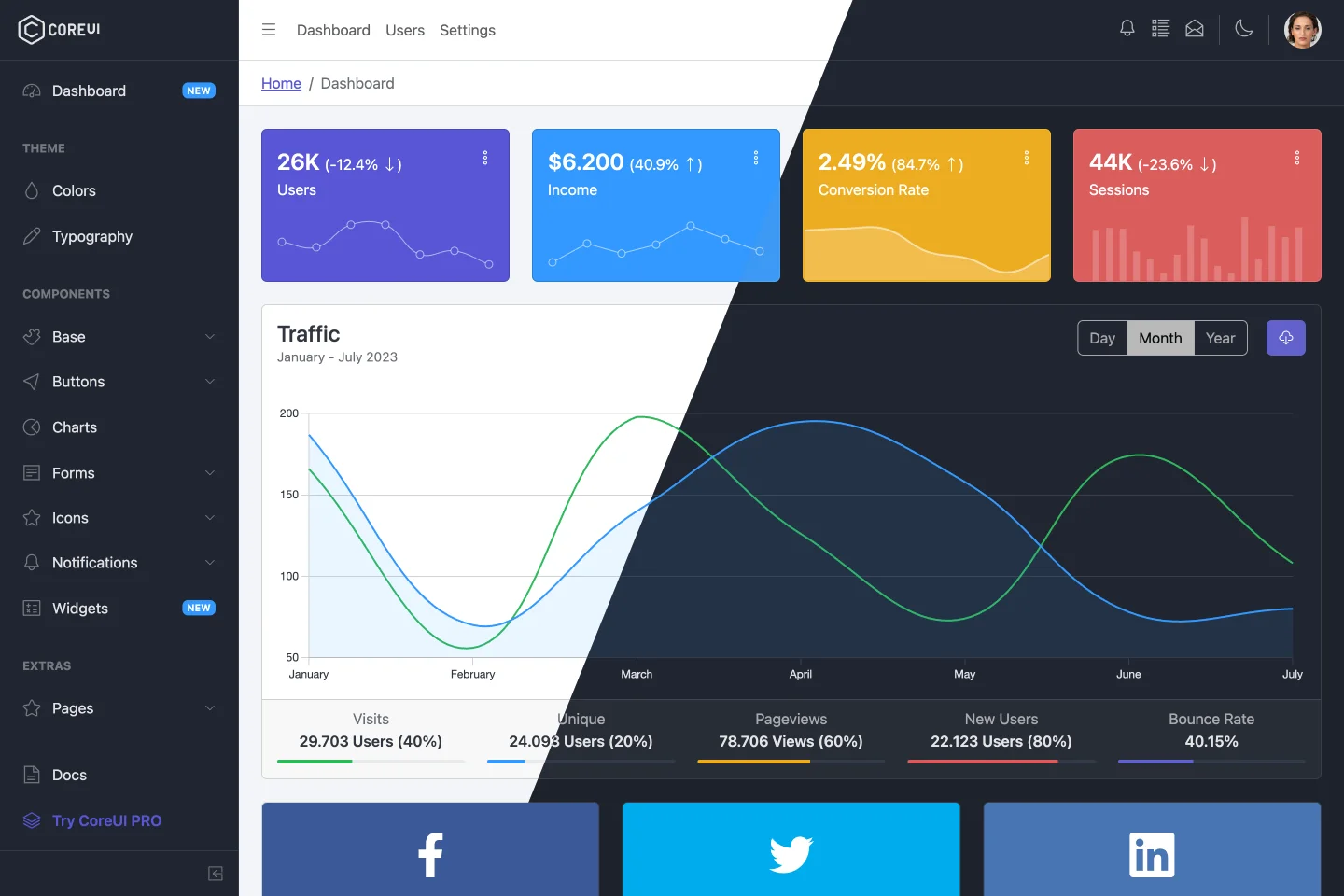
CoreUI is meant to be the UX game changer. Pure & transparent code is devoid of redundant components, so the app is light enough to offer ultimate user experience. This means mobile devices also, where the navigation is just as easy and intuitive as on a desktop or laptop. The CoreUI Layout API lets you customize your project for almost any device – be it Mobile, Web or WebApp – CoreUI covers them all!
Table of Contents
- Versions
- CoreUI PRO
- CoreUI PRO React Admin Templates
- Quick Start
- Installation
- Basic usage
- What's included
- AI-Friendly Development
- Documentation
- Components
- Versioning
- Creators
- Community
- Support CoreUI Development
- Copyright and License
Versions
- CoreUI Free Bootstrap Admin Template
- CoreUI Free Angular Admin Template
- CoreUI Free React.js Admin Template (Vite)
- CoreUI Free React.js Admin Template (Create React App)
- CoreUI Free Vue.js Admin Template
CoreUI PRO
- 💪 CoreUI PRO Angular Admin Template
- 💪 CoreUI PRO Bootstrap Admin Template
- 💪 CoreUI PRO Next.js Admin Template
- 💪 CoreUI PRO React Admin Template
- 💪 CoreUI PRO Vue Admin Template
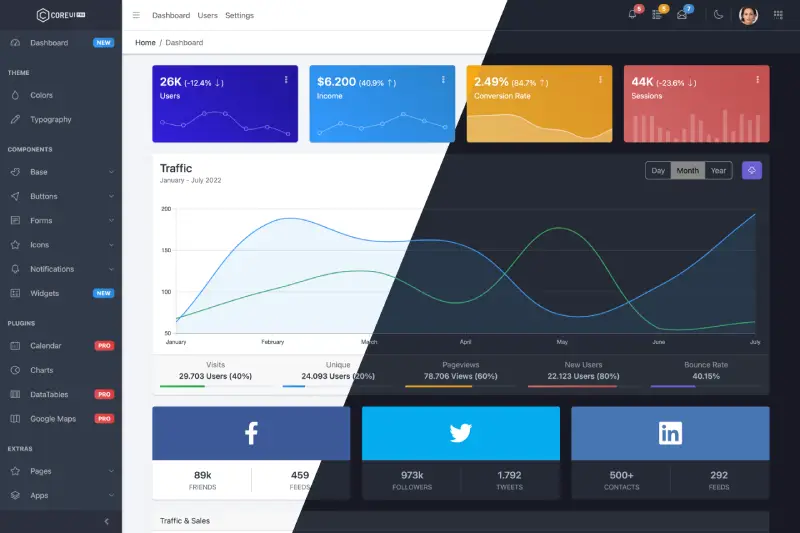
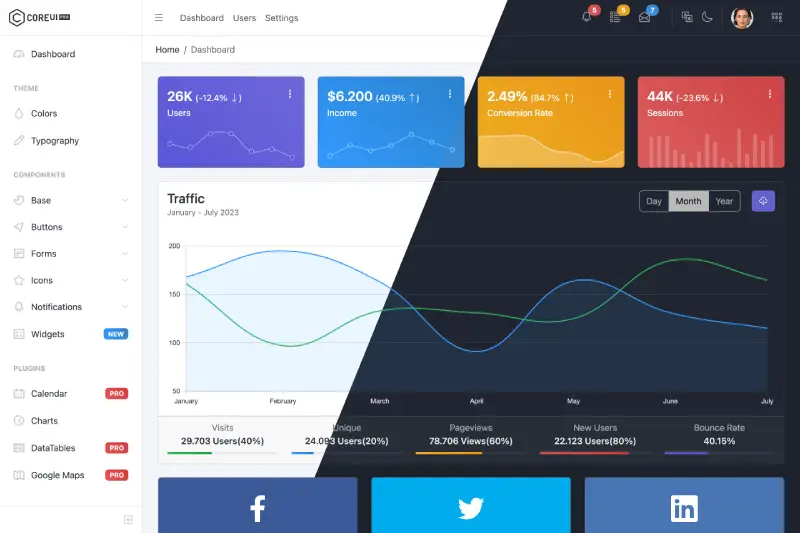
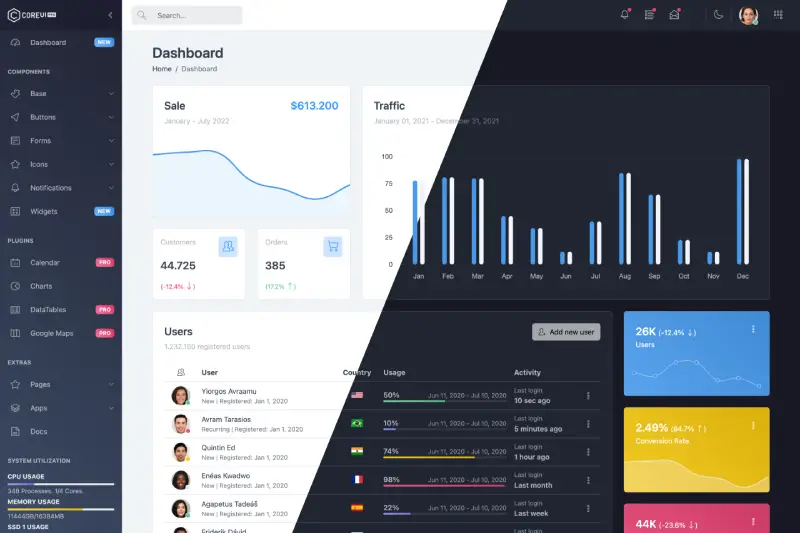
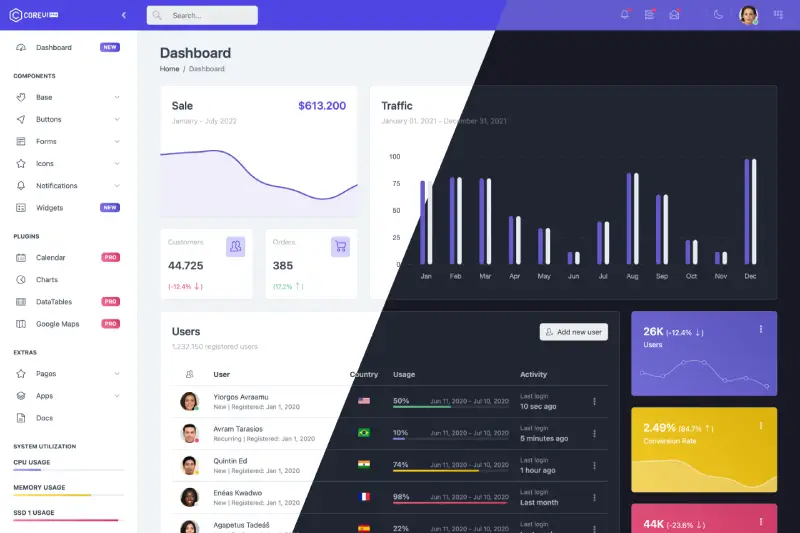
CoreUI PRO React Admin Templates
| Default Theme | Light Theme |
|---|---|
 |  |
| Modern Theme | Bright Theme |
|---|---|
 |  |
Quick Start
- Download the latest release
- Clone the repo:
git clone https://github.com/coreui/coreui-free-react-admin-template.git
Installation
$ npm install
or
$ yarn install
Basic usage
# dev server with hot reload at http://localhost:3000
$ npm start
or
# dev server with hot reload at http://localhost:3000
$ yarn start
Navigate to http://localhost:3000. The app will automatically reload if you change any of the source files.
Build
Run build to build the project. The build artifacts will be stored in the build/ directory.
# build for production with minification
$ npm run build
or
# build for production with minification
$ yarn build
What's included
Within the download you'll find the following directories and files, logically grouping common assets and providing both compiled and minified variations. You'll see something like this:
coreui-free-react-admin-template
├── public/          # static files
│   ├── favicon.ico
│   └── manifest.json
│
├── src/             # project root
│   ├── assets/      # images, icons, etc.
│   ├── components/  # common components - header, footer, sidebar, etc.
│   ├── layouts/     # layout containers
│   ├── scss/        # scss styles
│   ├── views/       # application views
│   ├── _nav.jsx     # sidebar navigation config
│   ├── App.jsx
│   ├── index.jsx
│   ├── routes.js    # routes config
│   └── store.js     # template state example
│
├── index.html       # html template
├── ...
├── package.json
├── ...
└── vite.config.mjs  # vite config
AI-Friendly Development
This template is optimized for AI-assisted development with comprehensive context files and documentation:
Context Files
.cursorrules- Comprehensive AI context file with project conventions, patterns, and guidelines for working with React, CoreUI, and the template architectureARCHITECTURE.md- Detailed technical documentation covering the project structure, component hierarchy, routing system, state management, and build pipelineDEVELOPMENT.md- Practical developer guide with setup instructions, development workflows, code examples, and best practices
Code Documentation
- All React components include detailed JSDoc comments with parameter types and descriptions
- Inline documentation explaining complex logic and patterns
- PropTypes definitions for runtime type checking
Benefits for AI Coding Assistants
When using AI coding assistants like Cursor, Claude Code, or GitHub Copilot, these context files help the AI to:
- Understand the Stack: Recognize that this is a React 19 application using CoreUI React components (not Tailwind CSS or other frameworks)
- Follow Patterns: Generate code that matches the project's component structure and conventions
- Use Correct Components: Suggest appropriate CoreUI React components from
@coreui/react - Maintain Code Style: Follow ESLint and Prettier rules automatically
- Respect Architecture: Work within the established routing, state management, and styling patterns
Simply open the project in your AI-enabled IDE, and the assistant will automatically have context about the React architecture, CoreUI React component usage, development workflows, and coding standards.
Documentation
The documentation for the CoreUI Admin Template is hosted at our website CoreUI for React
Components
CoreUI React.js Admin Templates are built on top of CoreUI and CoreUI PRO UI components libraries, including all of these components.
- React Accordion
- React Alert
- React Autocomplete PRO
- React Avatar
- React Badge
- React Breadcrumb
- React Button
- React Button Group
- React Callout
- React Card
- React Carousel
- React Checkbox
- React Close Button
- React Collapse
- React Date Picker PRO
- React Date Range Picker PRO
- React Dropdown
- React Floating Labels
- React Footer
- React Header
- React Image
- React Input
- React Input Group
- React List Group
- React Loading Button PRO
- React Modal
- React Multi Select PRO
- React Navs & Tabs
- React Navbar
- React Offcanvas
- React One Time Password Input PRO
- React Pagination
- React Password Input PRO
- React Placeholder
- React Popover
- React Progress
- React Radio
- React Range
- React Range Slider PRO
- React Rating
- React Select
- React Sidebar
- React Smart Pagination PRO
- React Smart Table PRO
- React Spinner
- React Stepper PRO
- React Switch
- React Table
- React Textarea
- React Time Picker PRO
- React Toast
- React Tooltip
Versioning
For transparency into our release cycle and in striving to maintain backward compatibility, CoreUI Free Admin Template is maintained under the Semantic Versioning guidelines.
See the Releases section of our project for changelogs for each release version.
Creators
Łukasz Holeczek
Andrzej Kopański
CoreUI Team
Community
Get updates on CoreUI's development and chat with the project maintainers and community members.
- Follow @core_ui on Twitter.
- Read and subscribe to CoreUI Blog.
Support CoreUI Development
CoreUI is an MIT-licensed open source project and is completely free to use. However, the amount of effort needed to maintain and develop new features for the project is not sustainable without proper financial backing. You can support development by buying the CoreUI PRO or by becoming a sponsor via Open Collective.
Copyright and License
copyright 2026 creativeLabs Łukasz Holeczek.
Code released under the MIT license.