README.md
April 22, 2026 · View on GitHub

🏠 Material Home Assistant
✨Components for Home Assistant

💎 Elevate Your Experience
Unlock the full potential of your smart home with advanced professional features.
🚀 Pro & Ultimate Versions Available
Choose the perfect plan for your needs and take your automation to the next level.







Bring the Google Home app experience directly into Home Assistant
A suite of custom cards that implements the Material You design principles for a sleek and modern interface.
🎨 Material Dashboard Card
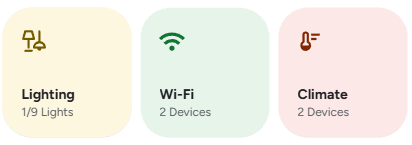
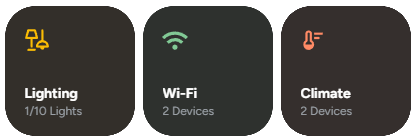
🎛️ Material Button Card
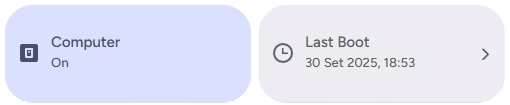
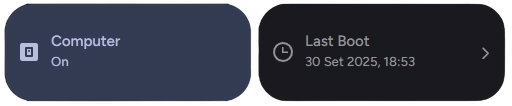
🎚️ Material Slider Card
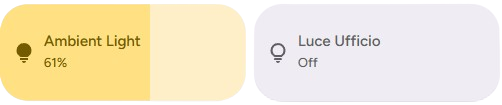
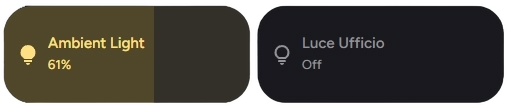
🌡️ Material Climate
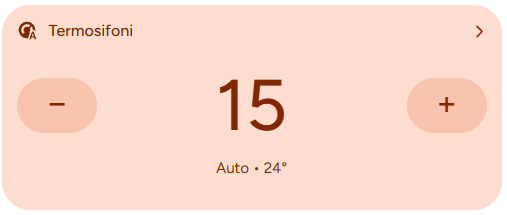
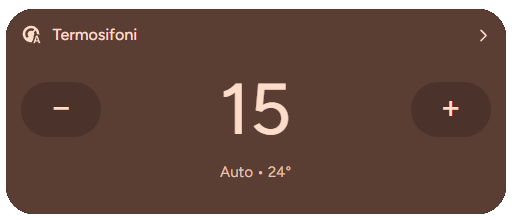
🗂️ Material Control
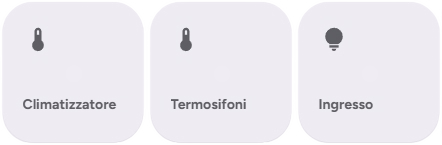

💡 Material Lights


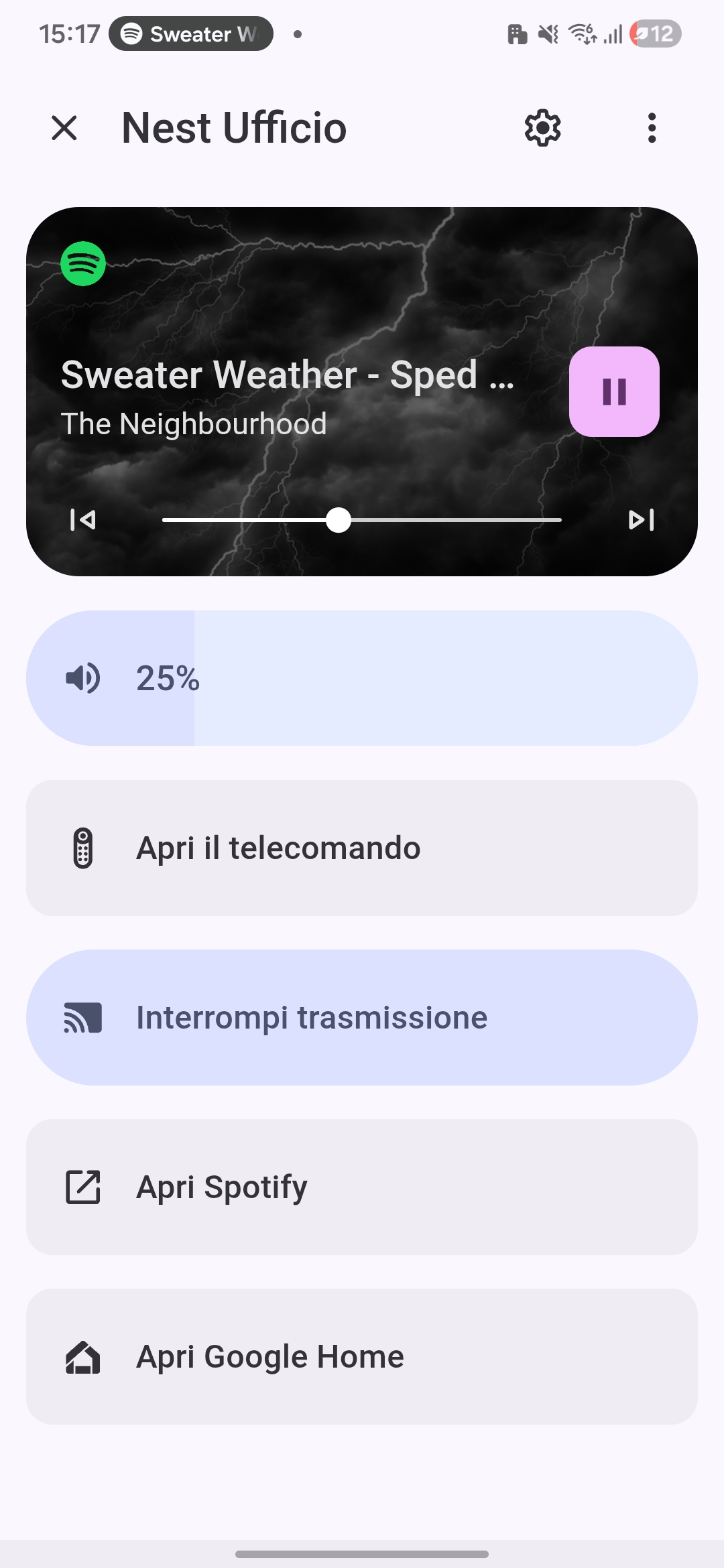
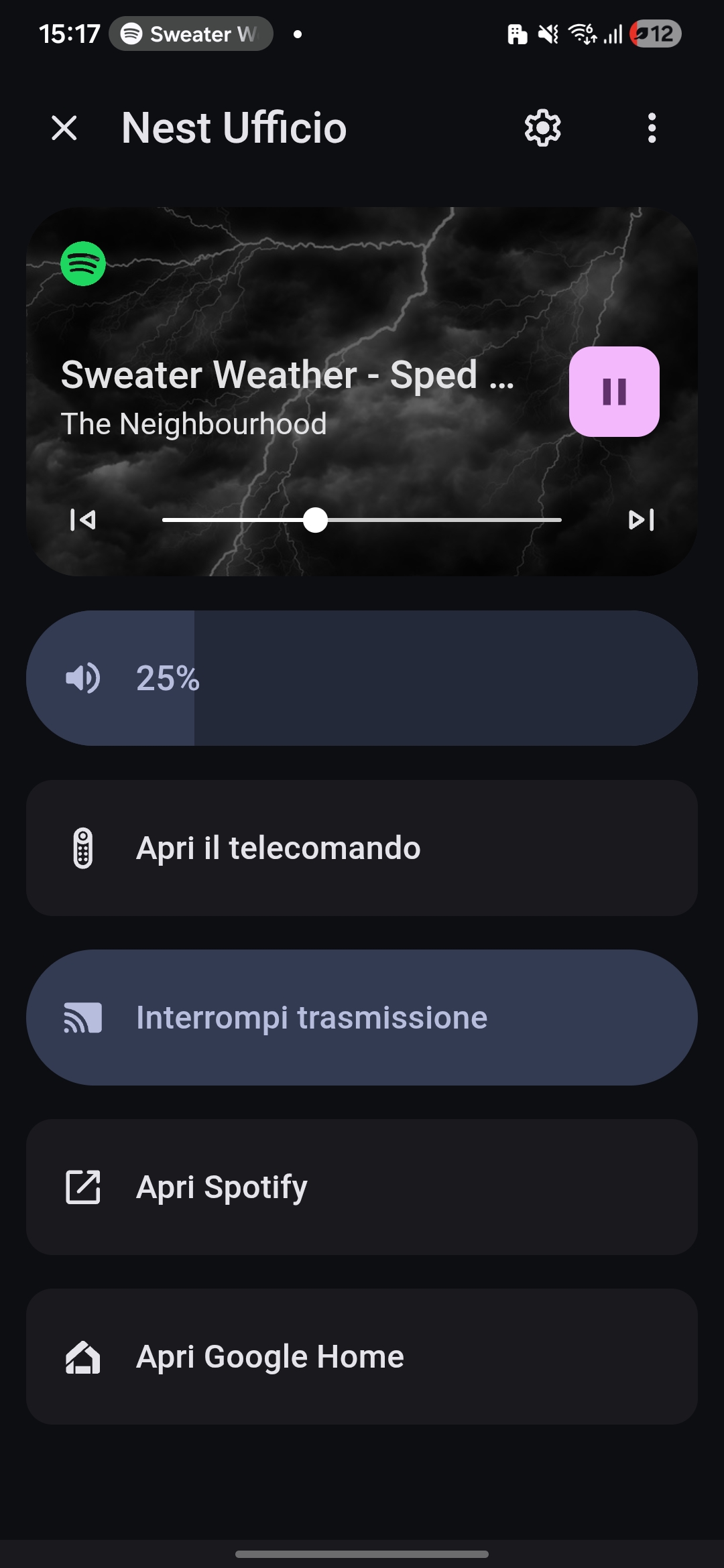
🔊 Material Media Page
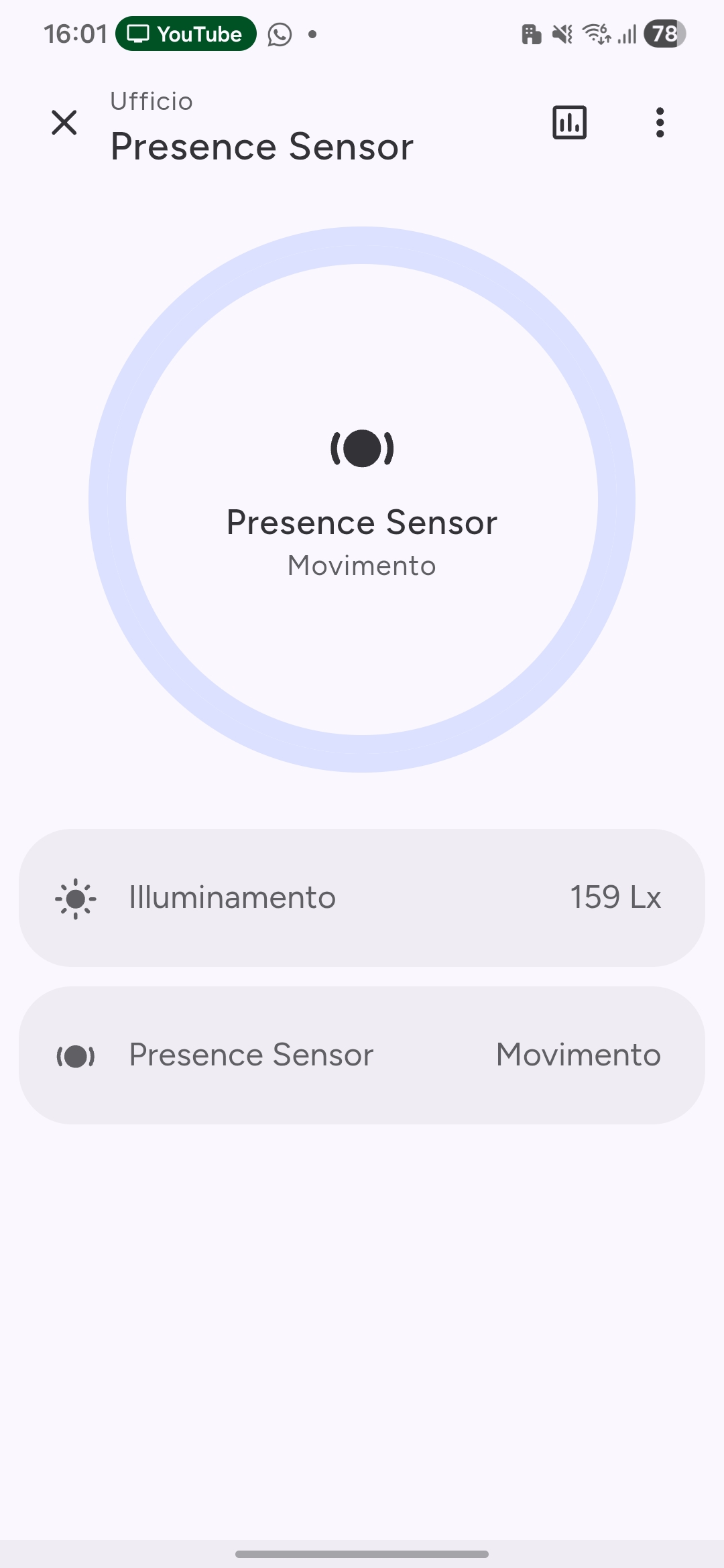
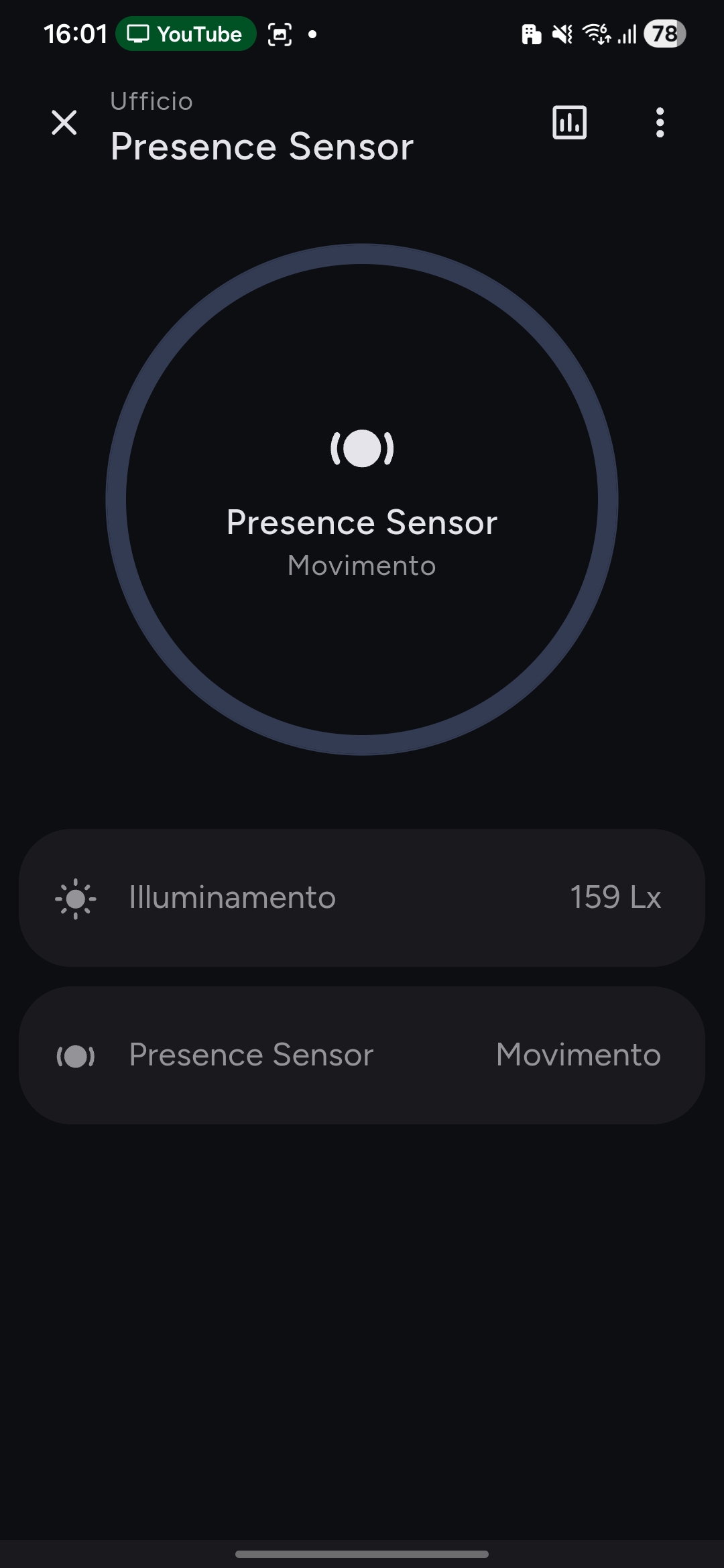
🏃♂️ Material Dialog Page (Sensor View)
🆕 Introduced in version 2.0.0
And more components...
✨ Key Features
📦 Installation
📓 Method 1 – HACS Installation
There are two ways to install the component via HACS: either by clicking the button below or by manually adding the repository.
🚀 Option 1 – One-Click Installation (Recommended)
If you already have HACS installed, you can add the repository directly by clicking this button:
Then, simply install the plugin from the HACS interface.
🔧 Option 2 – Manual Installation via HACS
- Open HACS in your Home Assistant interface.
- Go to Settings → Custom repositories.
- Click Add repository and enter the following URL:
https://github.com/giovannilamarmora/lovelace-material-components
- Select Plugin as the category.
- Click Add to confirm.
- Go to HACS → Frontend, search for Google Home Component, then click Install.
- Restart Home Assistant to complete the setup.
☁️ Method 2: CDN
The second easiest and fastest way. No download required here either!
-
Open Home Assistant and go to:
Settings → Dashboards → Manage Resources -
Click "Add Resource" and enter:
- Type:
JavaScript module - URL:
https://cdn.jsdelivr.net/gh/giovannilamarmora/lovelace-material-components@master/dist/material-components.js?v=20250626
- Save and restart Home Assistant.
💡 Tip: Change the
?v=YYYYMMDDparameter to force cache refresh after new releases.
🔧 Method 3: Manual Installation
For those who prefer to host files locally.
-
Download the file
material-components.js -
Copy the file into the
config/www/folder of Home Assistant:config/www/material-components.js -
Register the resource by going to:
Settings → Dashboards → Manage Resources -
Add Resource:
- Type:
JavaScript module - URL:
/local/material-components.js
- Save and restart Home Assistant.
Migration from Google Components
If you were using the old Google Components, you can migrate your dashboards easily.
Check the migration guide here:
Features
- Material-style button cards, dialogs, and media overlays.
- Support for temperature, humidity, motion, and door sensors.
- Responsive UI for both desktop and mobile.
- Enhanced customization and theme support.
- Easy migration from the old Google Components repository.
📚 Full Documentation
🧩 Dependencies
🙏 Acknowledgements
This project is possible thanks to the work of:


💝 Support the Project
If this project was helpful to you, consider supporting it!

🛠️ Contribute
This project is currently in alpha. Your contribution is valuable!





