🚀 MountMate
February 5, 2026 · View on GitHub
A simple macOS menu bar app to manage your external drives.



⚡️ Quick Start
Install via Homebrew:
brew install mountmate
Or download the latest .dmg and drag MountMate.app into your Applications folder.
🧩 What is MountMate?
MountMate is a lightweight macOS menu bar utility that lets you mount and unmount external drives with a single click – no Terminal, no Disk Utility, no hassle.
Whether you're dealing with a noisy spinning HDD or want finer control over when your drives are active, MountMate gives you a clean, no-nonsense solution right from your menu bar.
🧠 Why I Built It
I have a 4TB external HDD plugged into my Mac mini 24/7. Since it's a spinning drive, macOS constantly spins it up – just for trivial things like opening Finder or running Spotlight. That meant:
- Unwanted noise
- System slowdowns
- Wasted energy
I tried:
- Disk Utility – too slow and clunky
- Custom shell scripts – too technical
- Existing third-party apps – too bloated or didn’t work right
So I built MountMate.
✅ Features
- View all connected external drives
- See which ones are mounted
- Mount/unmount any drive with a click
- Check available free space
- Keyboard Shortcuts: Quick mount/unmount with
⌘⇧Mand⌘⇧U - Network Shares: Auto-mount SMB shares at login
- Force Eject: Safely force eject drives that are in use
- Runs quietly in the menu bar
- Fully native – no Electron, no dependencies
✨ Why Use MountMate?
macOS automatically mounts drives when they’re plugged in – but gives you no easy way to remount them later unless you use Terminal or Disk Utility. MountMate is perfect for:
- External HDDs you don’t always need
- Drives used only for backup
- Reducing wear and tear or noise
- Improving system responsiveness
🔐 Private, Fast, and Safe
MountMate runs entirely offline, using native macOS APIs and command-line tools. It:
- Does not track anything
- Does not require connect to the internet
- Does not access your files
- Does not require root permissions
Just a clean utility that does one job well.
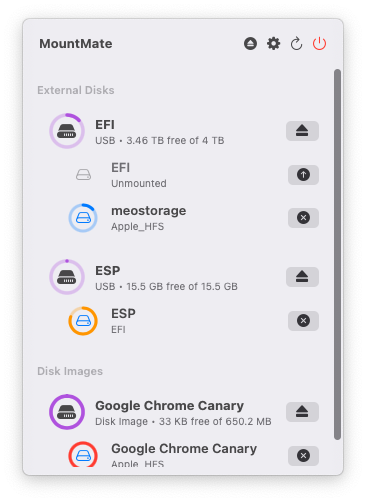
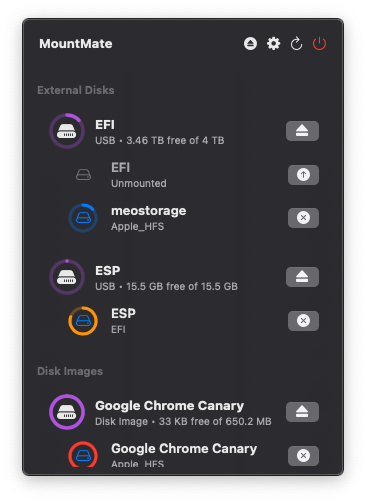
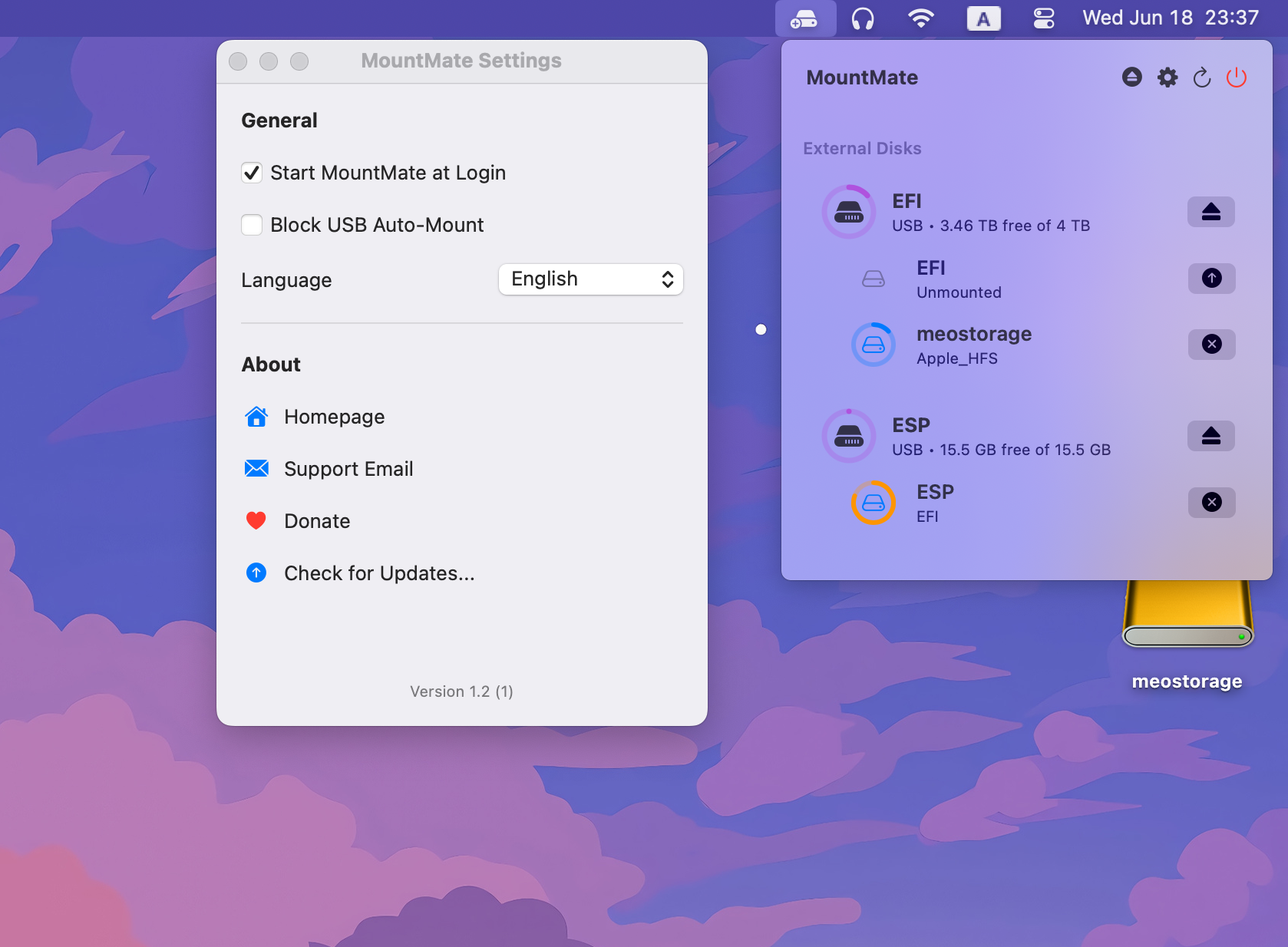
🖼️ Screenshots
🛠️ Installation
Manual Installation
- Download the latest
.dmgrelease - Open the
.dmgfile - Drag
MountMate.appinto the Applications folder - Eject the installer disk image
- Launch MountMate from Applications
Install via Homebrew
If you have Homebrew installed, you can install MountMate directly from this repository:
brew install mountmate
📫 Feedback & Contributions
MountMate was built to solve my personal workflow issue, but I’d love to improve it for others too. Feel free to open an issue or suggest improvements!
🤝 Support
If you found MountMate helpful, please consider supporting its development:
