Author
February 17, 2026 · View on GitHub
Welcome to vscode-hurl-runner 👋






Streamline API development in VSCode. Run Hurl requests, manage variables, and view responses directly in your editor.

🏠 Homepage
Prerequisites
- vscode ^1.93.0
- Hurl - Run and Test HTTP Requests
Features
- 🚀 Run Hurl requests directly from VSCode
- ▶️ Execute single entries
- ⏭️ Run from a specific entry to the end of the file
- 📁 Run entire Hurl files
- ✂️ Run selected text
- 🔝 Run from the beginning to the current entry
- 🔧 Variable management
- 🌍 Support for environment files
- 📝 Inline variable management
- 🌐 Global variable support (based on captured variables)
- 📊 Capture values from responses and use them in subsequent requests
- 👁️ View detailed HTTP responses in a formatted webview (PrismJs with Tomorrow Night Theme)
- 🎨 Syntax highlighting for Hurl files
- 📊 Integration with VSCode's status bar for execution feedback
- 🔍 Code lens support for quick actions
- 🔁 Rerun last command functionality
- 📜 View last response without re-running the request
Commands
| Command | Title |
|---|---|
vscode-hurl-runner.runHurl | Hurl Runner: Run at entry |
vscode-hurl-runner.runHurlFile | Hurl Runner: Run File |
vscode-hurl-runner.runHurlToEnd | Hurl Runner: Run to End |
vscode-hurl-runner.manageInlineVariables | Hurl Runner: Manage Inline Variables |
vscode-hurl-runner.selectEnvFile | Hurl Runner: Select Environment File |
vscode-hurl-runner.runHurlSelection | Hurl Runner: Run Selected Text |
vscode-hurl-runner.rerunLastCommand | Hurl Runner: Rerun Last Command |
vscode-hurl-runner.runHurlFromBegin | Hurl Runner: Run from Begin to Current |
vscode-hurl-runner.viewLastResponse | Hurl Runner: View Last Response |
vscode-hurl-runner.removeGlobalVariable | Remove Global Variable |
Configs
| Key | Description | Type | Default |
|---|---|---|---|
vscode-hurl-runner.hurlPath | Path to the Hurl executable | string | "hurl" |
vscode-hurl-runner.verboseMode | Set the verbosity level for Hurl execution. 'verbose' provides basic information about requests and responses. 'very-verbose' includes detailed information, including timing data. | string | "verbose" |
vscode-hurl-runner.captureToGlobalVariable | When enabled, captured values will be set as global variables. | boolean | true |
Keybindings
ctrl+alt+h(Windows/Linux) orcmd+alt+h(Mac): Run Hurl entryctrl+alt+f(Windows/Linux) orcmd+alt+f(Mac): Run Hurl filectrl+alt+shift+v(Windows/Linux) orcmd+alt+shift+v(Mac): Manage variables
Demo
Running a Single Hurl Entry
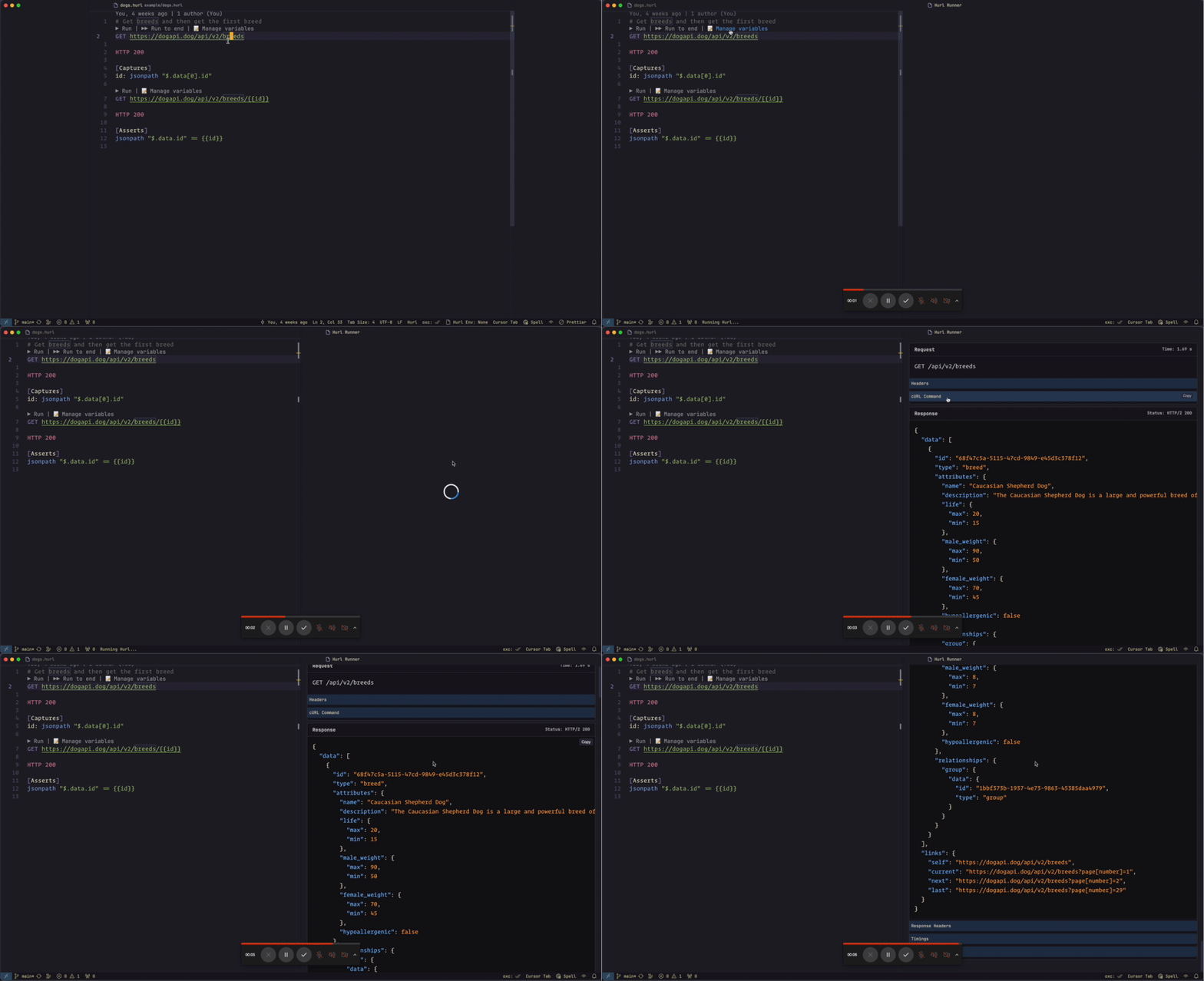 Demonstrates running a single Hurl entry directly from VSCode.
Running from Entry to the End of File
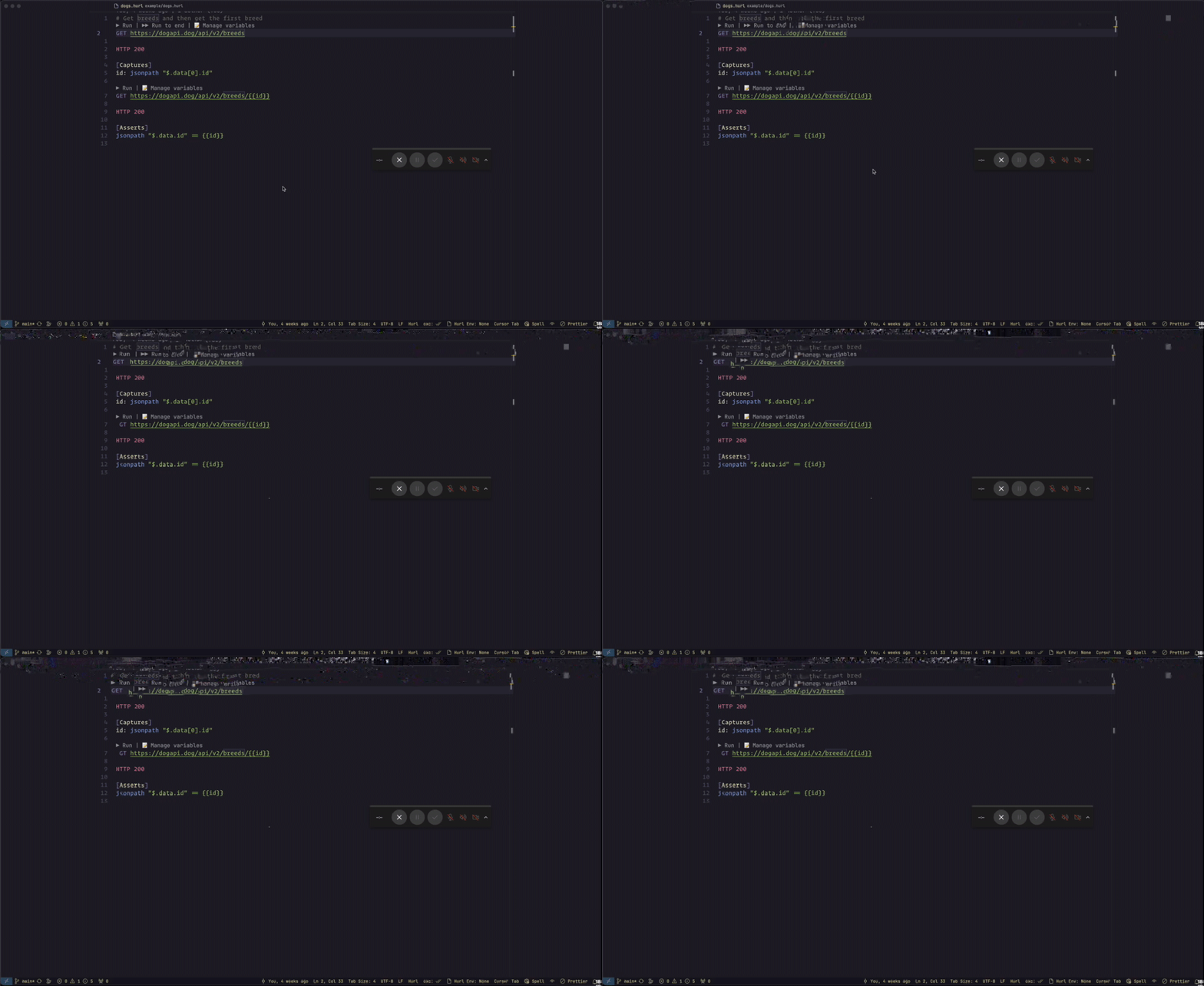 Shows how to run Hurl requests from a specific entry to the end of the file.
Running an Entire Hurl File
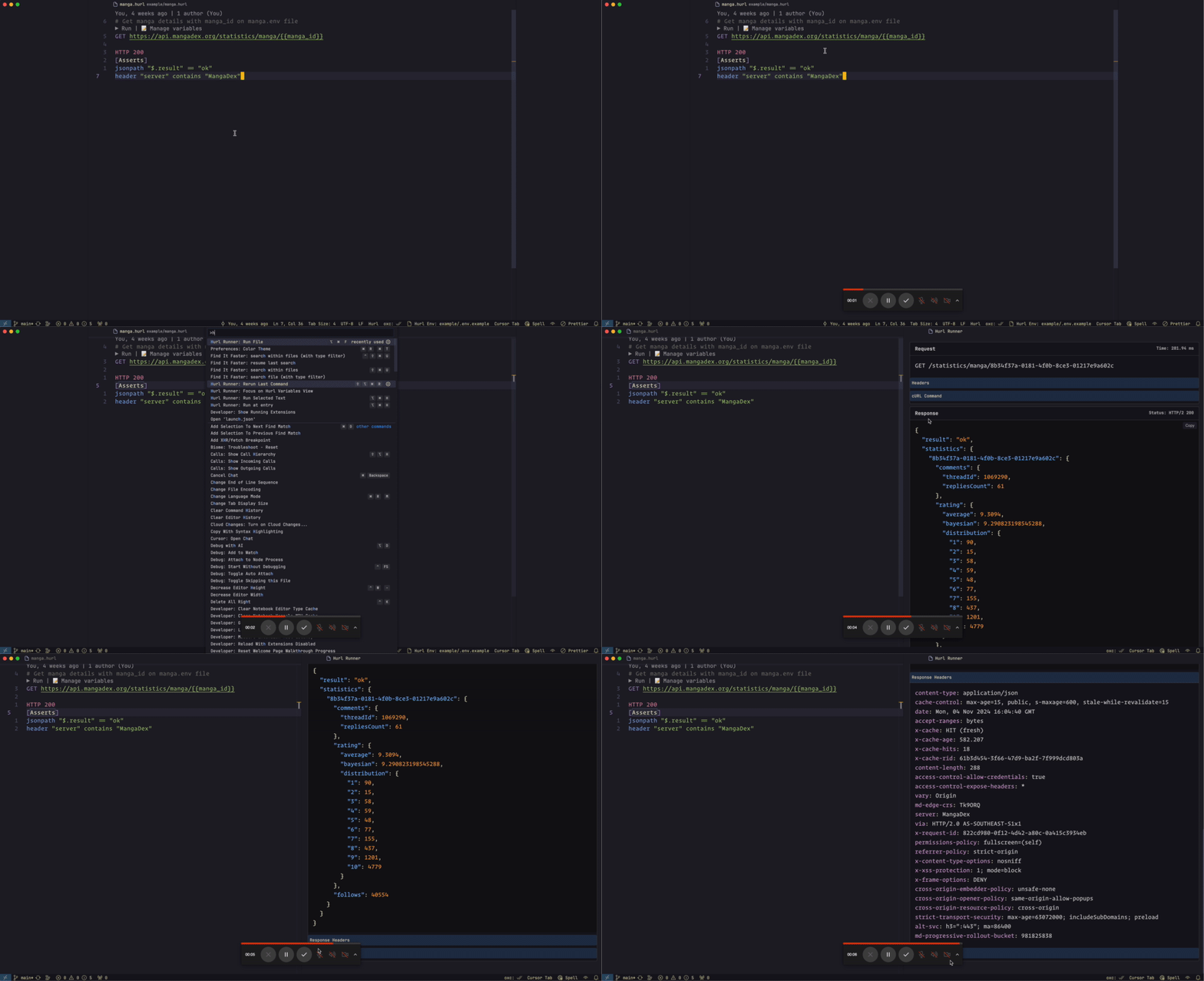 Illustrates running an entire Hurl file in one go.
Managing Variables
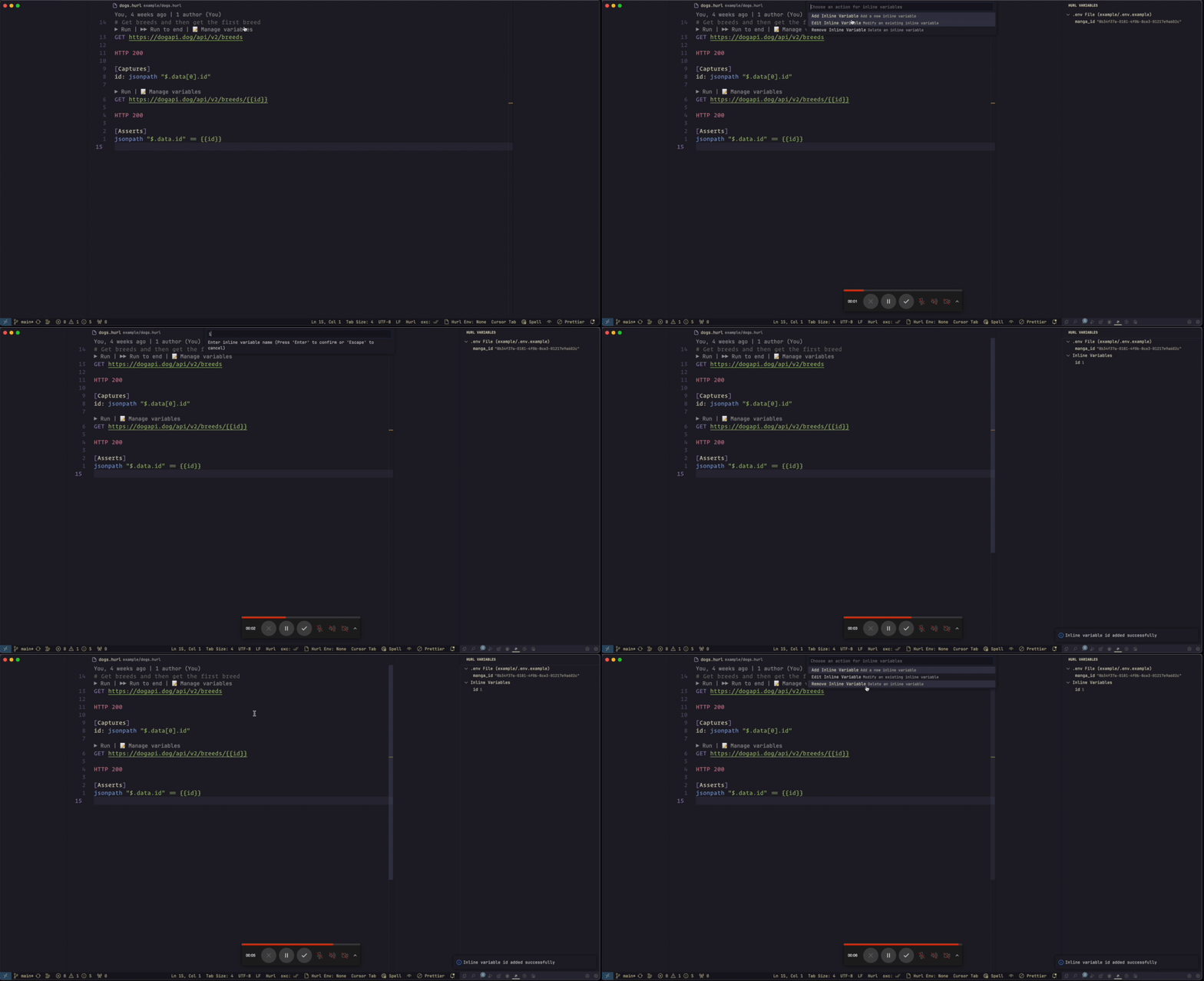 Demonstrates how to manage inline variables for Hurl requests.
Selecting Environment File
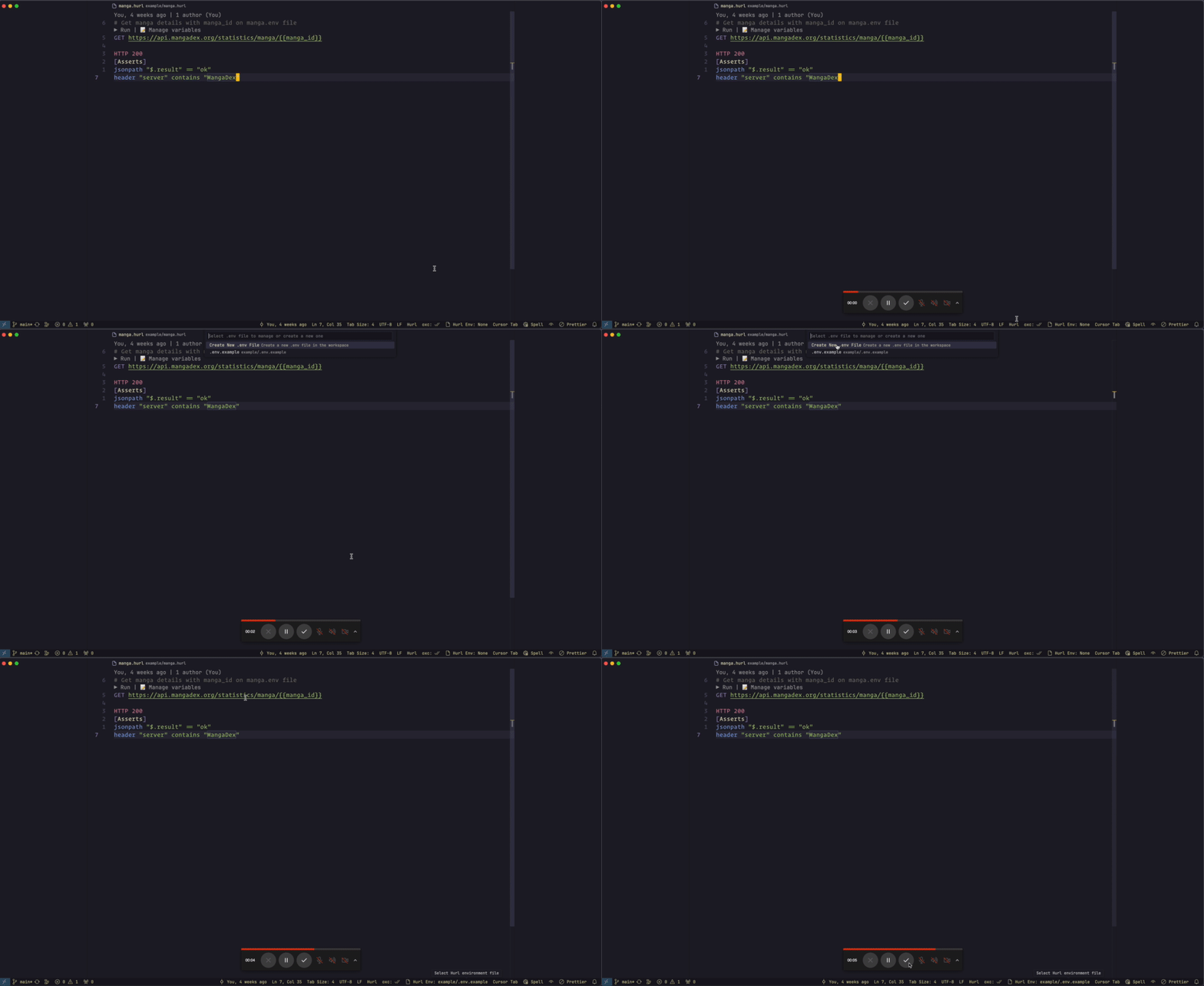 Shows the process of selecting an environment file for Hurl requests.
Related Projects
For Neovim Users
If you prefer Neovim, check out my companion plugin:
- hurl.nvim: A Neovim plugin for running Hurl requests directly within Neovim.
This plugin offers similar functionality to this VSCode extension, tailored for the Neovim environment.
Other Tools in the Ecosystem
Whether you're using VSCode, Neovim, or the command line, there's a tool to help you work efficiently with Hurl files.
Author
👤 Dung Huynh Duc dung@productsway.com
- Website: https://productsway.com/
- Github: @jellydn
🤝 Contributing
Contributions, issues and feature requests are welcome!
Feel free to check issues page. You can also take a look at the contributing guide.
Show your support
Give a ⭐️ if this project helped you!
📝 License
Copyright © 2024 Dung Huynh Duc dung@productsway.com.
This project is MIT licensed.



Contributors ✨
Thanks goes to these wonderful people (emoji key):
 Dung Duc Huynh (Kaka) 💻 📖 |
 Alexey 💻 |
 cheapeone 💻 |
This project follows the all-contributors specification. Contributions of any kind welcome!