README.md
May 25, 2026 · View on GitHub

ZezinOS 98 SE // Web Edition





+========================================+
|                                        |
|   >> CLICK TO LAUNCH ZEZINOS.SITE <<  |
|                                        |
+========================================+
>> LAUNCH ZEZINOS.SITE <<
+---------------------------------------------------+
|  SYSTEM REPORT          ZEZIN@ZezinOS             |
|  ---------------------------------------------------
|  OS      : ZezinOS 98 SE  (Web Edition)           |
|  Host    : Your Browser                           |
|  Shell   : ZEZIN-DOS                              |
|  Theme   : ZezinOS 98 SE                          |
|  CPU     : 486DX2-66                              |
|  GPU     : ASCII Graphics Adapter                 |
|  Stack   : Vanilla JS / CSS3 / HTML5              |
|  Uptime  : since Feb 2026                         |
+---------------------------------------------------+
"The sky above the port was the color of television, tuned to a dead channel." — William Gibson, Neuromancer, 1984
This is my portfolio. It runs in your browser.
It has a boot screen, draggable windows, a terminal, a paint app,
a minesweeper, a media player, a DOS emulator, a Waifu Viewer —
and somewhere in there, my actual projects.
It was built without React, without Vite, without npm.
I don't know why I did this. I would do it again.
[ DEMO VIDEO ]
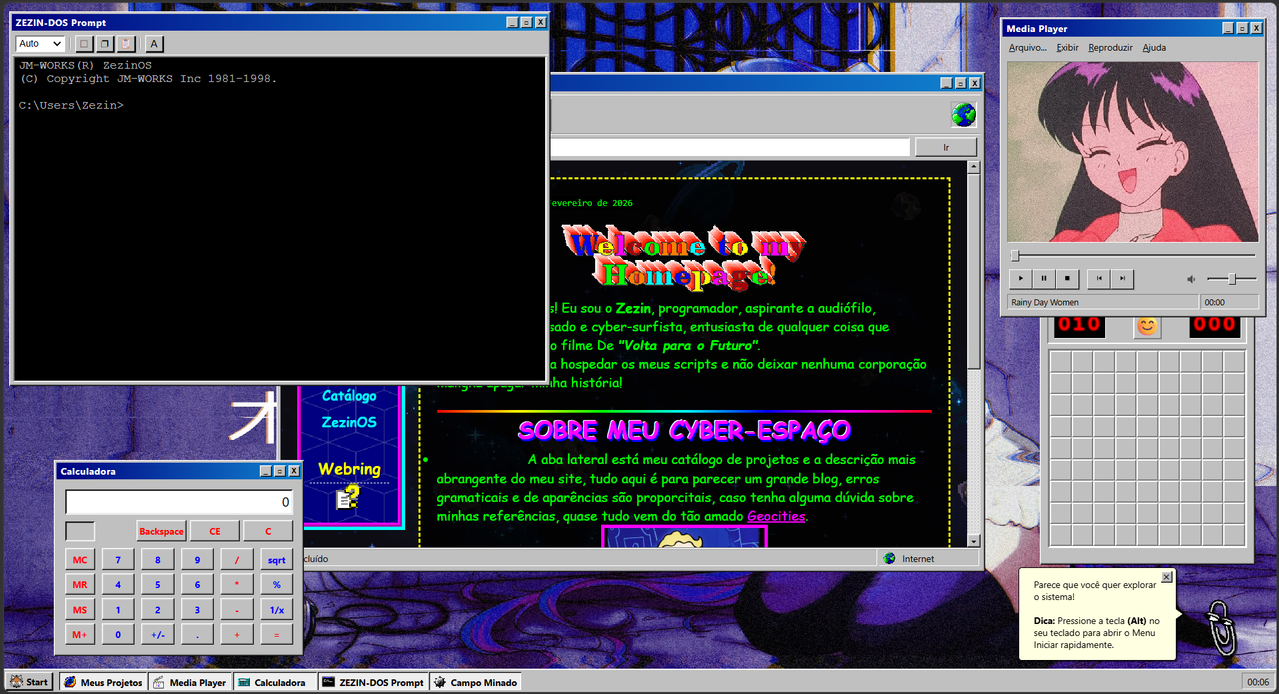
^ click the image above to watch on YouTube ^
Screenshots
| Boot Sequence | Desktop |
|---|---|
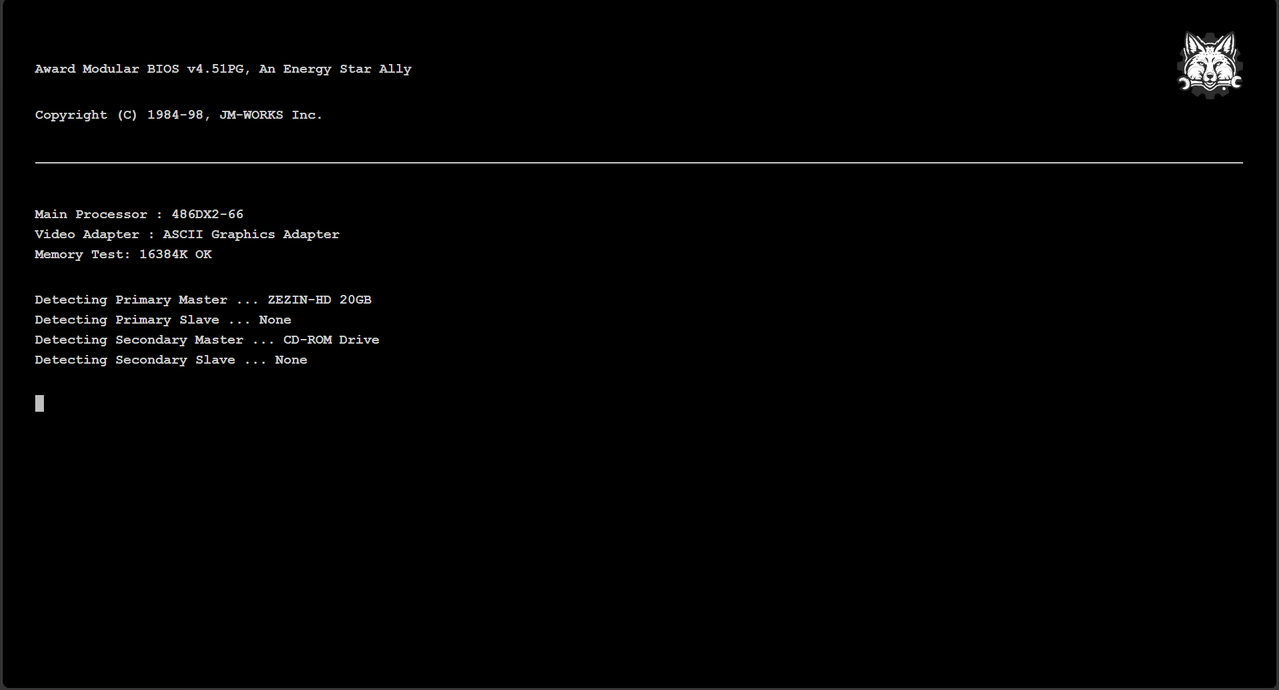 | 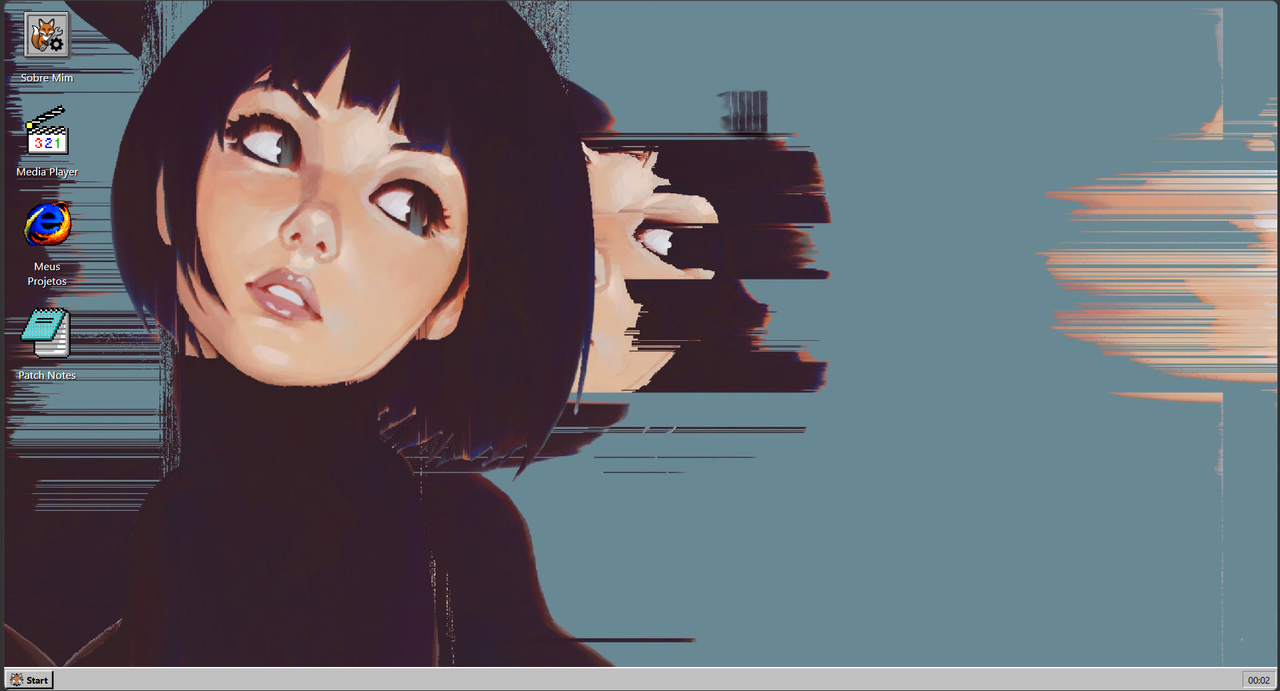 |
| Chaos Mode | ZEZIN-DOS |
|---|---|
| 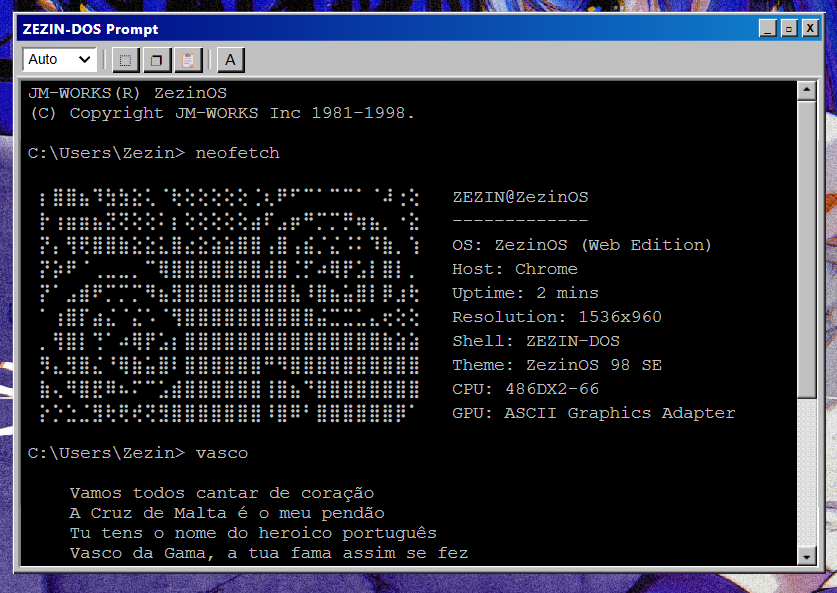 |
Installed Programs
C:\Programs> dir
|
|
|
 ZEZIN-DOS — terminal. try
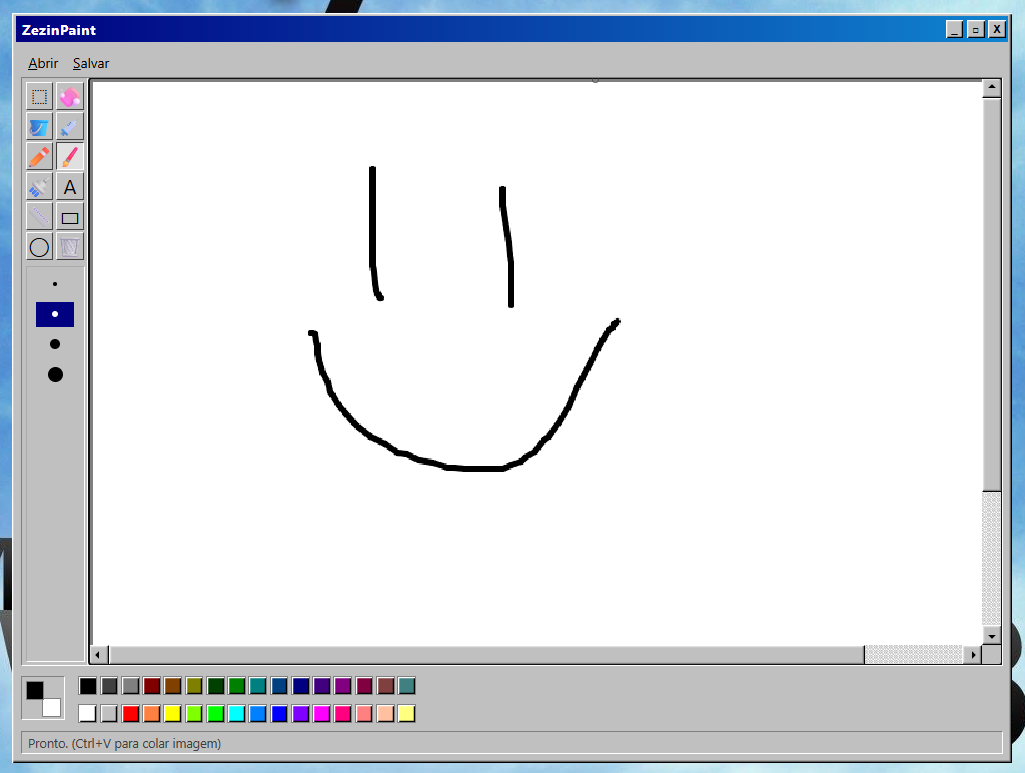
  ZezinPaint — HTML5 canvas drawing tool
 Zezin Explorer — internal browser + portfolio pages
 Media Player — SoundCloud integration
 About Me — who is this guy
 Waifu Viewer — for science
 Patch Notes — changelog, updated whenever I feel like it
 DOS Games — emulated classics
 Minesweeper — you will lose
 GTA Vice City — mini-game
How to Boot
ZezinOS uses ES Modules. file:// won't work. Needs an HTTP server.
RECOMMENDED BOOT METHOD
------------------------
1. Install VS Code extension: "Live Server"
2. Right-click index.html
3. Select "Open with Live Server"
4. Wait for the BIOS screen

No npm. No install. No build pipeline.
Just a browser and a server.
Architecture
| Layer | Technology | Notes |
|---|---|---|
| Logic | Vanilla JS (ES6+) | ES Modules, no bundler |
| Style | CSS3 + custom properties | Per-component stylesheets, theme vars |
| Windows | windowFactory.js + windowManager.js | Dynamic DOM, z-index stack |
| Rendering | Native DOM APIs | No virtual DOM, no overhead |
| Canvas | HTML5 Canvas API | ZezinPaint + CRT scanline overlay |
| Audio | Web Audio / audioManager.js | Centralized retro sound bus |
Legal
Fan project. Aesthetic tribute. Not a product.
- Microsoft — Windows trademarks, sounds and visual design belong to Microsoft Corporation.
- Icons & Assets — Collected from public repositories for non-commercial, atmospheric use. No authorship claimed.
+------------------------------------------+
|  Copyright (C) 1998-2026 JM-WORKS Inc.   |
|  The web as it was meant to be.          |
+------------------------------------------+
 José Matheus — a living project, updated whenever the mood strikes.