Table of contents
October 24, 2022 · View on GitHub

Generate your reputation info in Stack Overflow on your README profile




Issue . Feature . Blog . Medium
Table of contents
Usage
Easy to use! Ctrl + C + Ctrl + V to paste into your readme profile editor.
-
Find your Stack Overflow user id
-
Change the
?user=value to your Stack Overflow user id.
[](https://github.com/kurt-liao/so-stats)
or
<a href="https://github.com/kurt-liao/so-stats">
  <img
    height="200"
    src="https://so-stats.vercel.app/api?user=10389571"
  />
</a>
Also you can see an example here
Optional
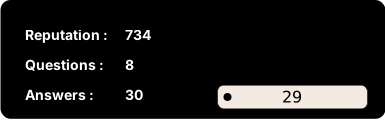
Hide info
You can pass a &hide= parameter with comma-seperated values.
&hide=title,logo,badges
Themes
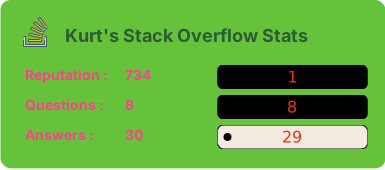
Finally, we have some inbuilt themes. Use &theme=THEME_NAME like:
Themes name we have:
greenery,forest,malt,azure(Default theme don't need to assign).
All inbuilt themes
| default | greenery | forest |
|---|---|---|
| malt | azure | witch |
|---|---|---|
Random theme
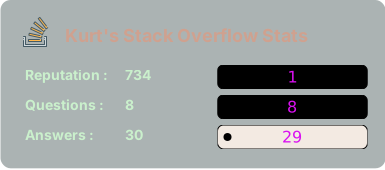
You can pass a &random=true parameter to get different color style every time.
Locale
Support multi-language, use &locale= to set the locale you want.
At this moment, we support en, cn, kr, zh-tw, nl, bn, de . Default language is en.
Use cache
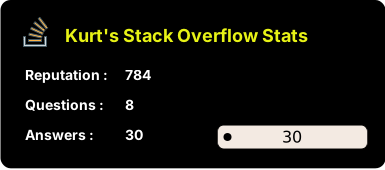
You can pass a &cache=true parameter to set cache.
Deploy your own 🚀
Guide
-
Fork this repo
-
Sign up and log in into Vercel
-
Go to Vercel dashboard
-
Click
New Project -
Click
Import Git Respository(Of course you need to authorize the repo first, then you can see the repo in the list)
-
Click
delpoy, and done. Find out your domain and start to use it! -
Add following command to prevent deploying on irrelevant changes.

Contributors
@see CONTRIBUTING