ManGaRage
November 23, 2022 · View on GitHub




Contents
- About
- Tech Stack
- API Reference
- Features
- Drawing Board
- Installation
- Mock Users
- Future Development
- Acknowledgements
About ManGaRage
ManGaRage is a manga bucket-list. Find your promised neverland!
manga · rage - a term to describe the passion some might feel about about manga
manGArage or manga garage - a term for a safe space to indulge in reading manga
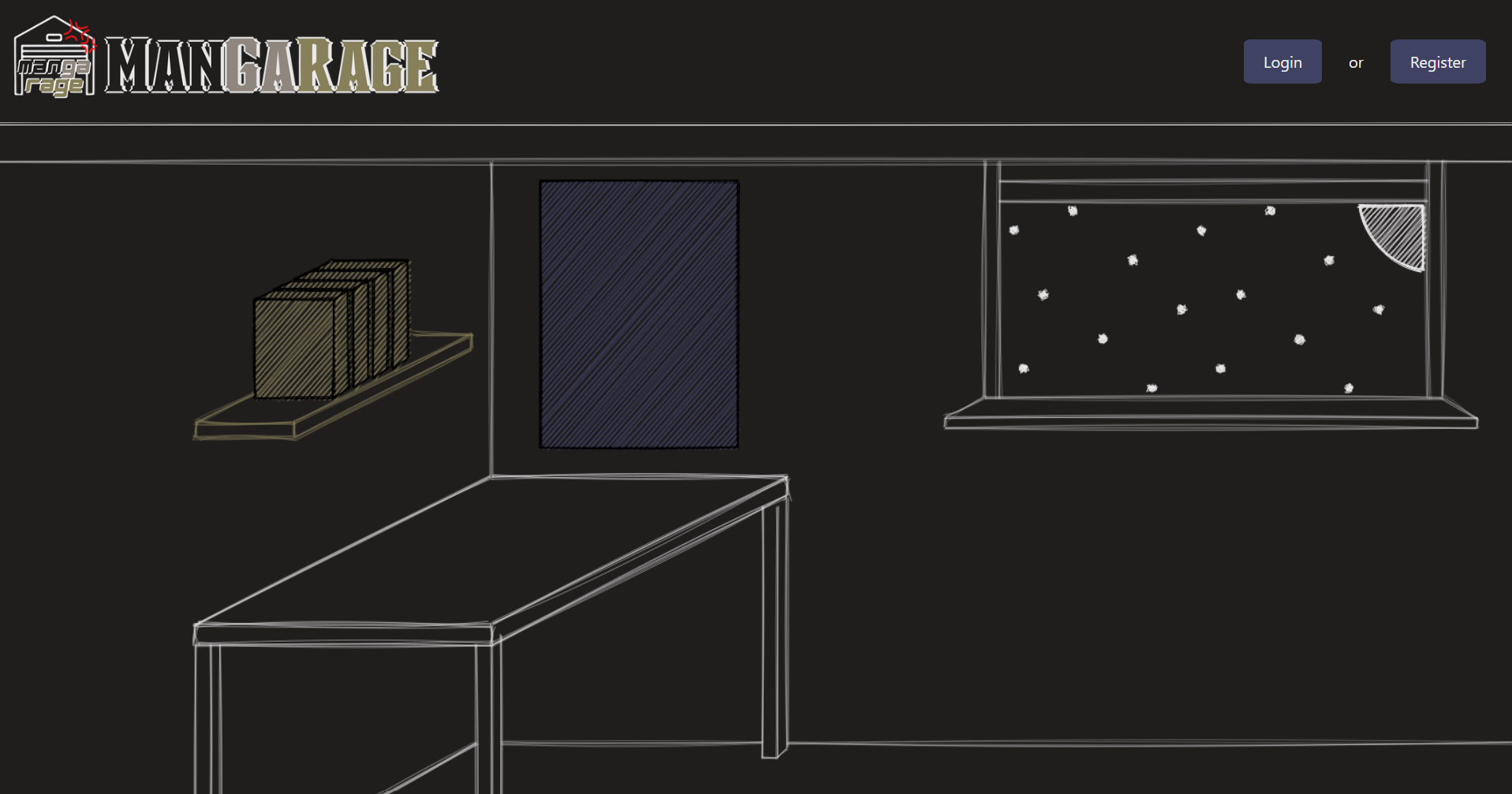
User Landing Page
Tech Stack

html |

CSS |

JavaScript |

postgreSQL |

Express |

React |

Node |

Bootstrap |

Render |
API Reference

MangaDex |

AnimePlanet |
Features
User Authentication & User Management
- Auth0 Login and Registration + Custom SQL encrypted login/registration
- Admin can view a record of all users and delete them
- Admin can view all posters without having to complete them
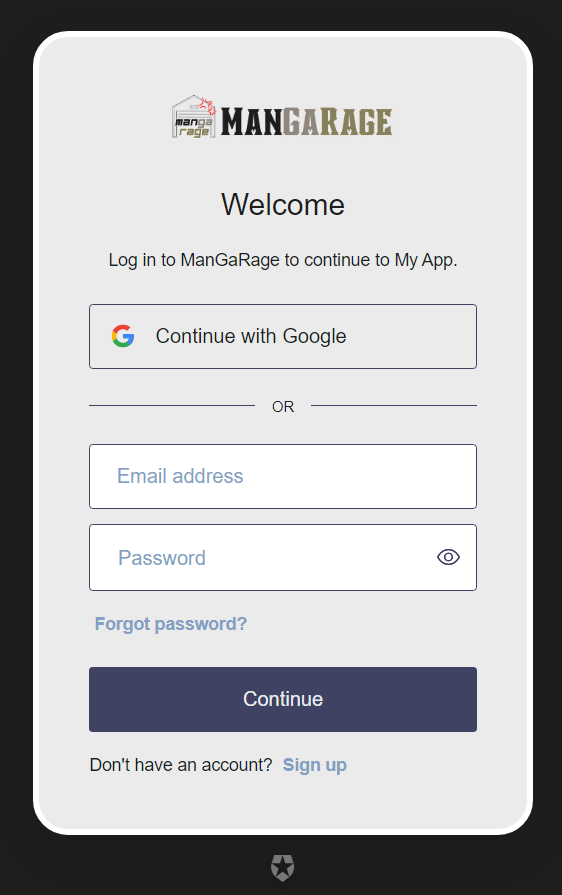
Auth0 View |
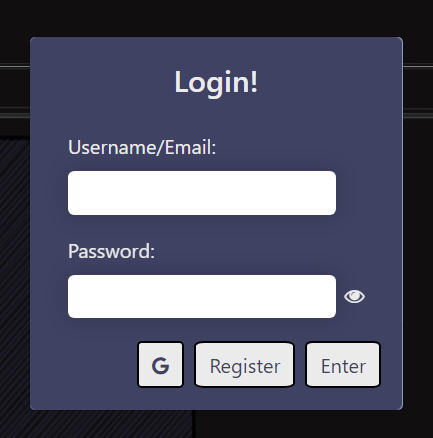
Login Modal |
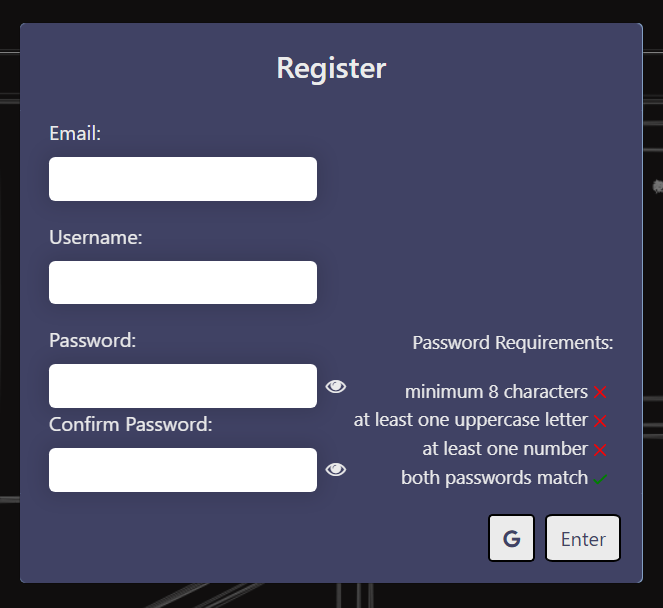
Registration Modal |
Manga Poster
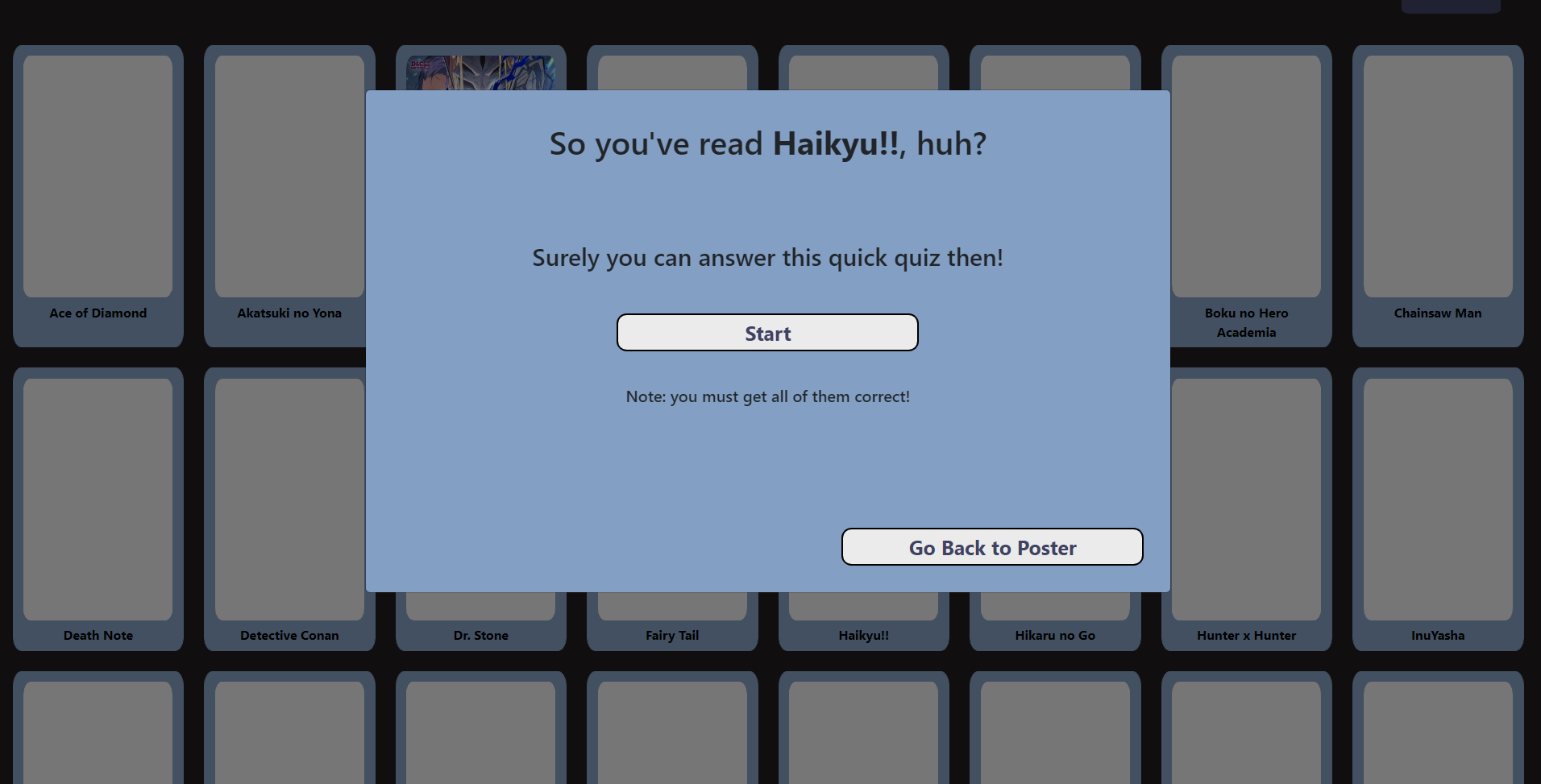
- User can view a poster with 48 mangas
- User can mark a manga as read or unread
- User can take a three question quiz to test their knowledge in order to mark the manga as read
- User can 'scratch' off the poster with a custom-designed coin to signify completion
- User can give completed mangas a rating out of 10
User View of Poster and Quiz
Manga Reading List
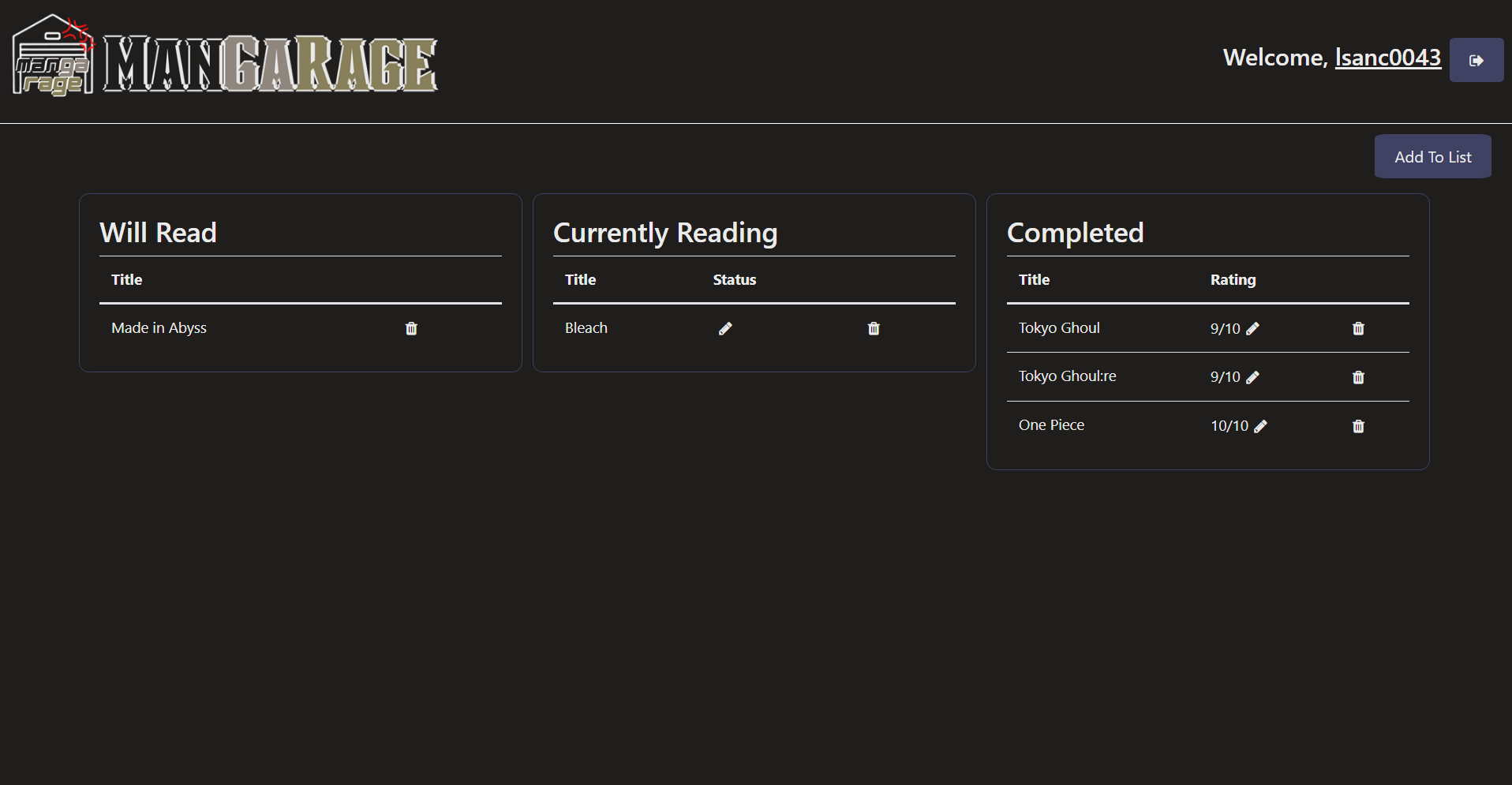
- User can view a reading list with tables for:
- Will Read
- Currently Reading
- Completed
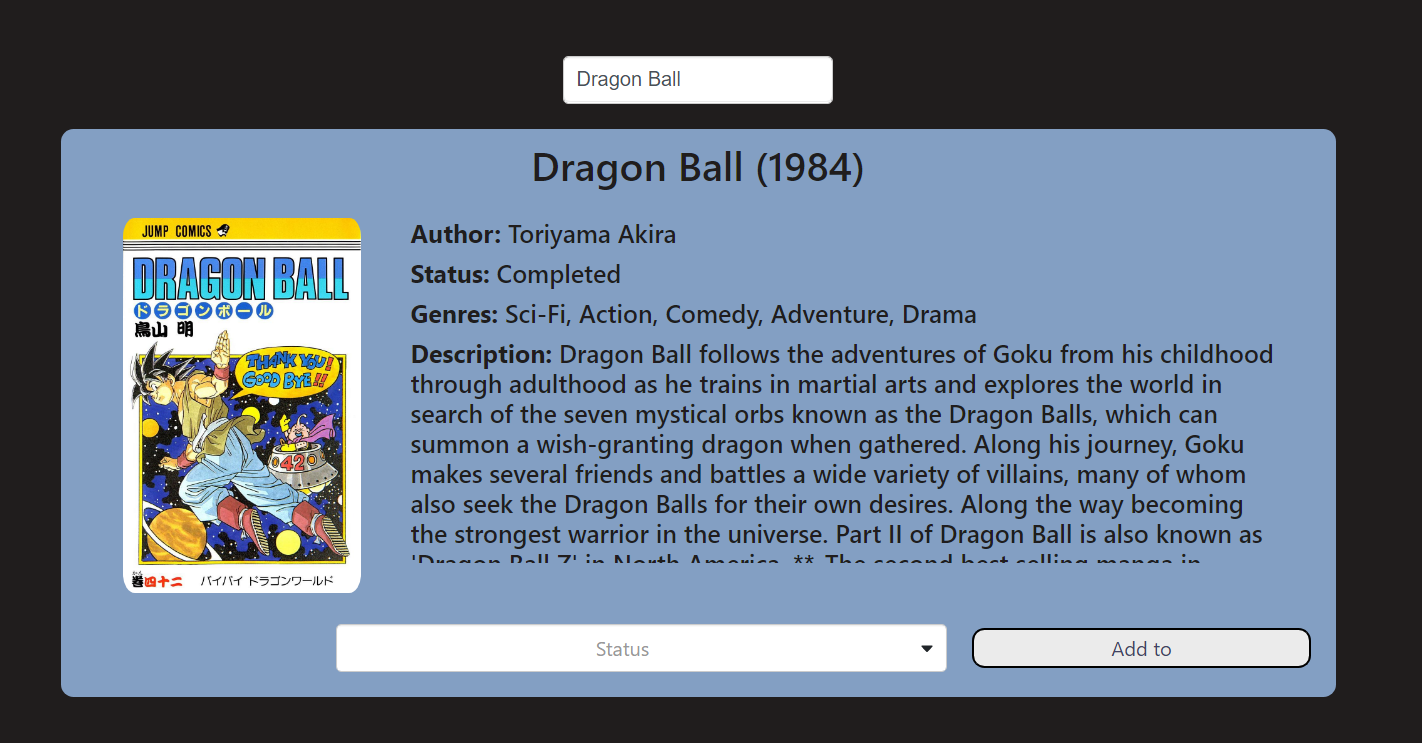
- User can use a search bar to look for a specific manga and display the details
- User can add and delete from the reading list!
- User can add a status of either Just Started, Halfway, or Almost Done to mangas in the Currently Reading list
- User can add a rating out of 10 to mangas on the Completed list
- User can drag and drop table items to move between the three lists
User View of Reading List
User View of Add Manga Form
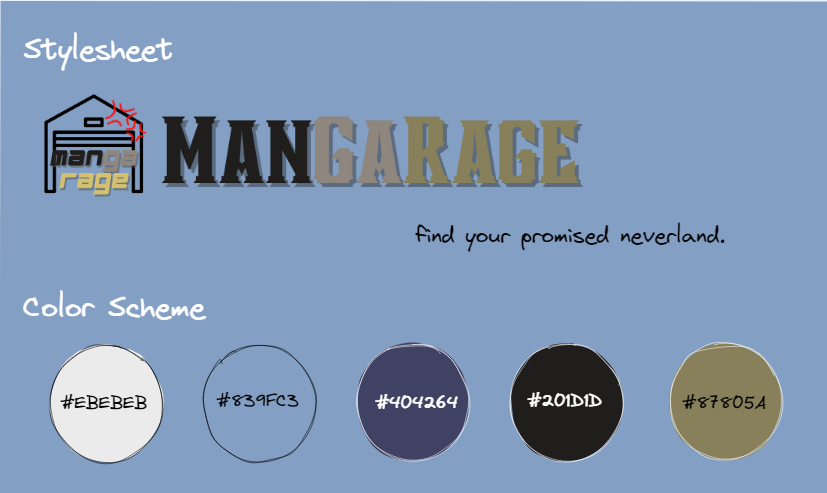
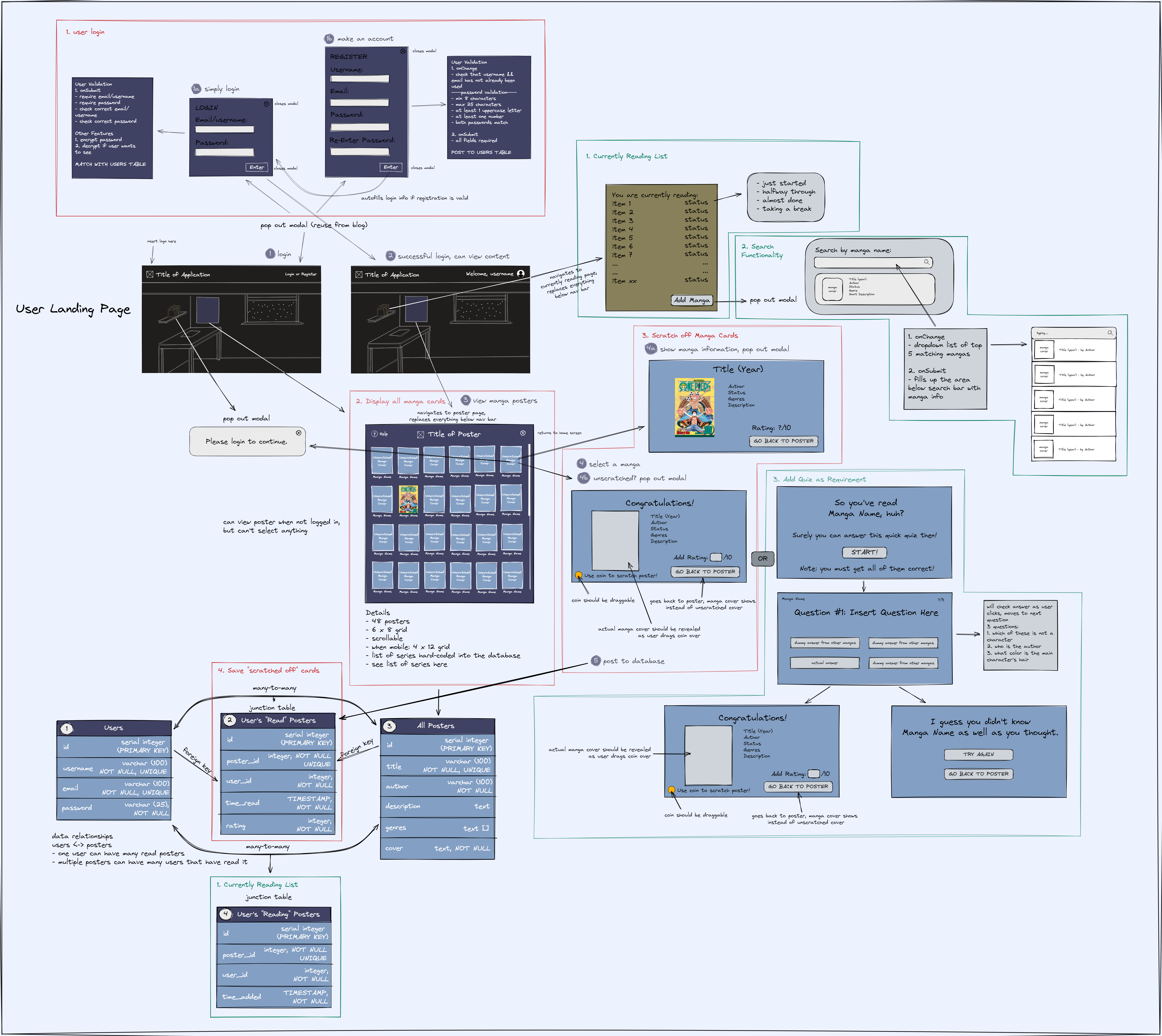
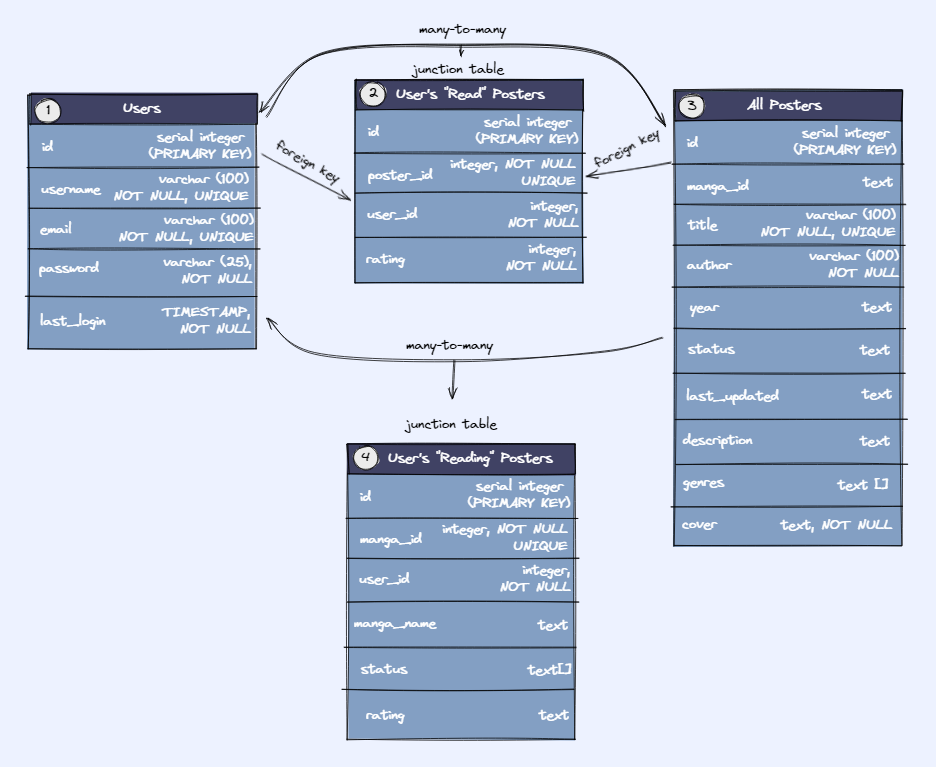
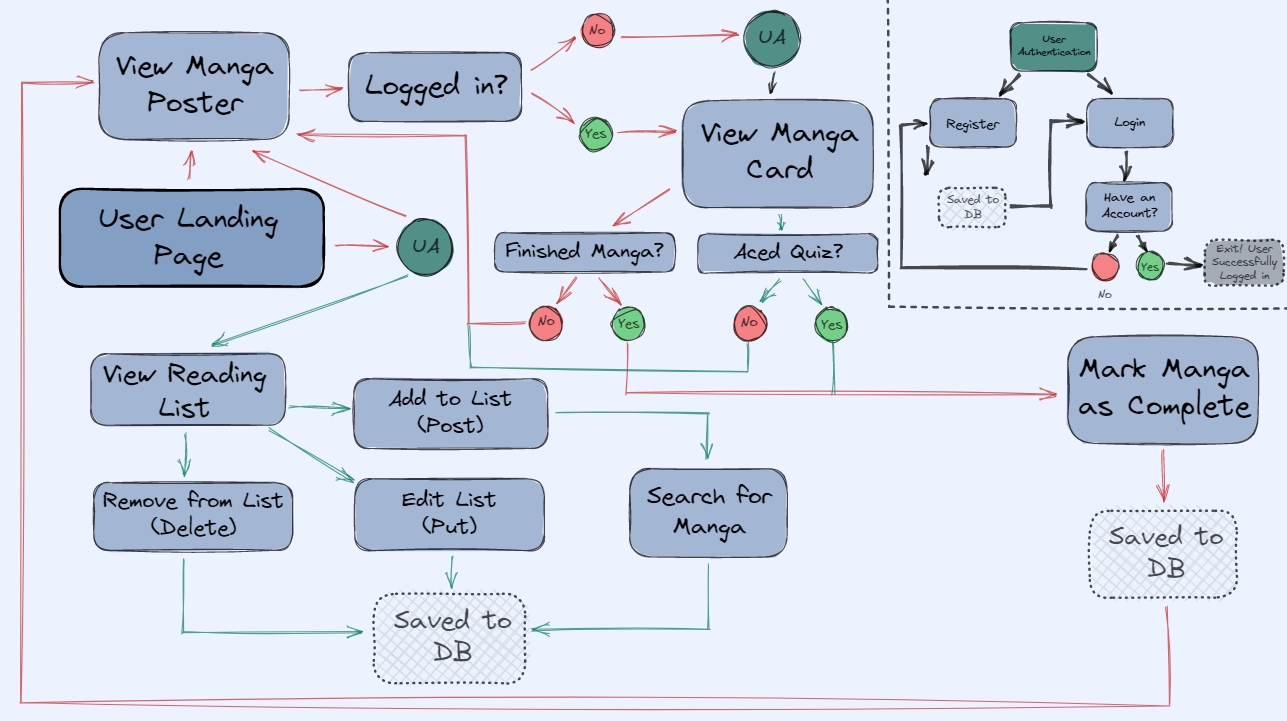
Drawing Board
Stylesheet
Wireframe
Database Tables
User Flow
Installation
This project requires Auth0! Please visit Auth0 to make an account and retrieve a domain and clientid. See .env.example for set up!
Step 1: Clone my project & switch into the project directory.
  git clone https://github.com/lsanc0043/mangarage
  cd mangarage
Step 2: Install all packages.
cd client && npm install && cd ../server && npm install
Step 3: Setup Environment Variables
- Copy the instructions from both .env.example files in the client and server.
Step 4: Connect the database and the data.
  cd server
  psql postgres -f db.sql
Step 5: Start the program!
Method 1: Have two servers running at the same time.
  cd client && npm start
  // open a new terminal
  cd server && npm start
Method 2: Have just one server running.
  cd client && npm run build
  cd server && npm run start
Note: Client server will be running on http://localhost:3000 and server will be running on http://localhost:4020.
Mock Users
Note: this is for the deployed site.
- User that has read no mangas
  username: test
  password: TestPass1
- User that has a lot of manga read (checked off on poster)
  username: bookworm
  password: BookWorm1
- User that has a lot of manga in their reading list
  username: avidreader
  password: AvidReader1
Future Development
- Optimize media queries for mobile page
- Add a user favorites list
- Allow user to sort the reading list by rating or status!
- Add a calendar to track manga chapter release dates
Acknowledgements
I would like to thank the Techtonica staff and my fellow cohort for being the light to guide me through. Thank you to my mentor, Michael St. Clair for helping me when I was down. Finally, a special shoutout to Alma and Meia for keeping me grounded.