README.md
August 14, 2026 · View on GitHub

A Game Boy & Game Boy Color emulator written in Rust.



oxGBC (oxide + Game Boy Color) is built around a single portable emulation core powering Windows, macOS, Linux, Android, and WebAssembly. It aims for high accuracy through sub-instruction CPU timing and dot-level PPU emulation while providing modern features such as save states, rewind, shaders, and configurable controls.
The emulator passes a wide range of community test suites and is continuously validated against them in CI, including Blargg, Mooneye, SameSuite, DMG-acid2, CGB-acid2, CGB-acid-hell, and Magen.
Screenshots
| Shelf | List | Carousel | Cartridge |
|---|---|---|---|
 |  |  |  |
| Pause | Save states | Settings | Key bindings |
|---|---|---|---|
 |  |  |  |
Demos
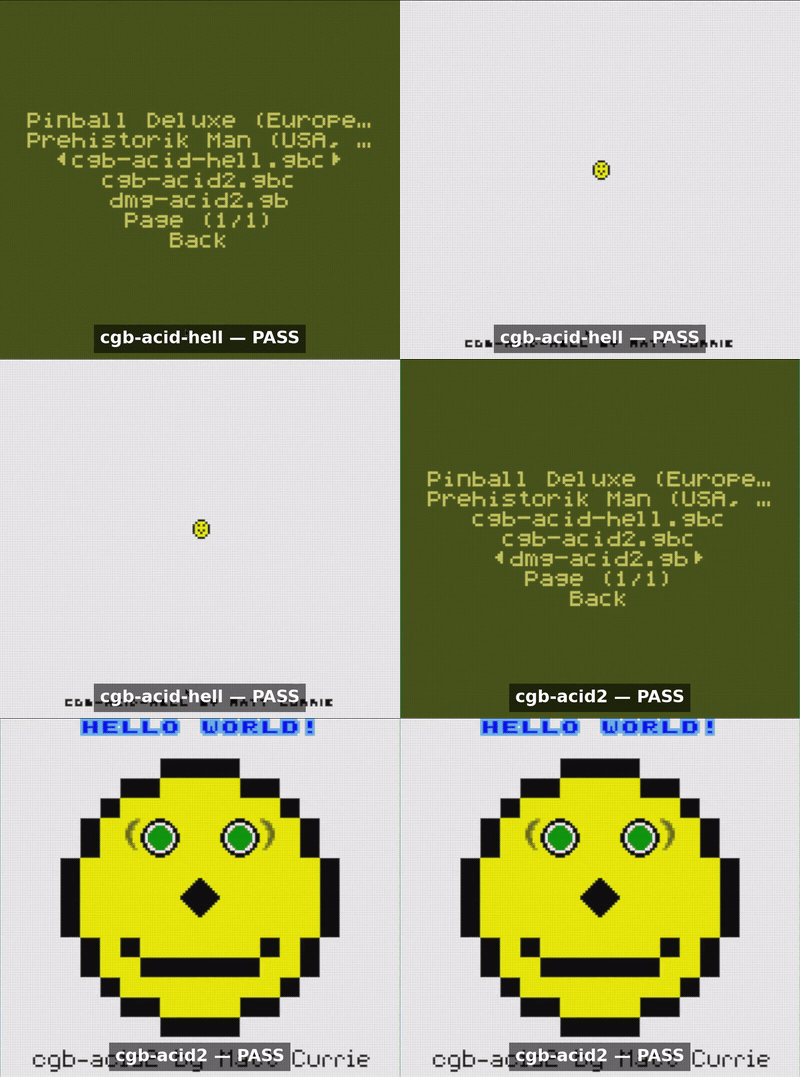
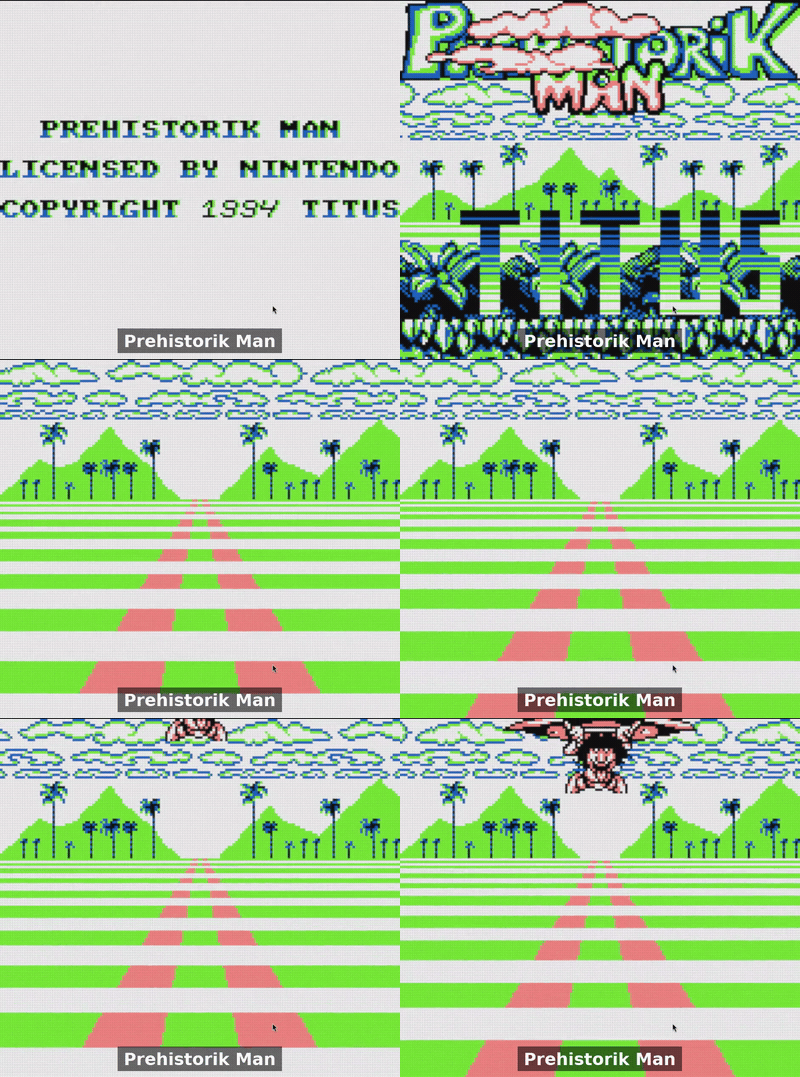
Features
Gameplay
- Save States — Multiple save slots with optional automatic save and restore
- Rewind — Configurable rewind for undoing gameplay actions
- Speed Control — Adjustable emulation speed with configurable Slow and Turbo modes
- Custom Controls — Rebindable controls for keyboard and gamepad with support for button combinations
Video & Rendering
- Shader Support — Optional OpenGL backend with custom GLSL shaders.
- Visual Filters — Grid, subpixel, scanline, dot-matrix, and vignette effects
- Frame Blending — Configurable LCD ghosting simulation with multiple blending modes
- Palettes — Multiple built-in palettes with support for user-defined palettes via
palettes.json
Interface & Tooling
- GUI & Configuration — Full graphical configuration with optional manual editing of
config.json - File Browser — Browse and launch ROMs directly from the emulator
- ROM Library — Automatic ROM directory scanning with menu-based launching
- WebAssembly Build — Runs entirely in the browser with no installation required
- Tile Viewer — Real-time inspection of background and sprite tiles (SDL2 renderer)
Emulation
- CPU — Sharp LR35902 with sub-instruction timing
- PPU — Dot-level LCD controller emulation synchronized with the CPU
- APU — All four Game Boy audio channels
- Cartridge Hardware — MBC0, MBC1, MBC1M, MBC2, MBC3, and MBC5
- Real-Time Clock — Battery-backed MBC3 RTC
- Battery-backed SRAM — Persistent cartridge save data
🎮 Controls
Every binding is customizable from the in-app settings menu (or by editing
config.json), for both keyboard and gamepad.
Default control mappings (click to expand)
| Action | ⌨️ Keyboard | 🎮 Gamepad |
|---|---|---|
| D-pad Up | Arrow Up | D-pad Up |
| D-pad Down | Arrow Down | D-pad Down |
| D-pad Left | Arrow Left | D-pad Left |
| D-pad Right | Arrow Right | D-pad Right |
| B | Z | B |
| A | X | A |
| Start | Enter or S | Start |
| Select | Backspace or A | Select |
| Rewind (hold) | R | Y |
| Turbo mode (hold) | Tab | RB |
| Slow mode (hold) | Space | LB |
| Main menu | Esc or Q | Select + Start |
| Screen scale Up and Down | + (Equals) and - (Minus) | |
| Fullscreen Toggle | F11 | |
| Mute audio | M | |
| Invert palette | I | Select + X |
| Next palette | P | X |
| Load save state (1–4) | F1–F4 | RT or Select + RB |
| Create save state (1–9) | 1–9 | LT or Select + LB |
| Volume Up and Down | PageUp and PageDown | Start + D-pad Up and Start + D-pad Down |
| Prev and Next Save State Slot | Start + D-pad Right and Start + D-pad Left | |
| Prev and Next Shader | [ and ] | Select + B and Select + A |
| Pause/Stepping mode | F5 | |
| Step frame | F6 | |
| Step scanline | F7 | |
| Clear screen | F10 | |
| Toggle debugger (In debug build) | ~ |
📦 Installing
Grab the latest build for your platform — Windows, macOS, Linux (x86-64 and ARM for retro handhelds), or Android — from the Releases page, or play online with nothing to install.
macOS first launch
Because the app is only ad-hoc signed (no paid Apple Developer ID), Gatekeeper blocks the first launch with an "unidentified developer" warning. To open it:
- macOS 15 (Sequoia) and later: go to System Settings → Privacy & Security, scroll to the message about oxGBC, and click Open Anyway.
- macOS 14 (Sonoma) and earlier: right-click oxGBC → Open → Open.
Or clear the quarantine flag from a terminal (works on every version):
xattr -dr com.apple.quarantine /Applications/oxGBC.app
🛠️ Building
First, make sure you have Rust installed. If you don't, install it with:
curl --proto '=https' --tlsv1.2 -sSf https://sh.rustup.rs | sh
Then install the SDL2 development libraries for your platform:
# Arch Linux
sudo pacman -S sdl2

# Debian / Ubuntu
sudo apt install libsdl2-dev

# Fedora
sudo dnf install SDL2-devel

# macOS (Homebrew)
brew install sdl2
No system SDL2 (e.g. Windows)? Compile it from source with the bundled feature:
cargo build --release -p desktop --features sdl2-bundled
After that, build the release binary:
cargo build --release
Running
Launch with a ROM:
cargo run --release -p desktop -- path/to/game.gb
Or run without arguments and use the built-in file browser / ROM scanner to pick a game from the GUI:
cargo run --release -p desktop
Support the project ⭐
Bug reports, and feature requests are welcome. If a game misbehaves, please open an issue with the ROM title and what went wrong — accuracy reports are especially valuable.
If you find the project useful, please give it a star on GitHub. It helps others discover it and keeps development going.
License
This project is licensed under the terms of the GNU General Public License v3.0 (GPLv3). See the LICENSE file for the full text.
References
Here are some useful resources for Game Boy development and emulation:
- Game Boy Complete Technical Reference
- Gekkio's Complete Technical Reference
- Game Boy CPU Opcodes
- Gbops, an accurate opcode table for the Game Boy
- RGBDS GBZ80 Assembly Documentation
- A curated list of Game Boy development resources
Acknowledgments
This project was possible because of homebrew and emulation community. Huge thanks to everyone who wrote the documentation and test suites that make accurate emulation possible.
Test suites — bundled in roms/:
- SM83 tests — single-step CPU instruction tests
- Blargg's test ROMs — CPU, timing, and APU accuracy
- Mooneye test suite — timing and hardware-behavior tests
- SameSuite — APU and edge-case hardware tests
- GBMicrotest — fine-grained timing microtests
- dmg-acid2 — PPU rendering (DMG)
- cgb-acid2 — PPU rendering (CGB)
- cgb-acid-hell — advanced mid-frame PPU rendering (CGB)
- Mealybug Tearoom tests — mid-scanline PPU rendering
- MagenTests — PPU rendering (DMG and CGB)
- rtc3test — MBC3 real-time-clock tests
Many of these are packaged through c-sp's game-boy-test-roms collection.
Code & assets:
- SameBoy — used as a reference for cross-checking behavior (especially the APU), and the source of the shaders (modified for GLES compatibility)
The web demo also bundles open-source homebrew games and test ROMs — see ROM credits & licenses.