PICOKIT-13 DHT11 LCD
September 25, 2026 · View on GitHub
FREE Reverse Engineering Self-Study Course HERE
FREE Embedded Hacking Course HERE
PICOKIT-13 DHT11 LCD
DHT11 Reading on the 1602 I2C LCD and Authenticated Heartbeat
Lesson 13 of the Picokit Series
LEGAL DISCLAIMER: The information, tools, and code provided in this repository and course are strictly for educational, research, and defensive purposes only.
You are explicitly prohibited from using any materials contained herein to access, test, modify, or exploit any device, network, or system that you do not own 100% or for which you do not have explicit, documented, and legally binding authorization to interact with.
By using this repository and course, you acknowledge and agree that:
- Any illegal, unauthorized, or malicious use of this information is solely your responsibility.
- The author(s) and contributor(s) of this repository and course shall not be held liable for any damages, legal repercussions, criminal charges, or unauthorized actions resulting from the use, misuse, or abuse of the contents herein.
- You will comply with all applicable local, state, national, and international laws regarding cybersecurity and computer fraud.
IF YOU DO NOT AGREE WITH THESE TERMS, DO NOT USE THIS REPOSITORY AND COURSE.
Overview
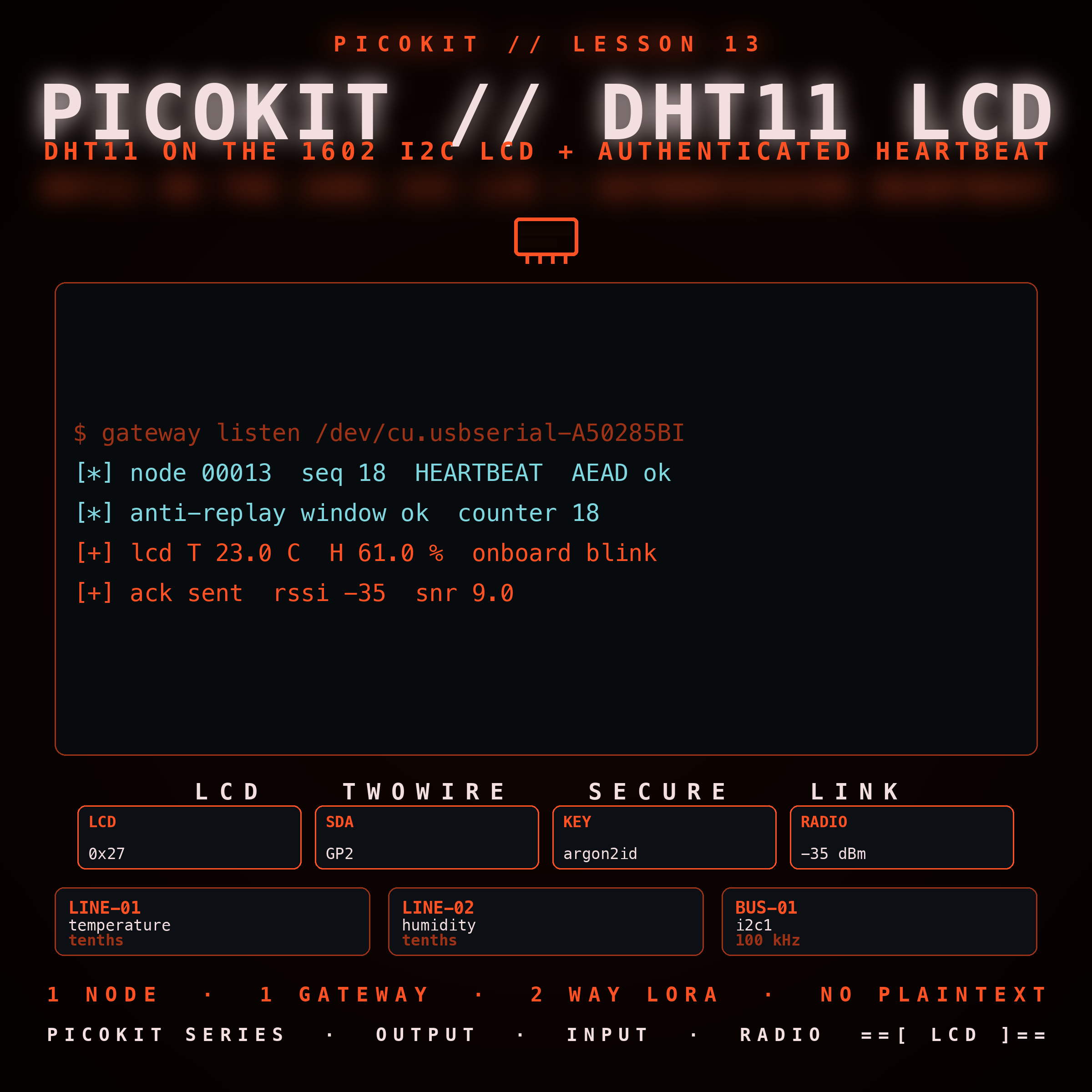
The thirteenth Picokit lesson. The node reads a DHT11 temperature and humidity sensor on GP4 every two seconds, renders the reading on a 1602 I2C LCD at address 0x27, and every five seconds it transmits an authenticated heartbeat over LoRa to a Python gateway that logs and displays it. It reuses the standard node shape and pairs the one-wire decoder with the HD44780 display driver.
What it teaches
- Driving the DHT11 one-wire protocol and validating the response checksum.
- Bringing up a 1602 LCD over the PCF8574 I2C backpack in 4-bit mode.
- Sealing a tiny JSON body with Argon2id and XChaCha20-Poly1305 and sending it with an AT+SEND over the RYLR998.
- The gateway side: receive, authenticate, reject, log, and display.
Hardware
| Peripheral | Pico 2 pin | Role |
|---|---|---|
| DHT11 data | GP4 | temperature and humidity input |
| 1602 LCD SDA | GP2 | I2C1 SDA |
| 1602 LCD SCL | GP3 | I2C1 SCL |
| Onboard LED | GP25 | heartbeat, one blink per transmit |
| RYLR998 | GP8 TX / GP9 RX | LoRa heartbeat |
| Debug Probe | SWCLK/SWDIO/GND, GP0/GP1 | SWD and the console |
How it works
The node runs monitor_step in a loop. Every two seconds it samples the
DHT11 on GP4, renders the temperature and humidity on the 1602 LCD, and
every 5 seconds it seals {"n":13,"s":<seq>,"t":<tenths>,"h":<tenths>}
with the field key and sends it over LoRa. The gateway authenticates each
frame and only then parses it.
Build and flash
cd firmware
cmake -S . -B build -G Ninja -DPICO_BOARD=pico2 -DPICO_PLATFORM=rp2350-arm-s
cmake --build build
openocd -f interface/cmsis-dap.cfg -f target/rp2350.cfg \
  -c "program build/picokit_13_dht11_lcd.elf verify reset exit"
Watch the node
Open the console at 115200 and reset:
BOOT
I2C scan:
  found 0x27
=== PICOKIT-13 DHT11 LCD // DHT11 + 1602 LCD + HEARTBEAT ===
DHT t=230 h=610
DHT t=231 h=608
RX from 0x0001, N bytes
The gateway
cd gateway
python3 -m venv .venv && source .venv/bin/activate
pip install -r requirements.txt
python3 listen.py --port /dev/cu.usbserial-A50285BI --hub 0001 --network 18 --db gateway.db
It prints OK node=13 rssi=... per authenticated heartbeat. The terminal
dashboard python3 tui.py --db gateway.db and the web dashboard
python3 web/app.py --db gateway.db show the same rows.
Verify
python3 .opencode/skill/embedded-c-standard/audit_c_standard.py
python3 .opencode/skill/embedded-python-standard/audit_python_standard.py
python3 .opencode/skill/iot-readme-standard/validate_readme.py
python3 .opencode/skill/iot-banner-standard/validate_banner.py
python3 scripts/run_tests.py
python3 scripts/check_coverage.py