Intl-T
August 8, 2026 · View on GitHub
A Fully-Typed Object-Based i18n Translation Library.



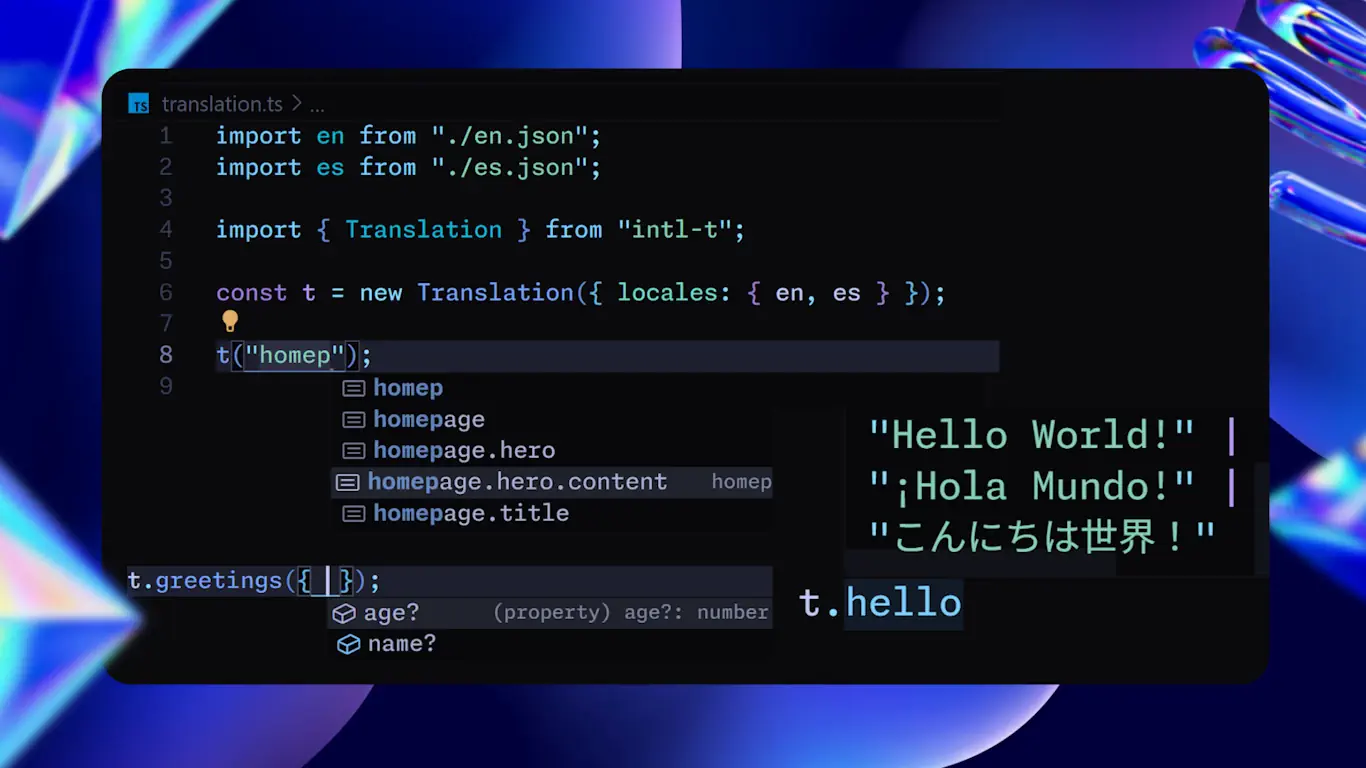
Fully-Typed Node-Based i18n Translation Library.
Intl T, International Tree, International Translations, International T Object, Internationalization for TypeScript, International T
Features
- 🌲 Node-based translations, the tree is the API:
t.page.section.title - 🎯 Fully-typed and type-safe translation keys, values and all sub-nodes
- 🚚 Supports JSON files and dynamic remote imports on demand
- 🪄 Flexible and familiar drop-in syntax integrating all the best parts of other i18n libraries
- 🧩 ICU message format support and extended for complex and nested formatting
- ⚛️ React components injections out of the box with typed chunks and variables
- 🚀 Supports SSR, RSC and Static Rendering with Next.js, serverless friendly
- 🔄 On-demand locale loading for lazy per-language chunks of just a few KB
- ⚙️ Modular and agnostic to any framework or library
- 📦 6kb Lightweight bundle with no dependencies, no side effects, and Tree-Shakable
Installation
npm install intl-t # or: bun add intl-t · pnpm add intl-t · yarn add intl-t
Zero external dependencies · TypeScript ≥ 5 · Node 18+, Bun, Deno, Edge & browsers
Demo
export default function Page() {
  const { t } = useTranslation("homepage");

  return (
    <main>
      <h1>{t.title}</h1>
      <span>{t("welcome", { user: "Ivan" })}</span>
      <span>{t.summary({ count: 4 })}</span>
      <ul>
        {t.features.map(t => (
          <li key={t.id}>{t}</li>
        ))}
      </ul>
      <p>{t.page1.section[0].article1.title}</p>
      <p>{t("page1.section.0").article1("title")}</p>
      <p>{t.account(UserVariables).options.change}</p>
    </main>
  );
}
View JSON source
// en.json
{
  "title": "Homepage",
  "welcome": "Welcome, {user}!", // support ICU message format
  "summary": "{count, plural, =0 {no items} one {# item} other {# items}}",
  "features": [
    "Hi {name}. This is Feature 1",
    "Hi {name}. This is Feature 2",
    "Hi {name}. This is Feature 3",
    {
      "base": "Hi {name}. This is Feature 4 with html title", // base is default text for objects
      "title": "Feature 4",
    },
  ],
  "page1": {
    "section": [
      {
        "article1": {
          "title": "Article 1",
        },
      },
    ],
  },
  "account": {
    "options": {
      "change": "Change your account settings. Your account id is {accountId}",
    },
    "values": {
      // default values for this node
      "accountId": 0,
    },
  },
  "values": {
    // default values
    "user": "World",
    "name": "{user}",
  },
}
→ Read the full Intl-T documentation
Support
If you find this project useful, consider supporting its development ☕ or leave a ⭐ on the Github Repo. Also, if you need direct support or help, please don't hesitate to contact.