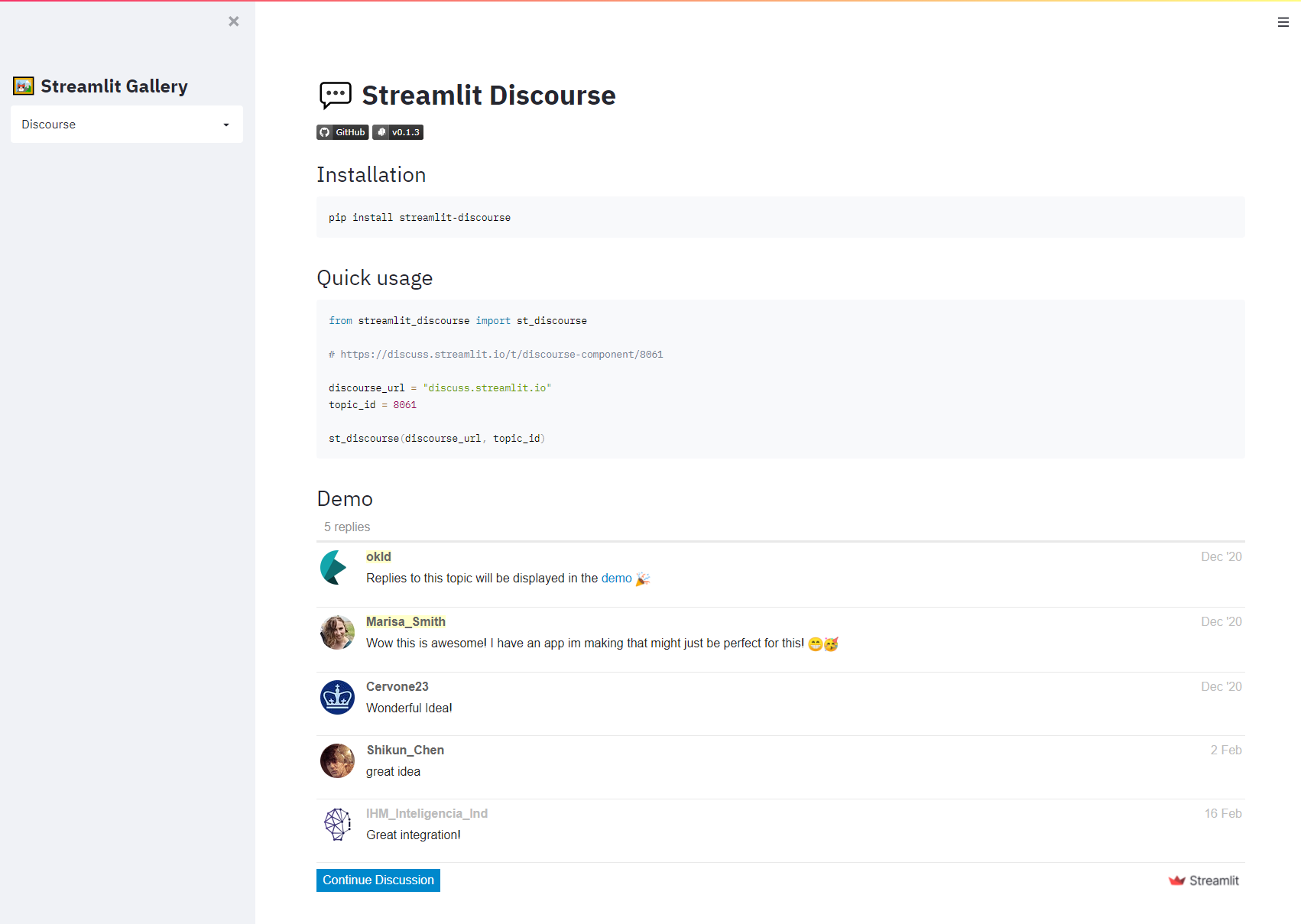
💬 Streamlit Discourse
May 24, 2021 · View on GitHub
Installation
pip install streamlit-discourse
Getting started
from streamlit_discourse import st_discourse

# https://discuss.streamlit.io/t/discourse-component/8061

discourse_url = "discuss.streamlit.io"
topic_id = 8061

st_discourse(discourse_url, topic_id)
Tutorial
Embed Streamlit topics into your Streamlit Sharing apps
Let's say you made a topic on this forum showcasing one of your apps. Now you want to integrate comments from your topic directly in it.
-
The first step is to get your Topic ID. You can find it in the URL of your topic. For instance with this URL: https://discuss.streamlit.io/t/discourse-integration/8061, the Topic ID is 8061, located at the end.
-
Now in your app, you just have to call
st_discourse("discuss.streamlit.io", 8061)
:warning: If your app is not run from share.streamlit.io, you won't be able to embed comments from discuss.streamlit.io. The same thing applies when you run your app locally, you'll get an
Embedding error.If your app is not hosted on Streamlit Sharing, please refer to the two next parts below.
Embed posts from another Discourse into your Streamlit apps
With this component, you can embed comments from other Discourse websites as well. However, those other Discourse must be configured to allow embedding for your Streamlit app domain.
For example, if you have a discourse hosted on mydiscourse.example.com, and your streamlit app on myapp.herokuapp.com, you must allow the host myapp.herokuapp.com in your discourse configuration.
For more information, please follow steps 1 to 3 described here.
Another way to embed comments into your Streamlit apps
Not everyone has its own Discourse, or has admin rights to change embedding settings.
If you're just looking for an easy way to embed comments into your apps not hosted on Streamlit Sharing, a great alternative would be to use Disqus. You can easily embed comments using this component (github).
Demo