README.md
July 16, 2026 · View on GitHub



Available for all popular platforms
Paper, Folia, Fabric, Forge, and NeoForge servers are fully compatible with both Fabric and Forge clients.
To use voice chat, players must install the client-side mod for Fabric, Forge or NeoForge. Players without the mod can still join the server and play as usual – they just won't have access to voice chat features.
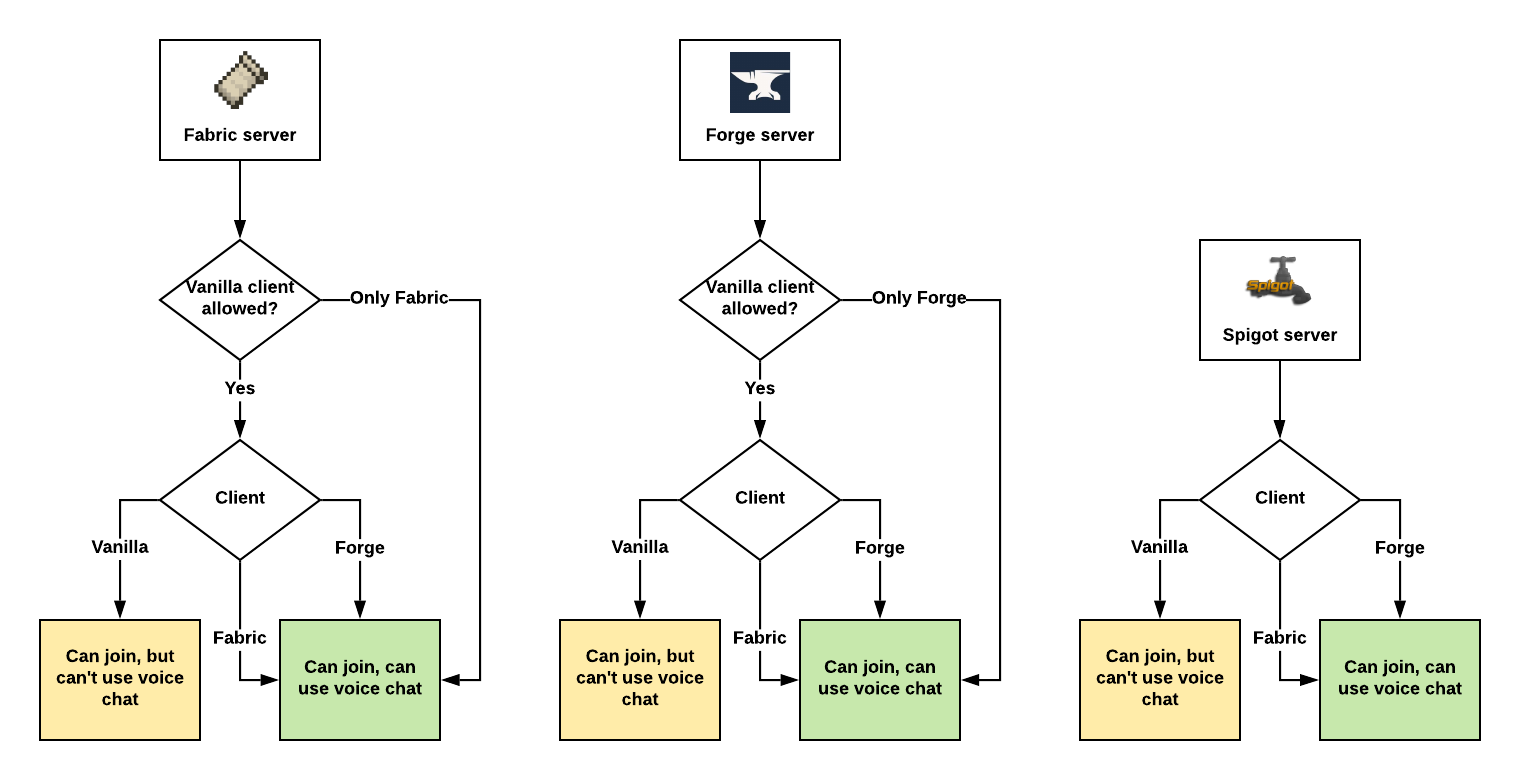
Assuming Plasmo Voice is installed on both client and the server.
Features
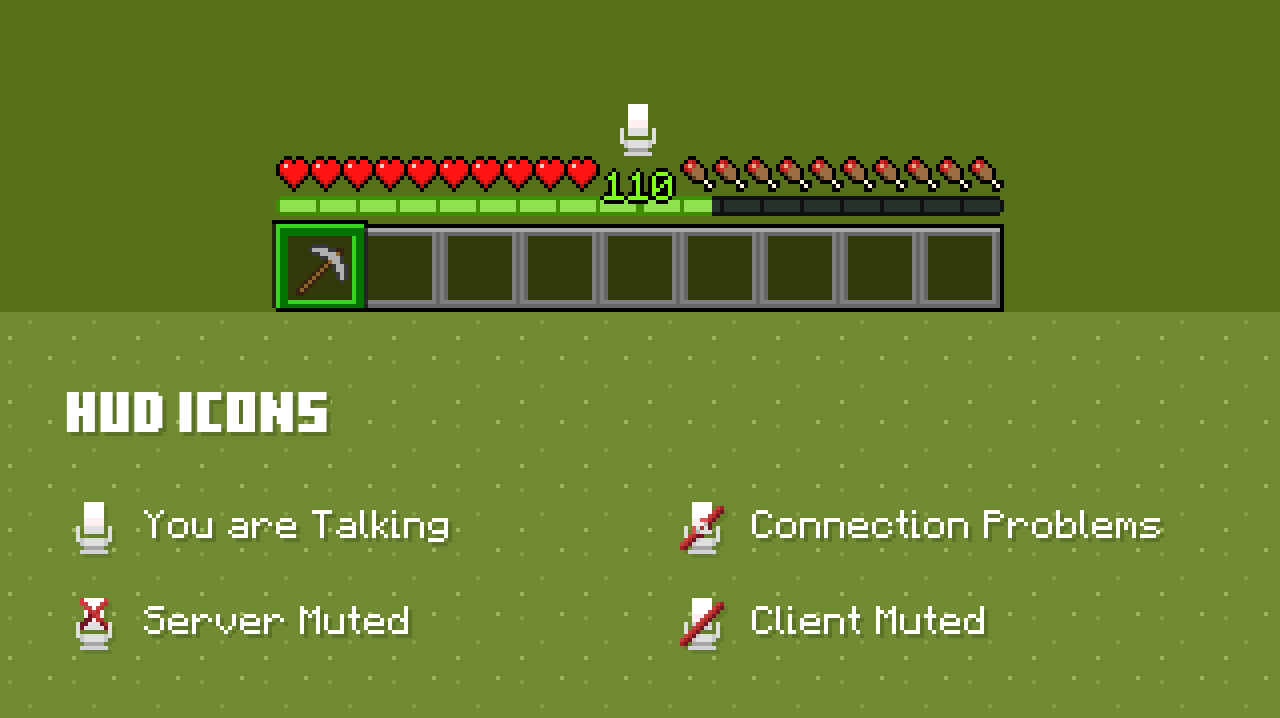
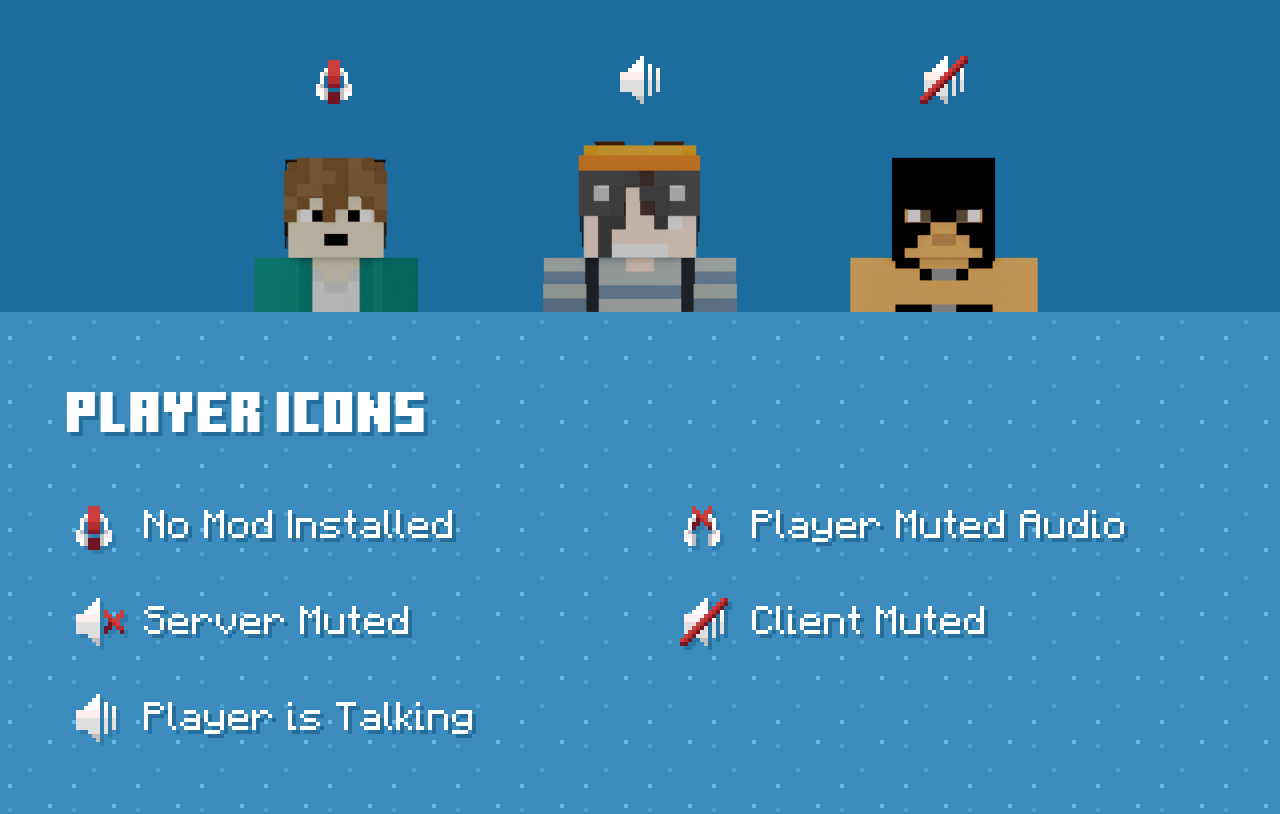
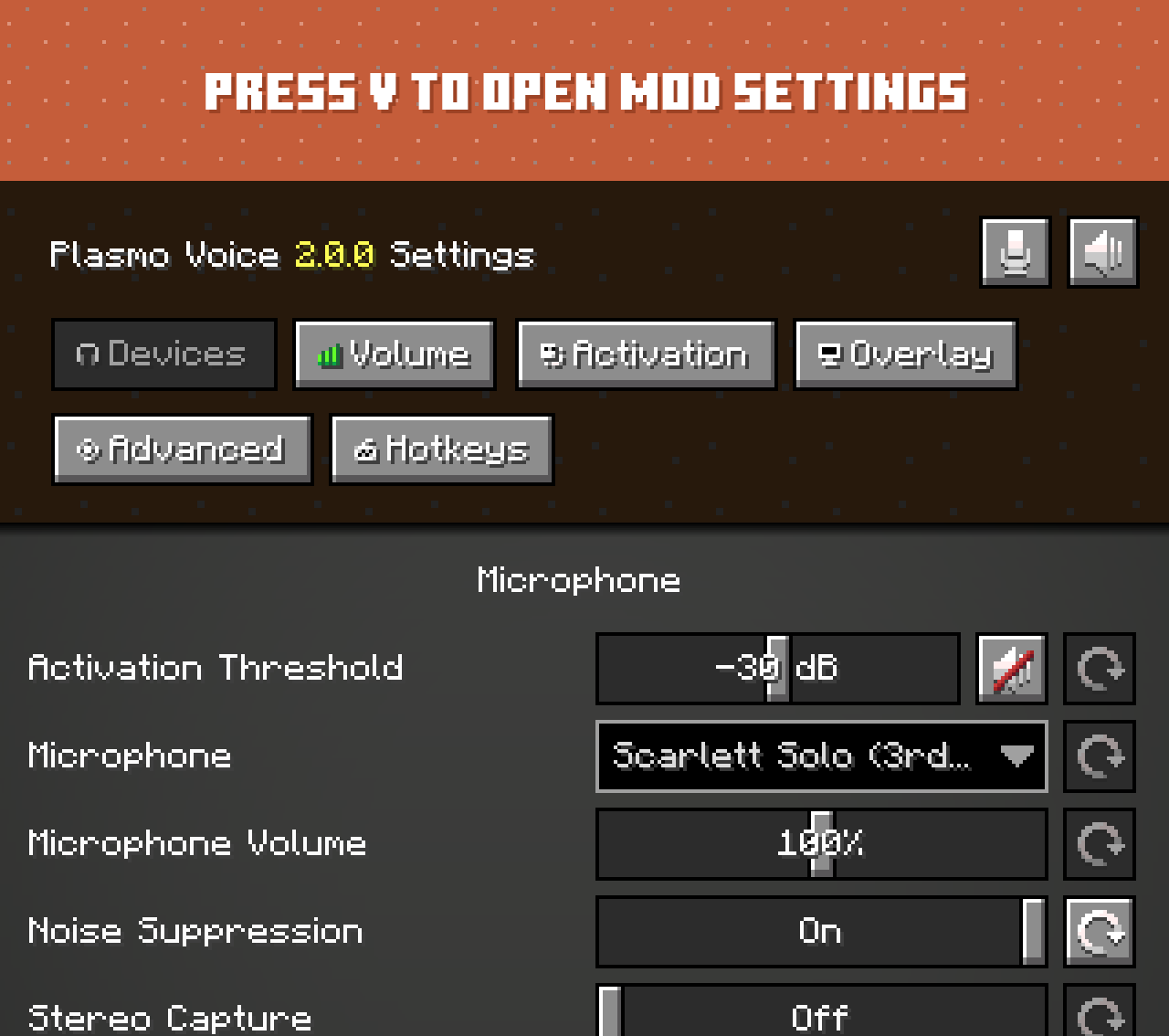
Client features
Audio Quality & Processing
- RNNoise noise reduction
- OpenAL sound engine with great 3D positioning
- Stereo audio sources
- Smooth volume transitions
Immersion & Realism
- Optional sound occlusion (muffles voices through blocks)
- Optional directional audio sources (quieter if the speaker is not facing you)
- Sound Physics Remastered compatibility with pv-addon-soundphysics
Controls & Interaction
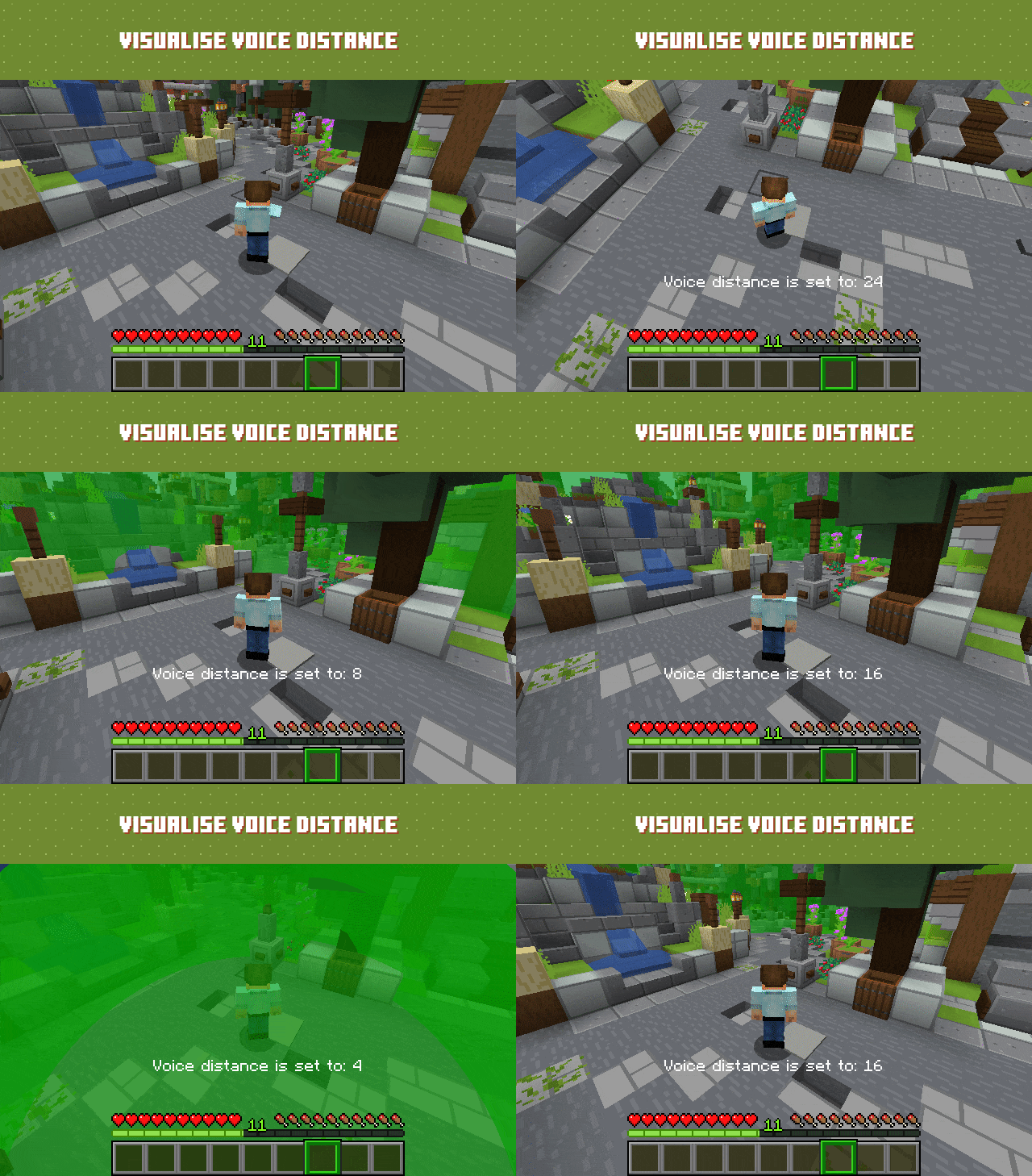
- Adjustable voice chat distance
- Choose between Push to Talk or Voice Activation
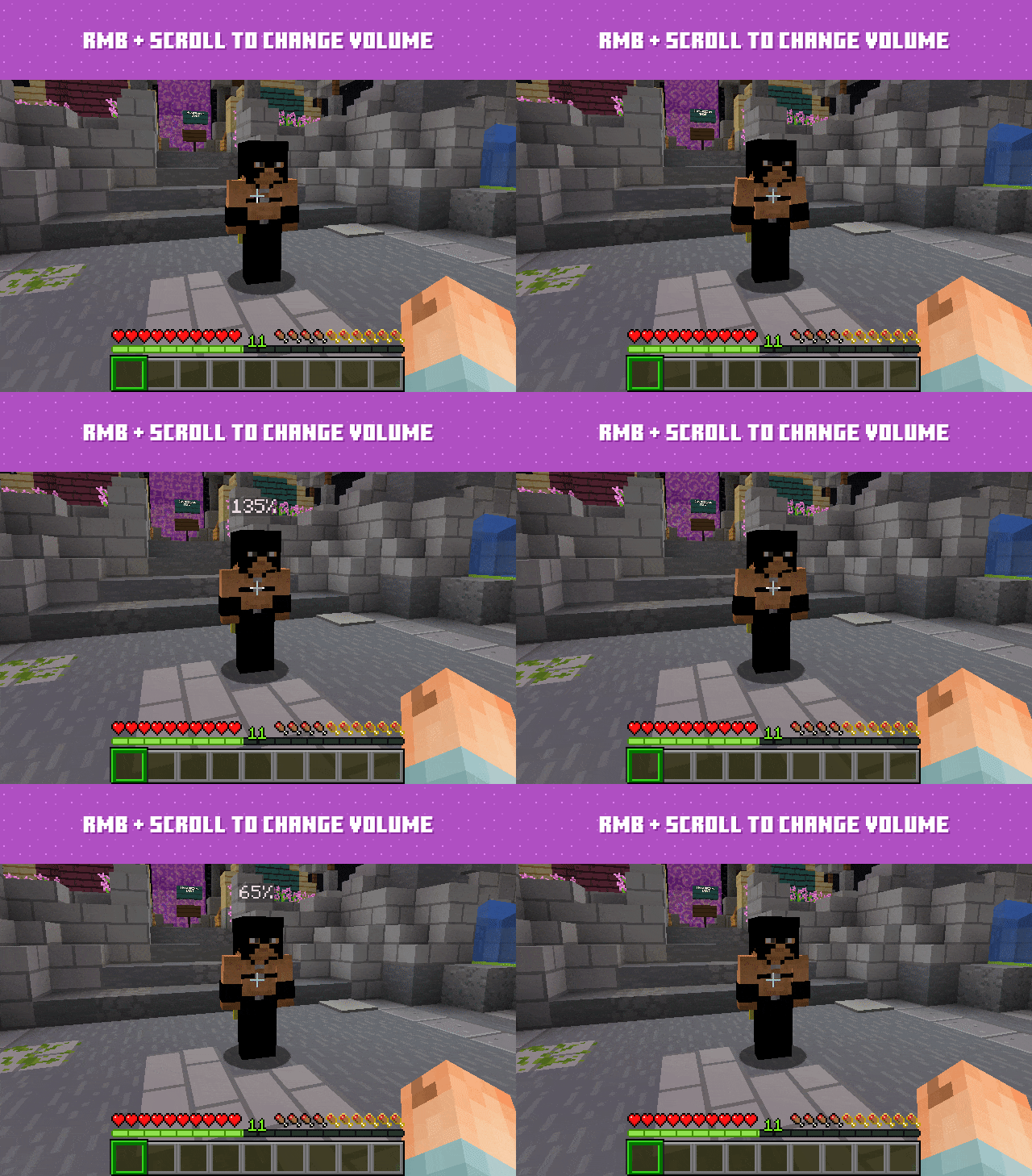
- Hold RMB while looking at a player and use the scroll wheel to adjust their volume
Devices & UI
- Select input and output audio devices
- Configurable GUI icon positions
- Toggle player icon visibility
- Discord-like in-game overlay
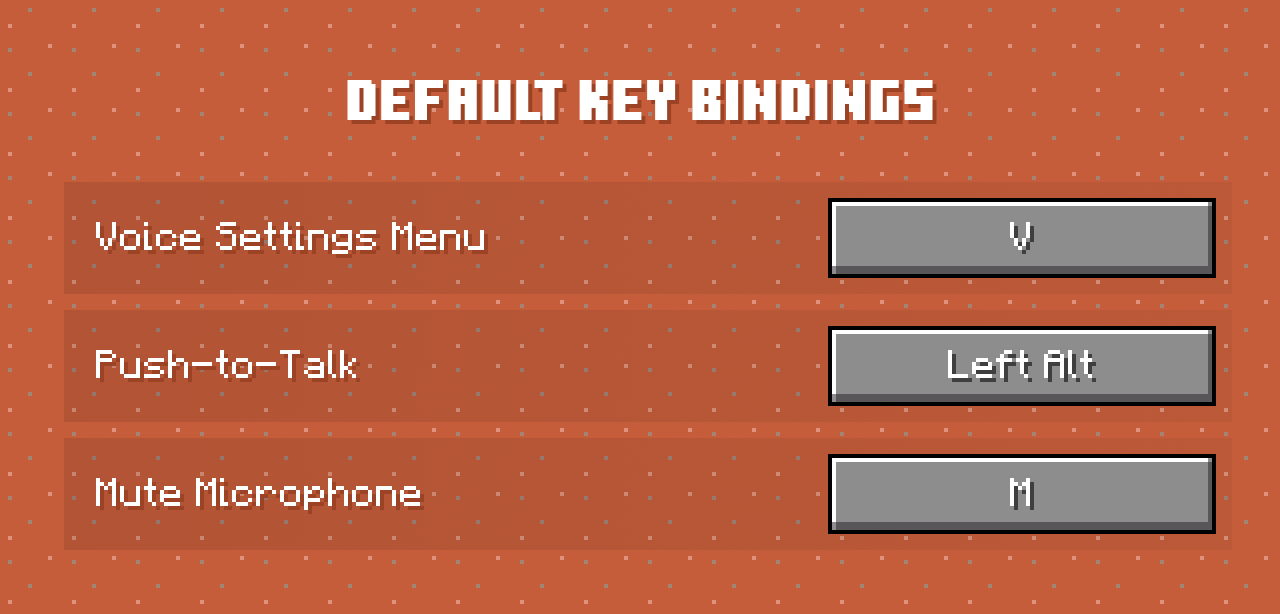
Check out voice settings by pressing V. Make sure you have the right devices selected and your microphone is
working.
Server features
Audio & Performance
- Opus codec for low bandwidth usage and high audio quality
- Configurable voice distance
Moderation & Control
- Server-side muting via chat commands
- Option to kick players without the client mod installed
- Permissions support
- Vanish support
Compatibility & Networking
- Works in singleplayer and Open to LAN
- BungeeCord and Velocity support
Integration & Extensibility
- PlaceholderAPI support
- Advanced API
Security
- Encrypted voice communication
Addons
