GitHub Readme LinkedIn
October 1, 2021 · View on GitHub

GitHub Readme LinkedIn
A serverless application to get dynamically generated images from your LinkedIn profile on your GitHub READMEs!
Usage
If you want to use this project on your GitHub profile, I recommend you fork and deploy it to your own Vercel instance and use this project from your own URLs.
Example
<img src="[YOUR_VERCEL_PROJECT_DOMAIN]/[METHOD]?username=[YOUR_LINKEDIN_USERNAME]" />
Methods
| URL | Example | Description |
|---|---|---|
/experience | [YOUR_DOMAIN]/experience?username=[YOUR_LINKEDIN_USERNAME] | Your LinkedIn experience section. |
/education | [YOUR_DOMAIN]/education?username=[YOUR_LINKEDIN_USERNAME] | Your LinkedIn education section. |
/skills | [YOUR_DOMAIN]/skills?username=[YOUR_LINKEDIN_USERNAME] | Your LinkedIn skills section. |
/languages | [YOUR_DOMAIN]/languages?username=[YOUR_LINKEDIN_USERNAME] | Your LinkedIn languages section. |
/user | [YOUR_DOMAIN]/user?username=[YOUR_LINKEDIN_USERNAME] | Your Fullname, Headline and Location. |
Parameters
| Name | Example | Description | Required |
|---|---|---|---|
| username | ?username=[YOUR_LINKEDIN_USERNAME] | Your LinkedIn username. | YES |
| limit | ?username=[YOUR_LINKEDIN_USERNAME]&limit=10 | Count of the lists items. | NO |
Deploy your own
You can deploy and use this project without any errors on your own Vercel instance by the following steps:
Guide on setting up Vercel 🔨
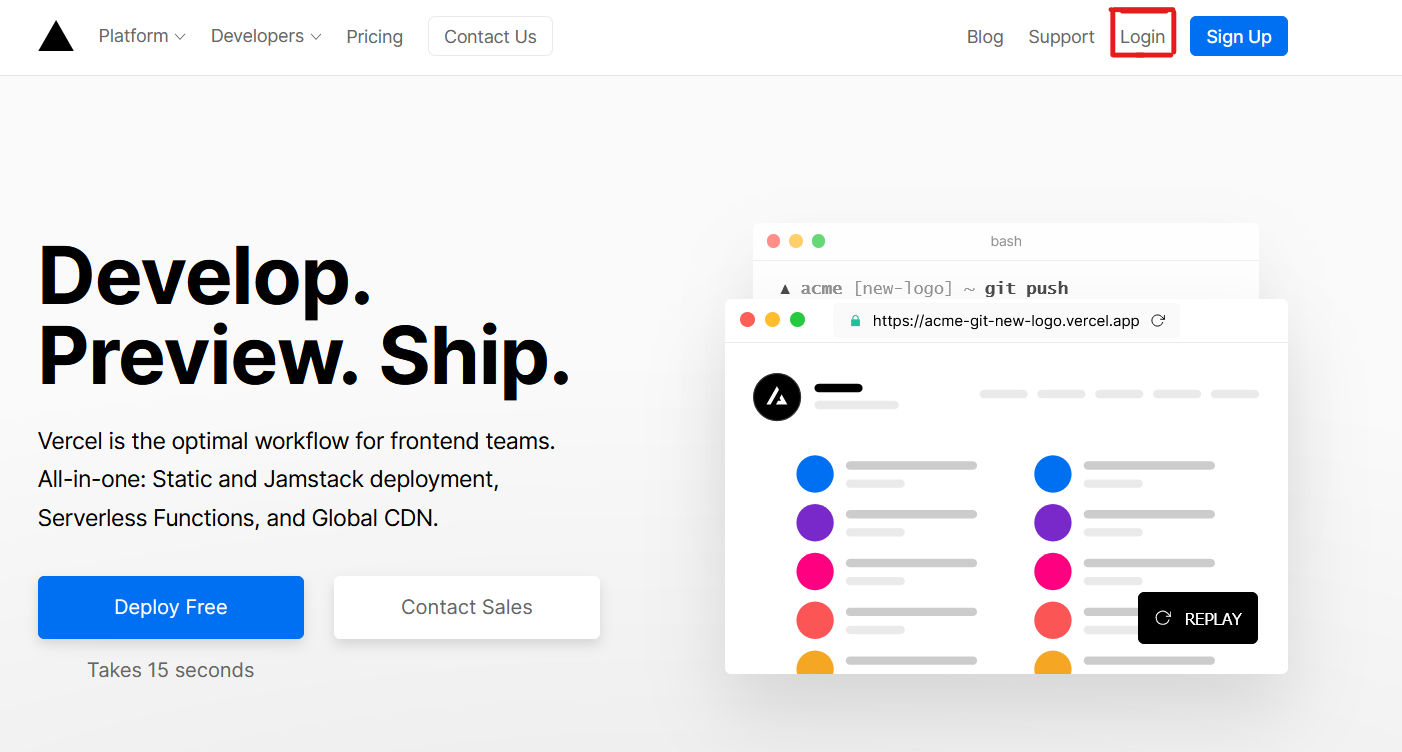
- Go to vercel.com
- Click on
Login
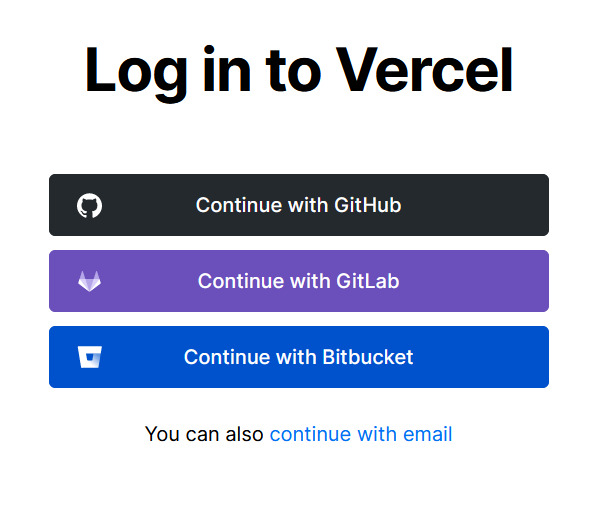
- Sign in with GitHub by pressing
Continue with GitHub
- Sign into GitHub and allow access to all repositories, if prompted
- Fork this repo
- Go back to your Vercel dashboard
- Select
Import Project

- Select
Import a Git Repository

- Select root and keep everything as is, just place your LinkedIn cookie called
li_atas your environment variable namedLINKEDIN_TOKENand clickDeploy
- You're good to go. See your domains to use the API!