README.md
November 17, 2023 · View on GitHub
Operator Mono Themes
Contains 4 Themes:
- Dark Theme
- Dark Modern Theme
- Light Theme
- Light Modern Theme
You need to install this Font (which you can see on screenshots below). Or you can install your own font with regular and italic presets.
After font installation you need to set vscode setting to
"editor.fontFamily": "Operator Mono, Consolas, 'Courier New', monospace"
Theme Installing
Launch VS Code Quick Open (Ctrl+P), paste the following command, and press enter.
ext install operatormonodarktheme
Screenshots
JavaScript
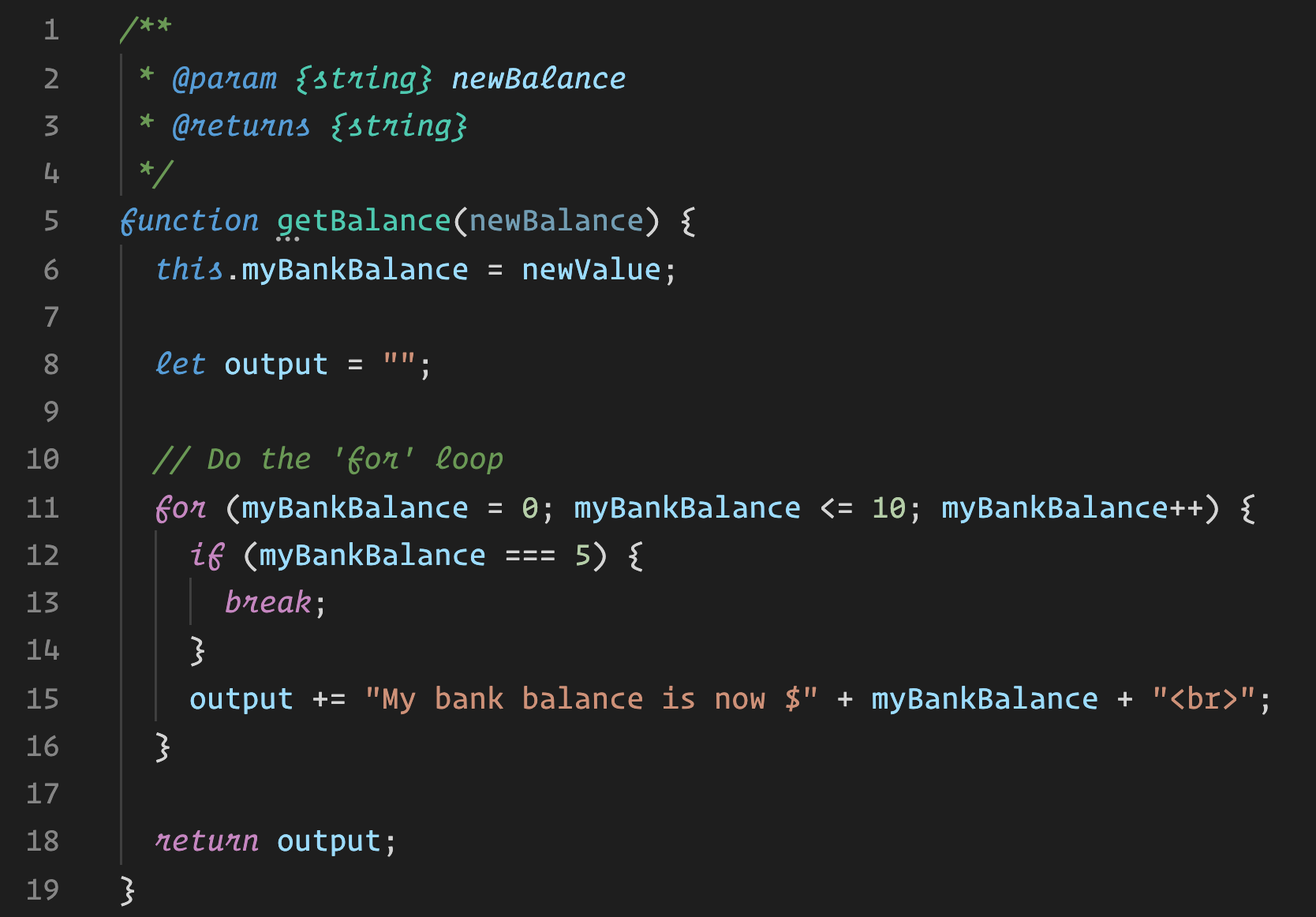
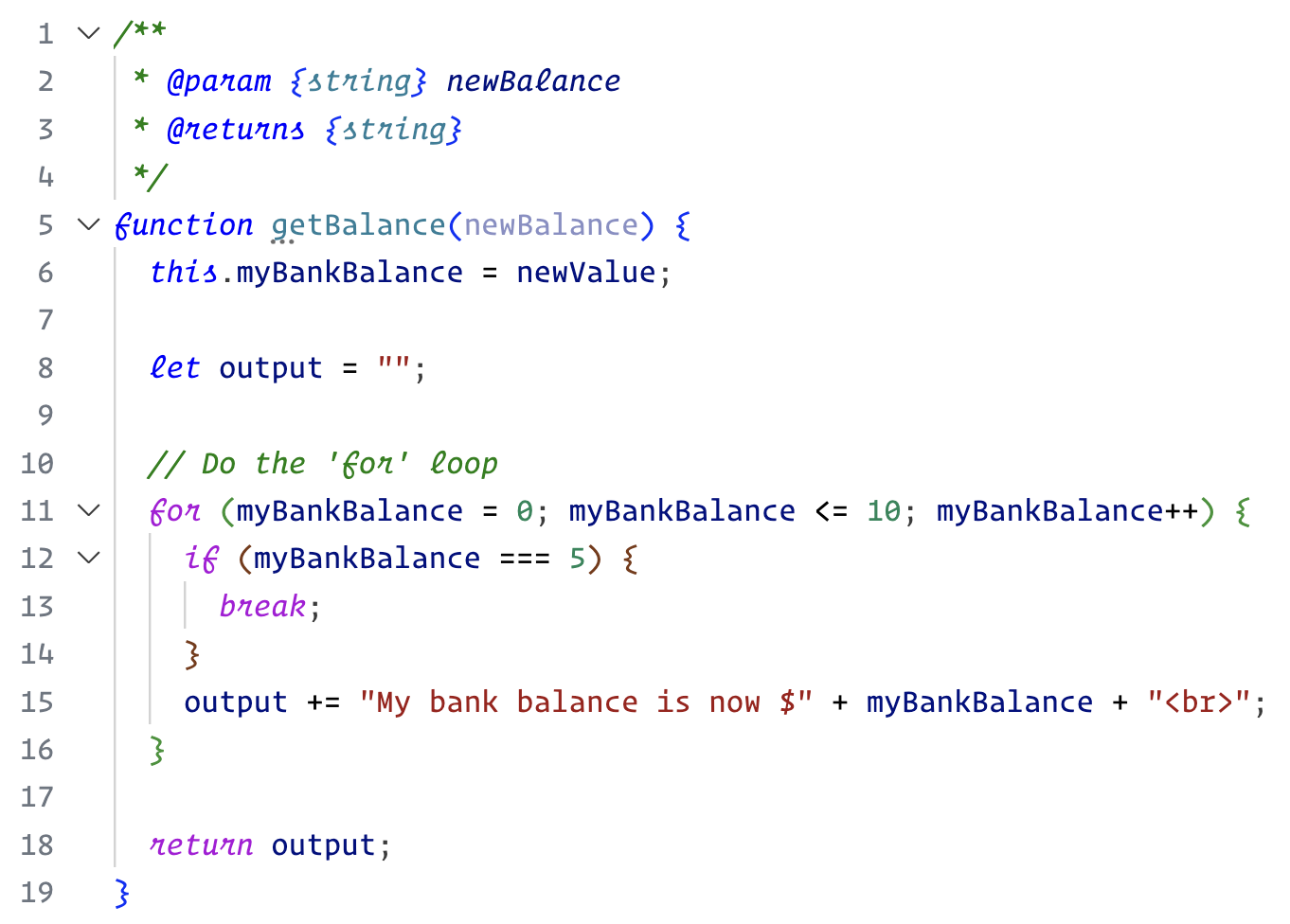
TypeScript
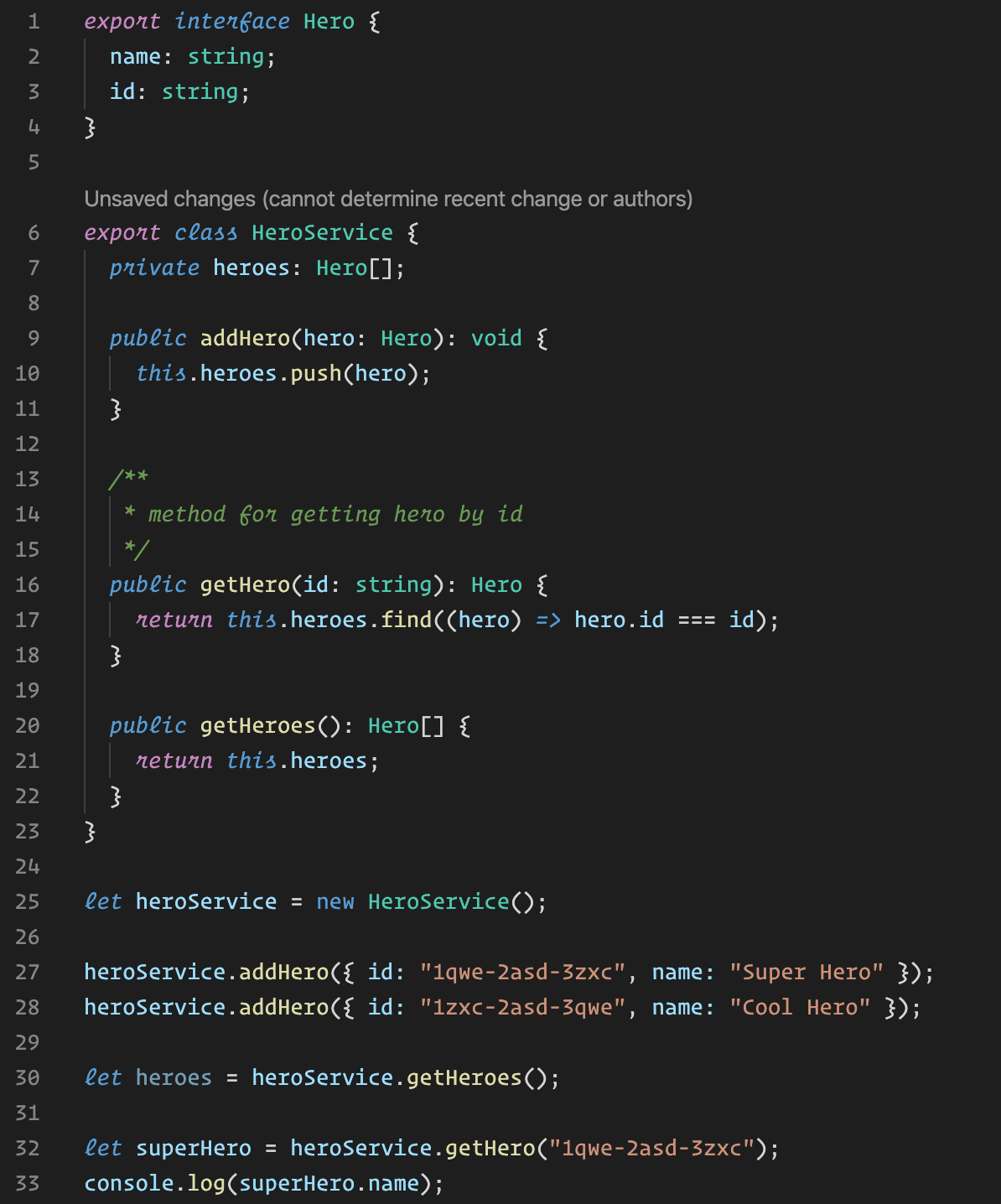
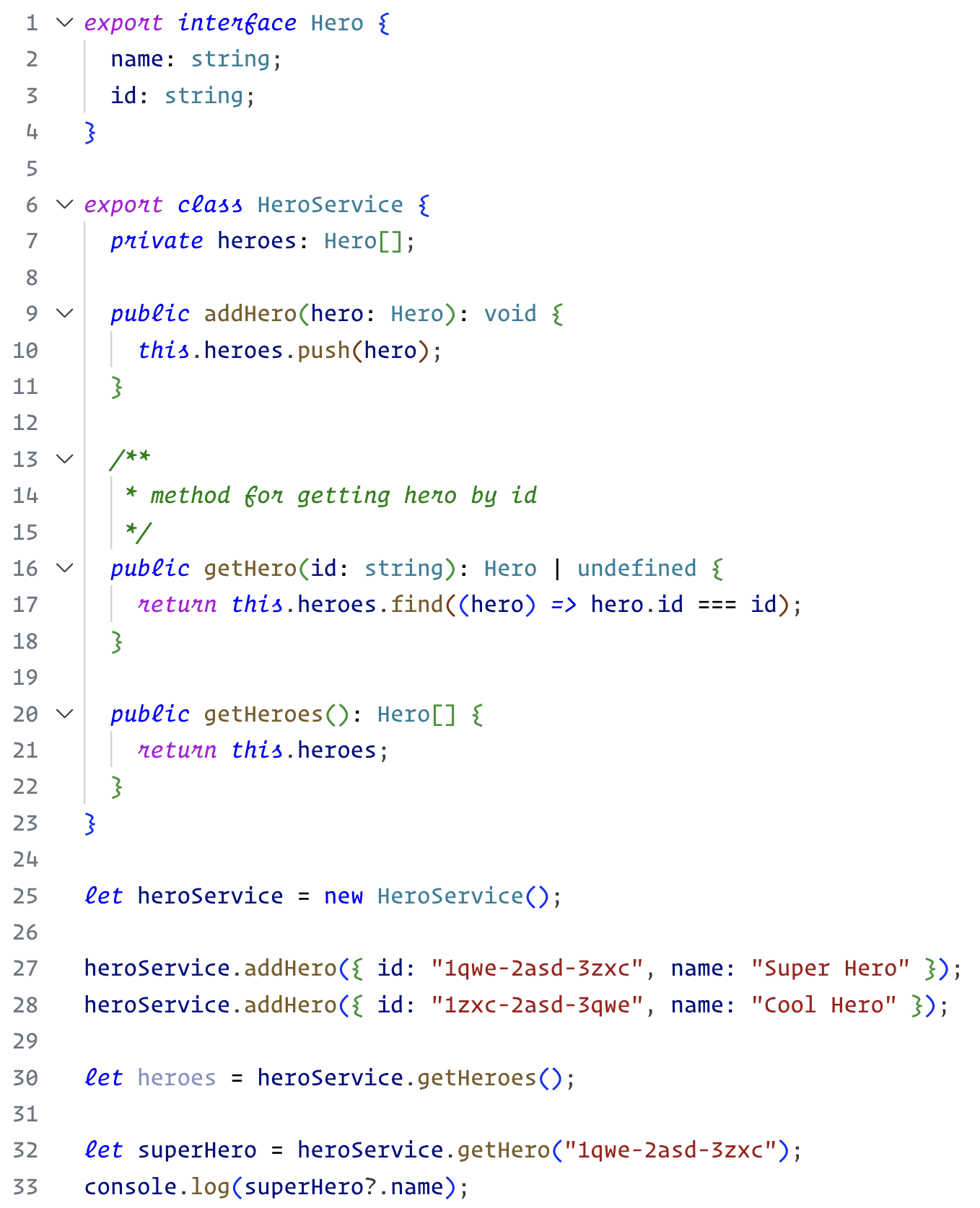
HTML
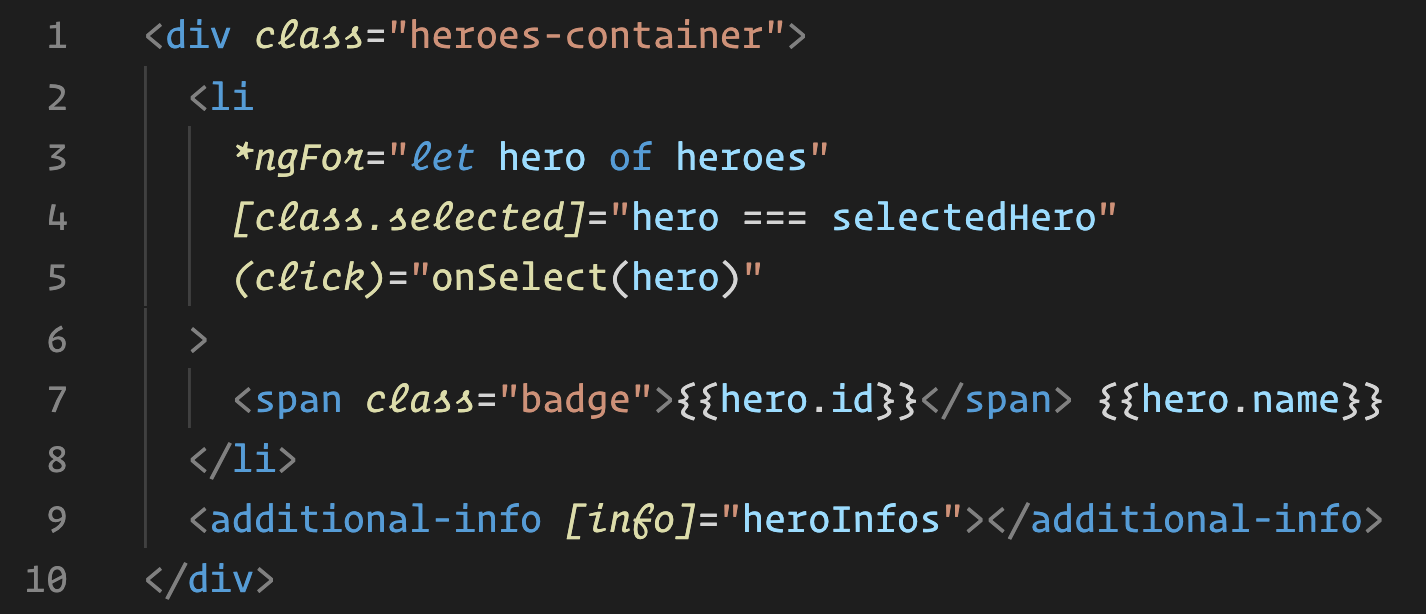
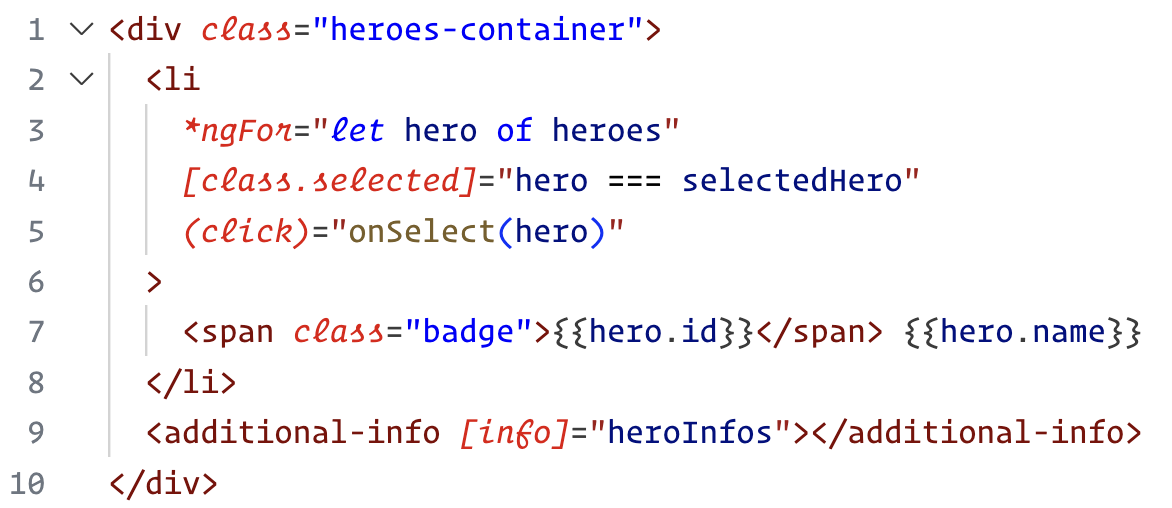
Repository
https://github.com/vharadkou/OperatorMonoDarkTheme
Original Theme
https://github.com/microsoft/vscode/blob/main/extensions/theme-defaults/themes