README.md
May 27, 2026 · View on GitHub

English | 简体中文 | 日本語 | Español
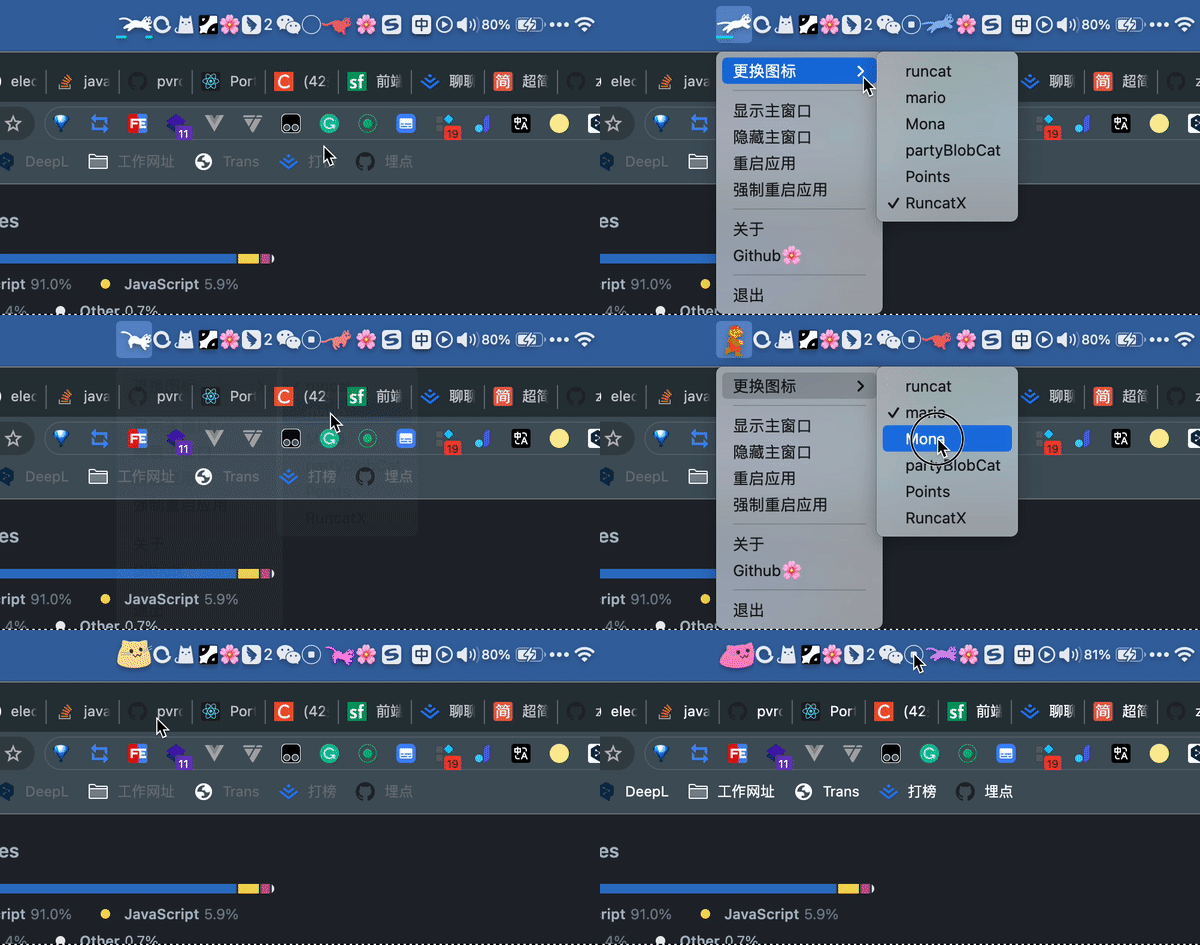
🏞️ wallpaper-box is more than just another wallpaper downloader — it's a desktop client that truly brings your desktop to life: static wallpapers, video wallpapers, web wallpapers, AI-generated wallpapers, plus a fun RunCat-style animated tray icon that reacts to your CPU usage.
Features
- AI text-to-image wallpaper generation
- Browse and search online wallpapers
- Download wallpapers locally
- Set static wallpapers
- Set video wallpapers (on macOS the dynamic wallpaper window is fullscreen but doesn't cover the entire screen — PRs welcome!)
- Download YouTube / Bilibili videos via
yt-dlpand set them as video wallpapers directly - Set web wallpapers
- Generate AI wallpapers from text prompts
- Support both online URLs and local HTML files as web wallpapers
- Animated tray icons (RunCat style) that change speed based on CPU usage
- Launch at login
- HTTP proxy support
Platform Notes
- The built-in packaging scripts focus on macOS.
- Default builds are
universal(compatible with both Apple Silicon and Intel Macs). - Separate
x64/arm64build commands are also available. - Minimum supported macOS version is
10.13. - The app is not Apple Developer signed. You will need to manually allow it on first launch.
Usage
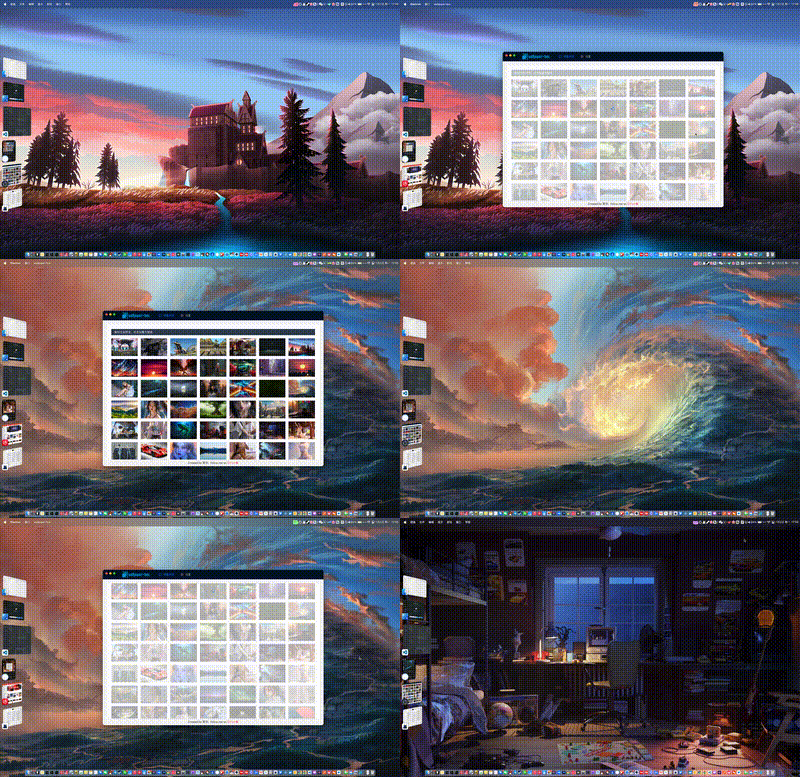
Wallpaper List
Wallpapers are sourced from wallhaven.cc.
- Search, filter, preview, download, and set wallpapers directly.
- Downloaded static wallpapers are saved to
~/wallpaper-boxby default.
 |
 |
Live (Video) Wallpapers
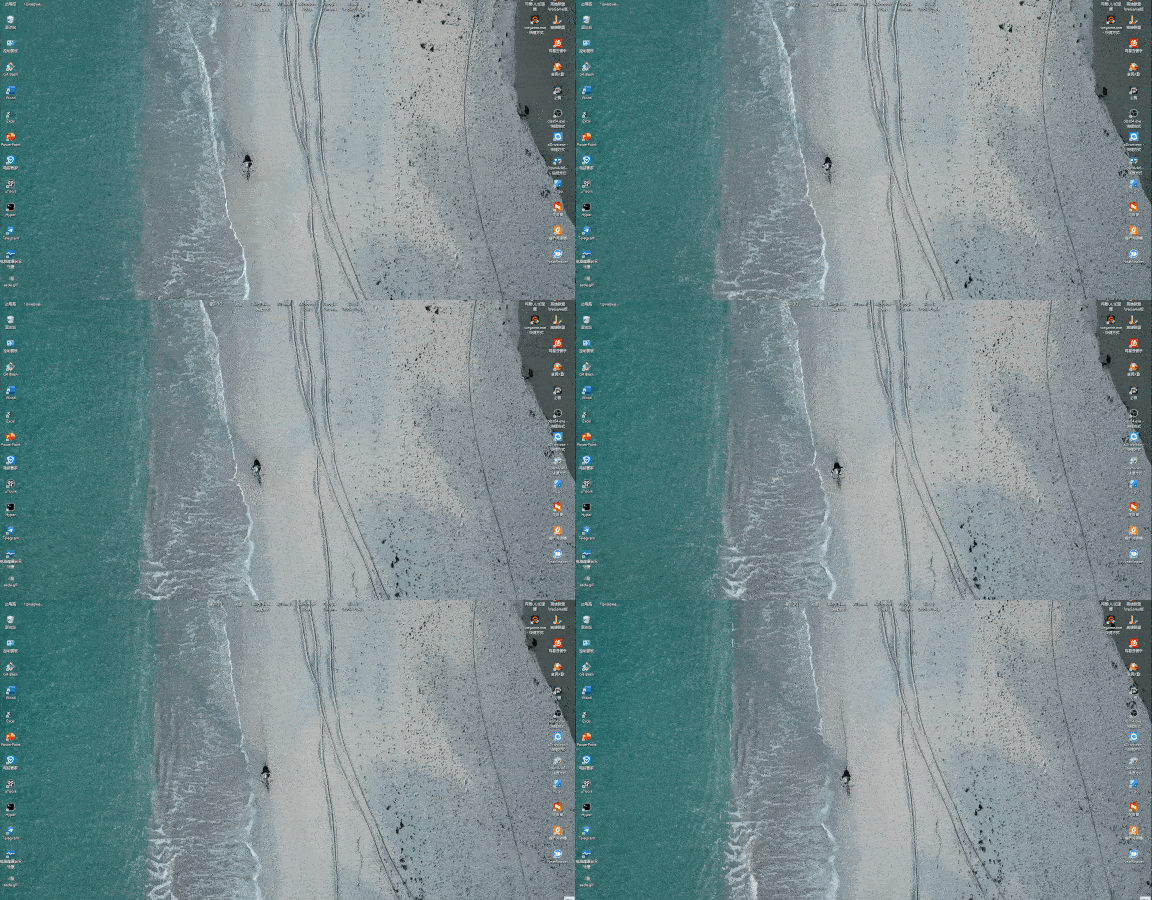
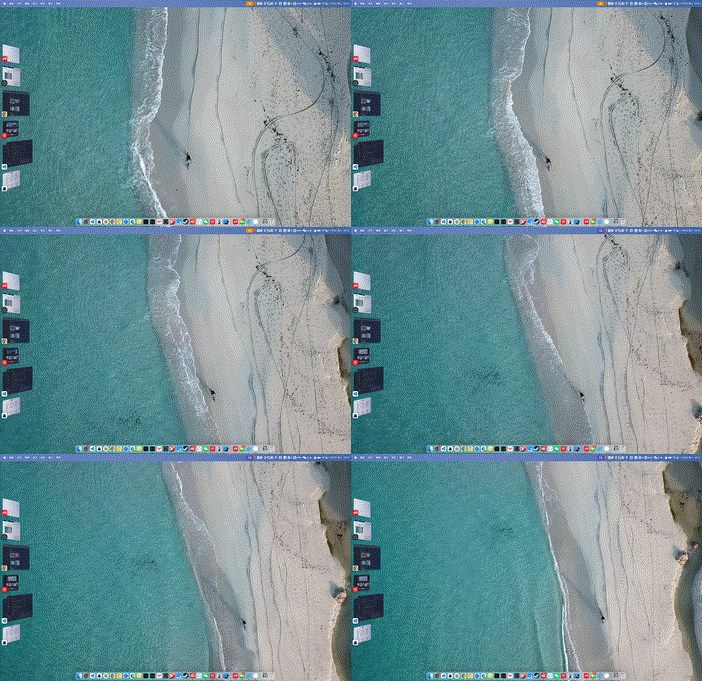
Set local video files as dynamic desktop wallpapers. You can also paste YouTube / Bilibili links to download and use them directly.
- Supports clicking to select or drag & drop video files.
- Paste
YouTube / Bilibililinks to download videos. - Common formats like
MP4,MOV,WebMare supported. - On macOS the dynamic wallpaper window may not perfectly cover the entire screen — contributions welcome.
Notes:
- Downloaded videos are saved to
~/wallpaper-box/videos - The video is automatically set as wallpaper after download
- Pre-built release packages include
yt-dlpandDeno— no manual installation required - For videos with separate audio/video streams, you may also need to include
ffmpegandffprobeinresources/bin/ - Using the official
yt-dlp_macosbinary may raise the effective minimum system version closer tomacOS 10.15+
| Windows: | macOS: |
 |
 |
Web Wallpapers
Set any webpage as your desktop wallpaper. Supports both online URLs and local HTML files.
- Online URLs: Just enter the address.
- Example:
https://wangrongding.github.io/jellyfish/ google.comorlocalhost:3000will automatically add the protocol.
- Example:
- Local files: Select or drag & drop local
HTML/HTM/SVGfiles.- macOS/Linux example:
/Users/your-name/Coding/jellyfish/index.html - Windows example:
C:\Users\your-name\Coding\jellyfish\index.html
- macOS/Linux example:
AI Wallpapers
Generate wallpapers directly from text prompts.
- AI settings are located in the AI Wallpaper page (not in global Settings).
- Generated images are automatically saved to
~/wallpaper-box. - After generation you can set it as wallpaper or open the folder.
Currently supports two common APIs:
- OpenAI Images API compatible endpoints
- Zhipu
glm-image
Recommended configuration examples:
- OpenAI
API Base URL:https://api.openai.com/v1Model:gpt-image-1
- Zhipu BigModel
API Base URL:https://open.bigmodel.cn/api/paas/v4Model:glm-image
Notes:
- If you use the full Zhipu endpoint
https://open.bigmodel.cn/api/paas/v4/images/generations, it is also supported. glm-imagesupports custom width/height.- Custom size limits:
512-2048, and both width and height must be multiples of32.
Prompt tips:
- Recommended structure:
main subject + style/texture + lighting/time + camera composition + wallpaper requirements - Example:
futuristic coastal city, golden hour backlighting, cinematic wide-angle composition, clean negative space, suitable as widescreen desktop wallpaper, no people, no text, no watermark
Animated Tray Icons
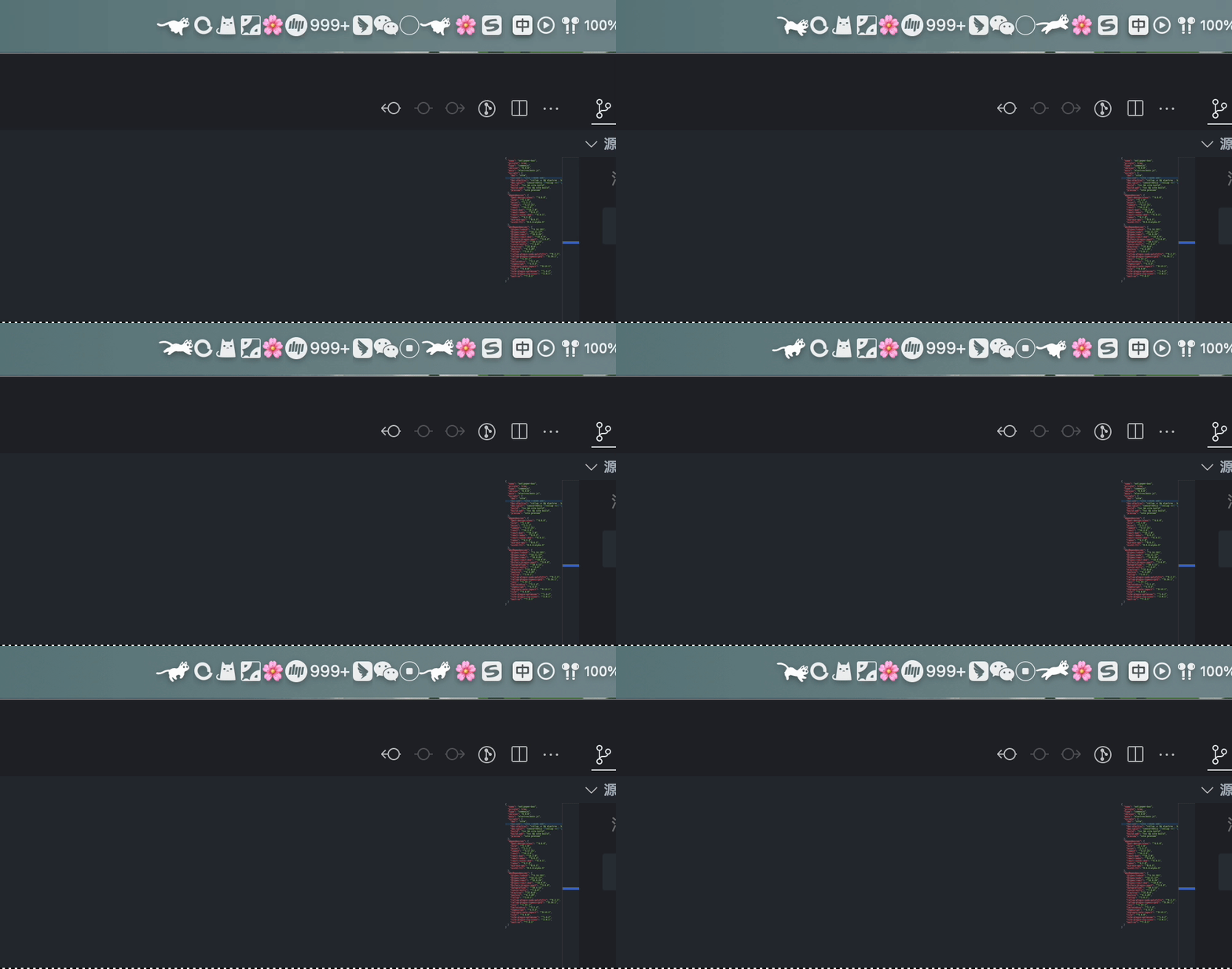
The tray icon changes animation speed based on real-time CPU usage. You can preview and switch themes from the tray menu or the dedicated Animated Icons page.
 |
 |
You no longer need to manually edit electron/tray-list.ts.
- Built-in icons are automatically scanned from subfolders under public/icons.
- Custom icons can be imported/deleted from the Animated Icons page, or simply dropped into
~/wallpaper-box/tray-icons/<your-icon-name>/. - Frames in a set are played in filename order (e.g.
001.png,002.png...).
Settings
The global Settings page contains general options:
- Launch at login
- HTTP proxy
- Proxy connectivity test
- Default wallpaper storage location (currently
~/wallpaper-box)
Notes:
- Proxy test attempts to reach Google.
- AI API configuration lives in the AI Wallpaper page, not here.
- Tray icon preview, switching, and custom imports have been moved to the standalone Animated Icons page.
Development
Install Dependencies
pnpm install
Notes:
pnpm installautomatically runsprepareand downloadsyt-dlp/Deno/ffmpeg/ffprobeintoresources/bin/.- If the binaries already exist they are skipped.
- To force refresh the binaries:
pnpm prepare:video-downloader
Prepare Video Download Binaries (Manual)
pnpm prepare:video-downloader
This downloads the following into resources/bin/:
yt-dlp_macosdeno-aarch64-apple-darwindeno-x86_64-apple-darwinffmpeg-darwin-arm64ffprobe-darwin-arm64ffmpeg-darwin-x64ffprobe-darwin-x64
Notes:
- These are bundled into the app via
electron-builder.extraResources. yt-dlpautomatically selects the matchingffmpeg/ffprobefor the current architecture when dealing with separate audio/video streams.- Development overrides are supported via environment variables:
WALLPAPER_BOX_YT_DLP_PATH,WALLPAPER_BOX_DENO_PATH,WALLPAPER_BOX_FFMPEG_PATH,WALLPAPER_BOX_FFPROBE_PATH.
Local Development
Start both web and Electron:
pnpm dev
Separate terminals:
pnpm dev:web
pnpm dev:electron
Run Electron against a locally built bundle:
pnpm build:web
pnpm build:electron
pnpm electron:start
Packaging
Build artifacts are written to the out/ directory.
Architecture notes:
universal: Single package supporting both Intel (x64) and Apple Silicon (arm64).x64: For older Intel Macs.arm64: For M1/M2/M3/M4 Macs.
# Recommended default (universal)
pnpm build

# Explicit universal build
pnpm build:mac:universal

# Intel only
pnpm build:mac:x64

# Apple Silicon only
pnpm build:mac:arm64

# DMG installer (universal)
pnpm build:dmg

# ZIP portable (universal)
pnpm build:zip
FAQ
1. macOS says the app cannot be opened
The app is not Apple Developer signed. Run these commands in Terminal:
sudo spctl --master-disable
sudo xattr -r -d com.apple.quarantine /Applications/wallpaper-box.app
If the app is not in /Applications, replace the path with the actual .app location (drag the app from Finder into Terminal).
2. "This application is not supported on this Mac"
- Your macOS version is below
10.13 - You downloaded the wrong architecture build
Prefer the default universal package. You can also build x64 or arm64 separately if needed.
3. AI generation returns 404 not found
If using Zhipu BigModel, the current version supports both:
https://open.bigmodel.cn/api/paas/v4https://open.bigmodel.cn/api/paas/v4/images/generations
Still failing? Check:
- API Key
- Model is set to
glm-image - No obvious typos in
API Base URL
4. Custom AI size errors
glm-image custom width/height limits:
- Range:
512-2048 - Both width and height must be multiples of
32
Valid examples:
2048x11522048x12801792x1024
Directory Tips
- Static & AI wallpapers:
~/wallpaper-box - AI configuration: AI Wallpaper page → top-right Settings button
Finally
If you find this project useful, please consider giving it a ⭐️ — thank you!
Contributions, issues, and PRs are very welcome.