Frida Script Runner
August 15, 2026 · View on GitHub

Frida Script Runner
Powerful web-based for mobile Android & iOS penetration testing toolkit





Quick Start
Frida Script Runner is a powerful plug & play web-based toolkit designed for Android and iOS penetration testing and mobile application security analysis. This tool simplifies the process of interacting with Frida by providing a user-friendly Flask-based interface, significantly improving the efficiency of penetration testing workflows.
It features AI-powered script generation through Codex CLI integration with MCP (Model Context Protocol) servers, enabling advanced binary analysis using Ghidra MCP and JADX MCP with minimal manual configuration.
A comprehensive toolkit for analyzing, manipulating, and interacting with mobile applications (Android & iOS), including APK/IPA dumping and automated Frida script generation.
Tech Graph
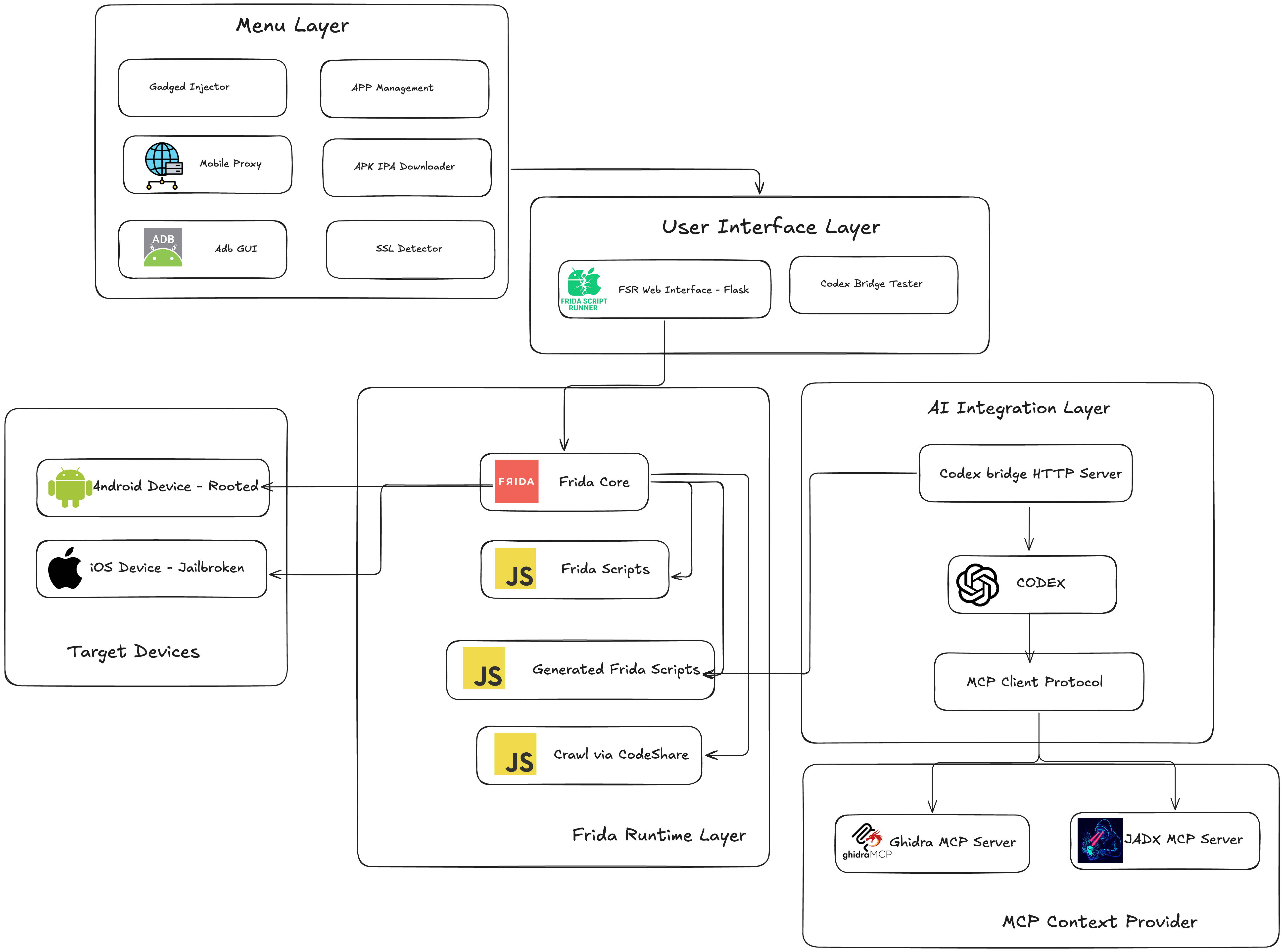
Feature Overview
| Feature Category | Key Features | Status |
|---|---|---|
| Core Frida | Script execution, REPL, real-time output, auto-fix | ✅ |
| AI Generation | Codex CLI, MCP integration (Ghidra & JADX), prompt engineering | ✅ |
| Server Management | Version control, start/stop, auto-detect | ✅ |
| Frida Gadget Injector | APK modification, script embedding, multi-arch | ✅ |
| SSL Detection | Static analysis, pattern recognition, code preview | ✅ |
| Mobile Proxy | HTTP proxy setup, auto IP detection | ✅ |
| ADB GUI | Package management, device control, monitoring | ✅ |
| Codeshare | Script search, browse, import | ✅ |
| App Management | Dump APK/IPA, install, split APK support | ✅ |
| Device Monitoring | Real-time status, multi-device support | ✅ |
Video Tutorials
FSR - New Version and Other Features
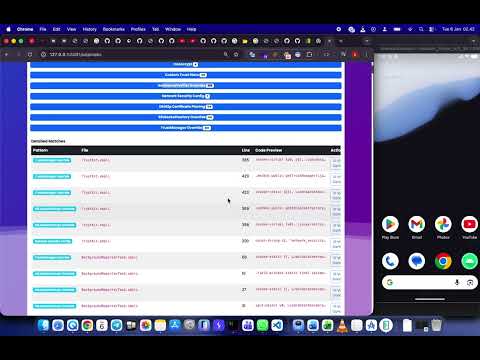
FSR - AI
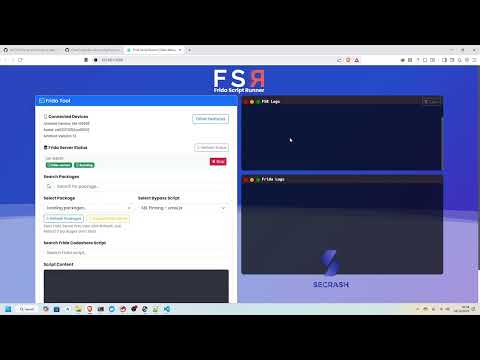
Server Manager & Inject Frida Gadget
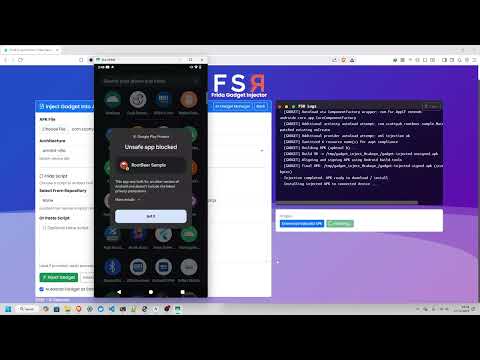
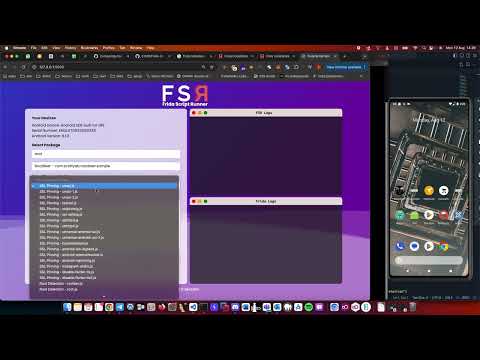
Android & Custom Script
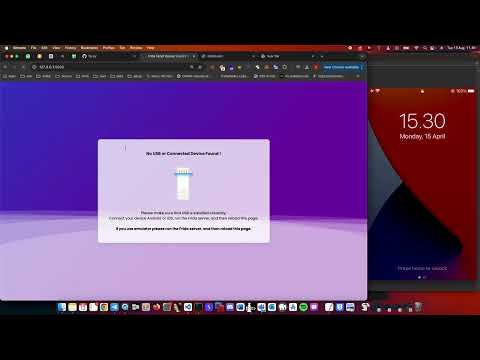
iOS
Prerequisites
Required Software
- Python 3.11.x (required)
- Flask (web framework)
- Frida (instrumentation toolkit)
- ADB (for Android - installation guide)
- ideviceinfo (for iOS - installation guide)
AI Features (Optional)
- Codex CLI (for AI-powered script generation - setup guide)
- Ghidra MCP Server (for binary analysis integration)
- JADX MCP Server (for Android APK analysis)
Device Requirements
- Android: Root access required for Frida server installation
- iOS: Jailbroken device with Frida installed via Cydia/Sileo/Zebra
Installation
Method 1: Native Installation
1. Clone the repository:
git clone https://github.com/z3n70/Frida-Script-Runner.git
cd Frida-Script-Runner

2. Install Dependencies:
pip3 install -r requirements.txt

3. Run The Application:
python3.11 frida_script.py

4. Access the Web Interface:
http://127.0.0.1:5000
Method 2: Docker Installation
1. Build and run with Docker Compose:
docker-compose up --build

2. Start Codex Bridge (for AI features):
# On host machine (Windows/Linux/macOS)
python codex-bridge.py

3. Access the Applications:
Frida Script Runner: http://localhost:5000
Codex Bridge Tester: http://localhost:8091
Method 3: Auto Installation
1. Clone repository
git clone https://github.com/z3n70/Frida-Script-Runner.git
cd Frida-Script-Runner

2. Run Command
chmod +x install.sh

3. And Run
./install.sh
AI Setup (Optional)
If you want to use AI-powered script generation:
- Install Codex CLI:
- Follow the Codex CLI setup guide
- Authenticate with your OpenAI account and ensure the
codexcommand is available
- Configure MCP Servers (MUST):
- Set up Ghidra MCP server for binary analysis
- Configure JADX MCP server for APK analysis
- Update paths in
codex-bridge.pyif needed - Copy
.config.toml.exampleto.config.tomland adjust MCP server paths for your setup
Usage
Basic Usage
- Device Setup:
- Connect your USB device and run Frida Server (root/jailbreak required)
- For iPhone: Ensure Frida is installed via Cydia, Sileo, Zebra, or another package manager
- Run Scripts:
- Open the web interface and select the target package and script
- Click "Run Frida" to start the Frida process
- View real-time output in the output container
- Script Management:
- Android scripts: Place in
Script Directory 1 - iOS scripts: Place in
Script Directory 2 - See
script.jsonfor structure and naming conventions
- Android scripts: Place in
AI-Powered Script Generation
Using the Web Interface:
- Navigate to the "AI Generate" tab
- Enter your request (e.g., "Hook the login function and log parameters")
- Click "Generate Script" to create a custom Frida script
Using the Codex Bridge Tester:
- Access http://localhost:8091 (when bridge is running)
- Test different prompts and refine your requests
- Generated scripts are optimized for ARM Android devices
Example Prompts:
- "Intercept SSL pinning bypass for Android app"
- "Hook Java method com.example.App.authenticate and modify return value"
- "Monitor file operations and log file paths"
- "Hook the main function and log all parameters"
Advanced Features
- Binary Analysis: AI can access Ghidra/JADX data for accurate function names and addresses
- Auto-Fix: Scripts automatically include ARM stability patterns and error handling
- Real-time Analysis: MCP servers provide live binary analysis during script generation
Contributing
Contributions welcome! Please read our Contributing Guidelines.
- Fork the repository
- Create feature branch
- Test on Android & iOS
- Submit pull request
Contact: @zenalarifin_
Contributors
Acknowledgments
- Frida Project - Instrumentation toolkit
- Frida-ios-dump - IPA decryption
- OpenAI - Codex-powered generation
- Claude - Claude is a next generation AI
- MCP Servers - Binary analysis
- GhidraMCP - allowing LLMs to autonomously reverse engineer applications.
- JadxMCP - It lets LLMs communicate with the decompiled Android app
- Apktool - A tool for reverse engineering Android apk files
Made with ❤️ Secrash © 2025